

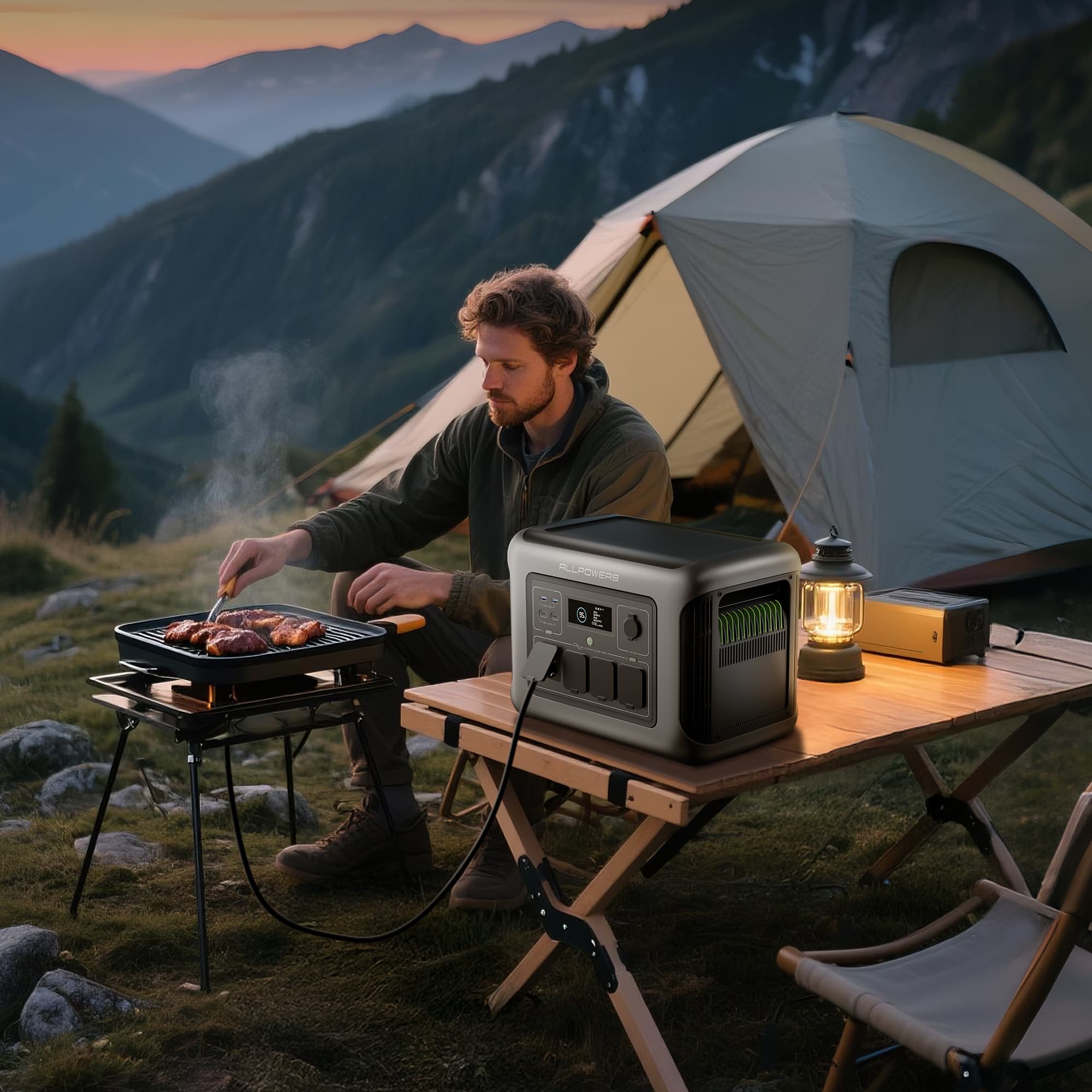







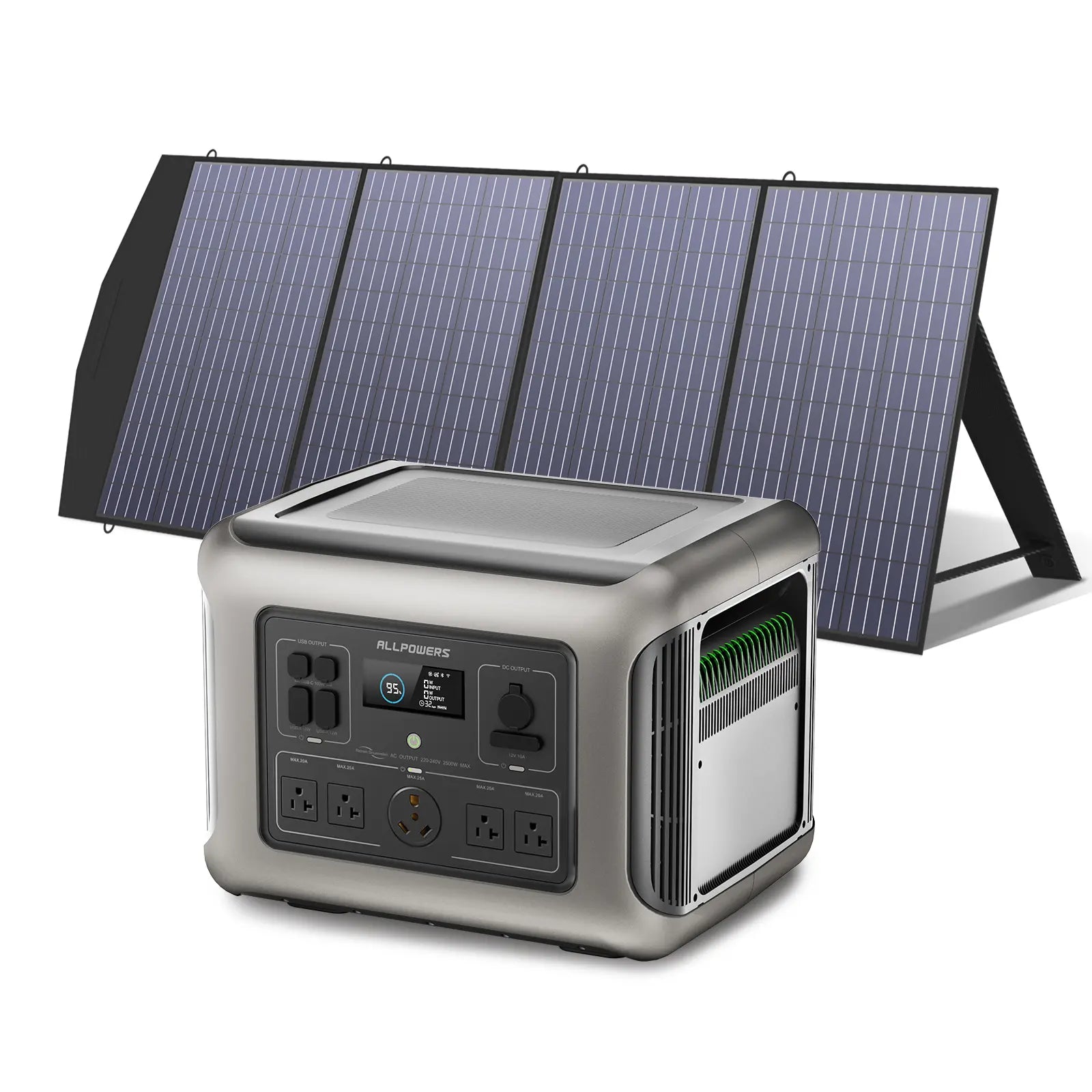
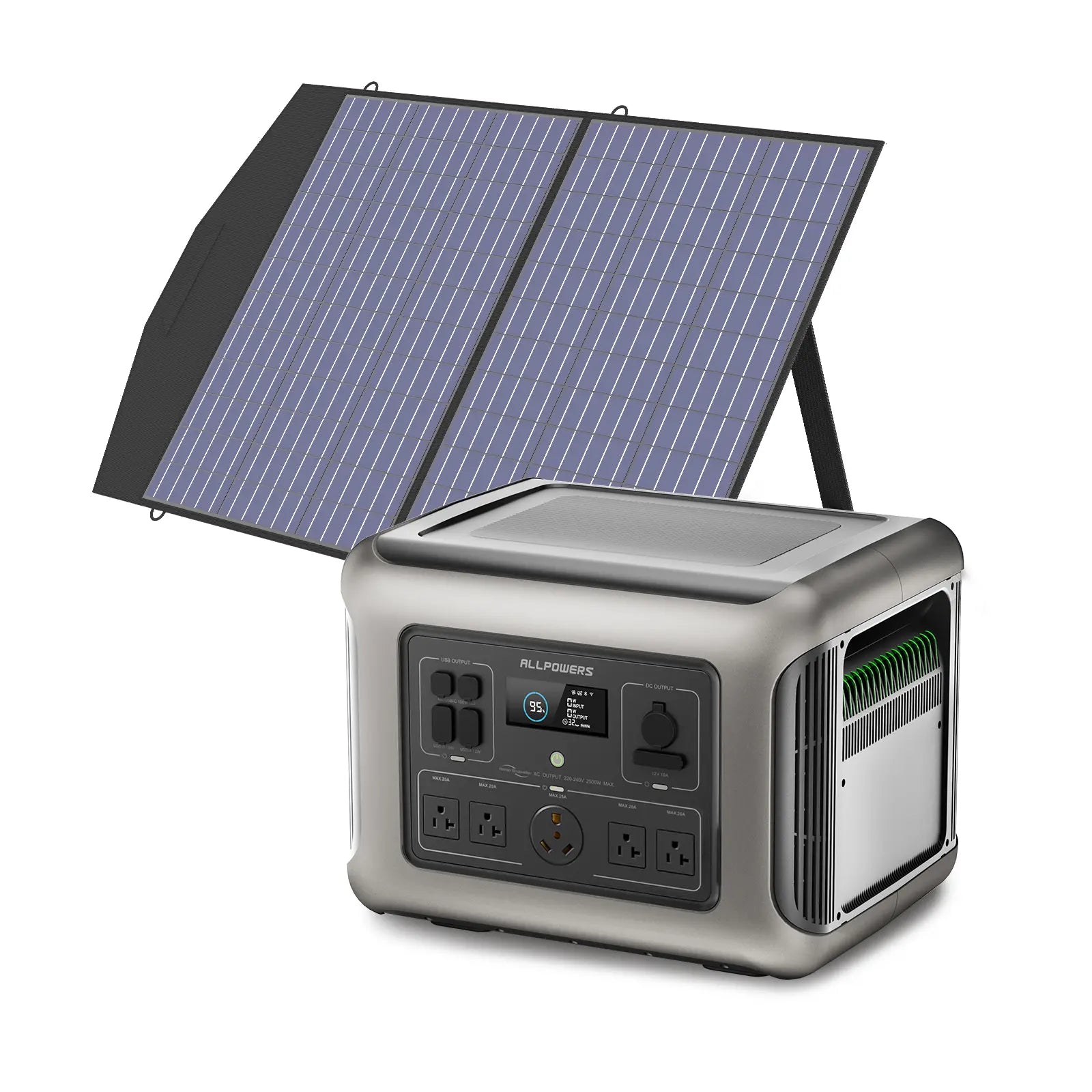
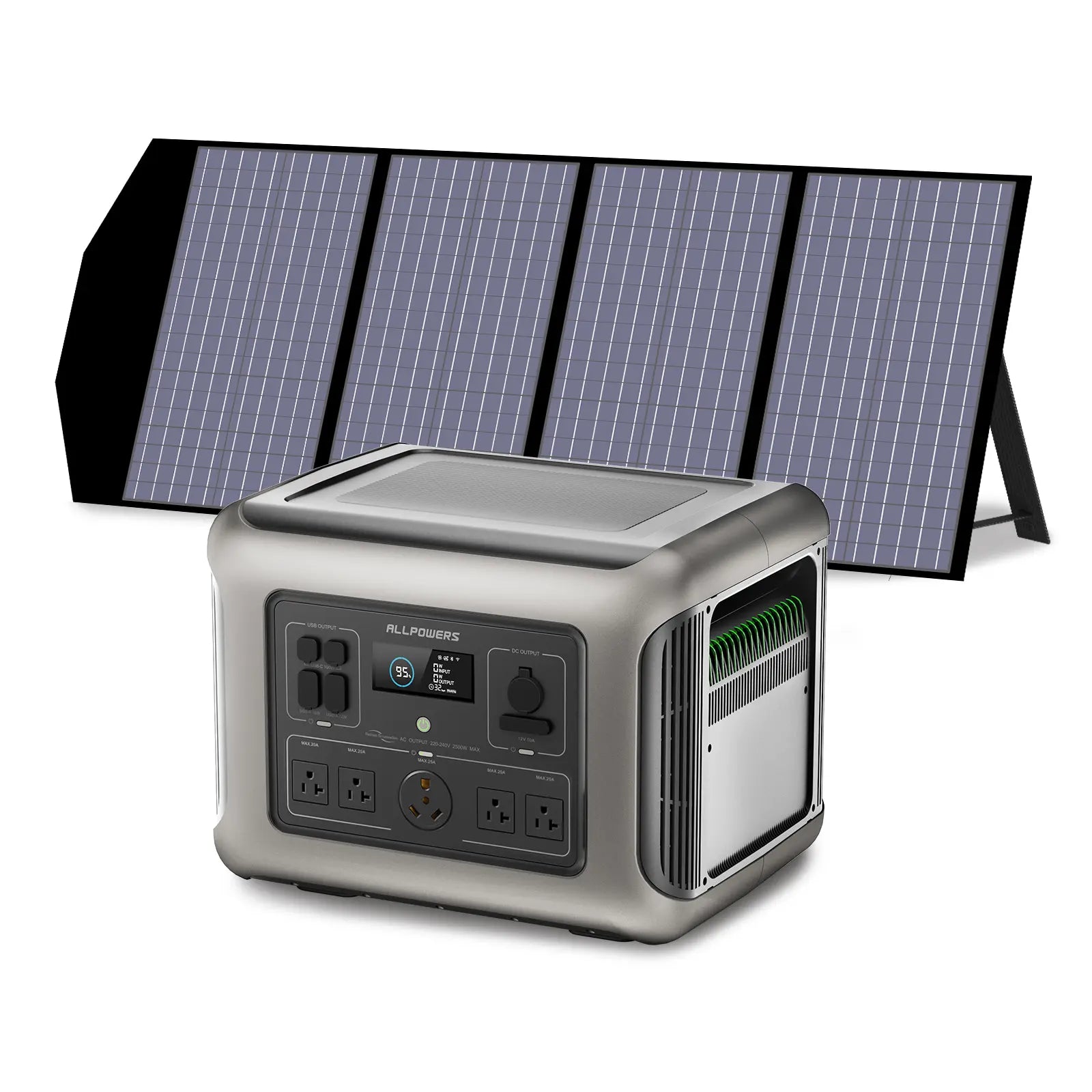
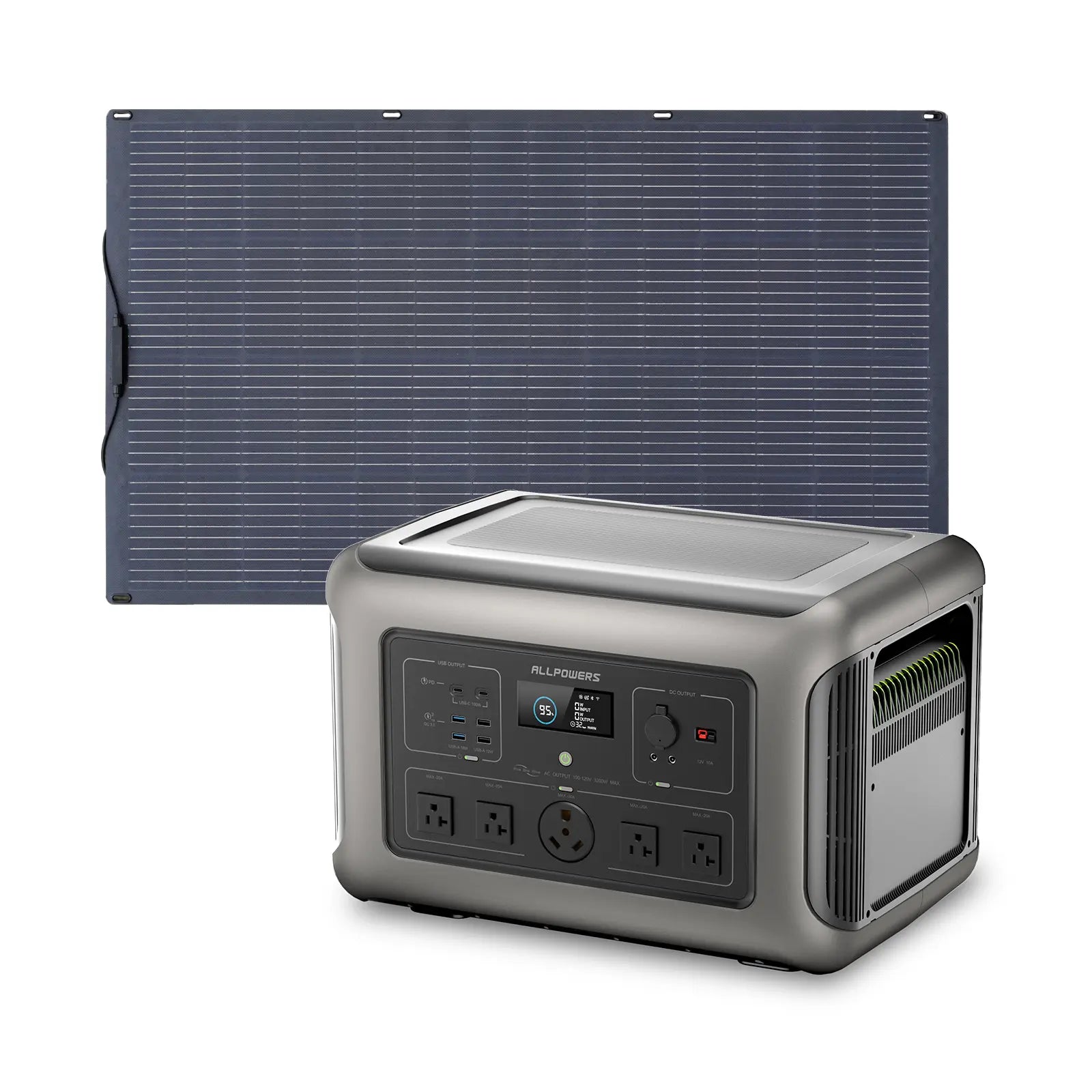
Power For People Who Build Things
Whether you're running a laser cutter at 2am, filming a coffee cart at sunrise, or printing your next project - your tools deserve power that never quits.
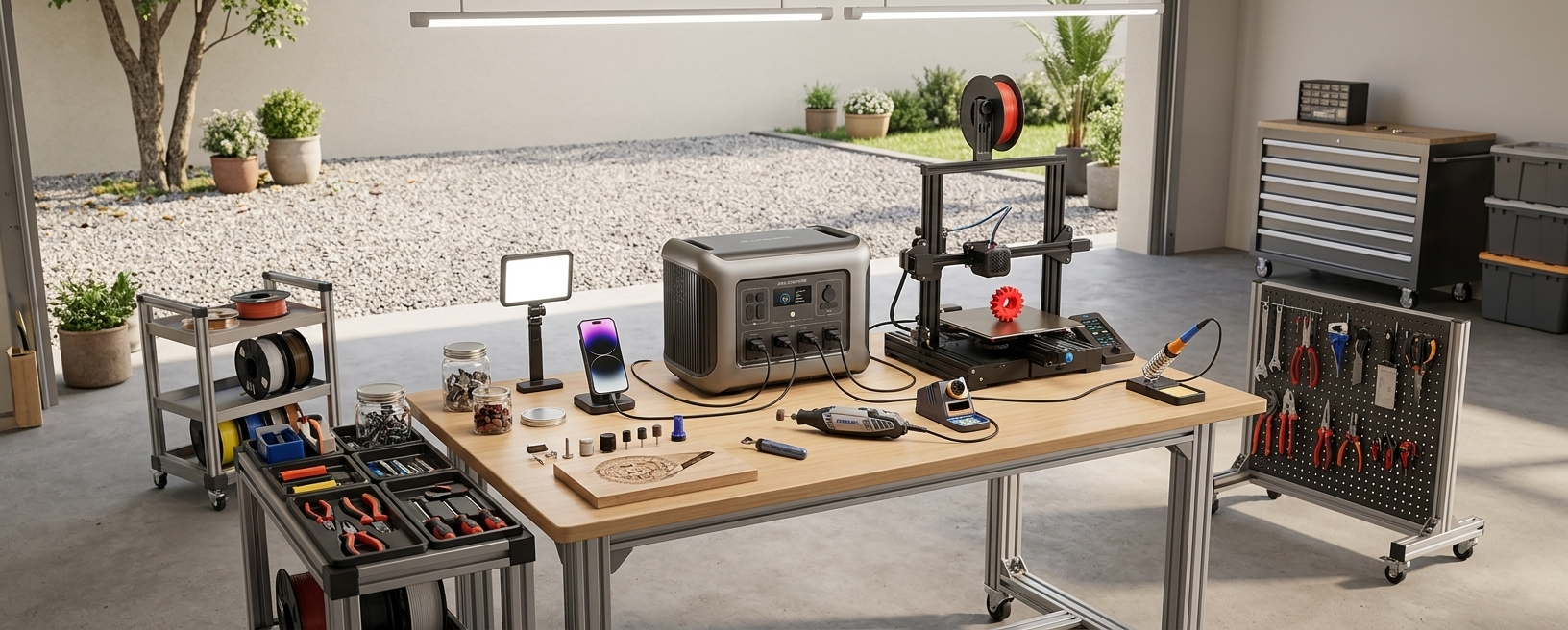
Quiet Portable Power for Workshops & Creators
Run 3D printers, laser engravers, cutters, tools and workshop gear anywhere - quietly, safely and without relying on wall sockets

3D Printer Maker
Multi-day prints. No interruptions
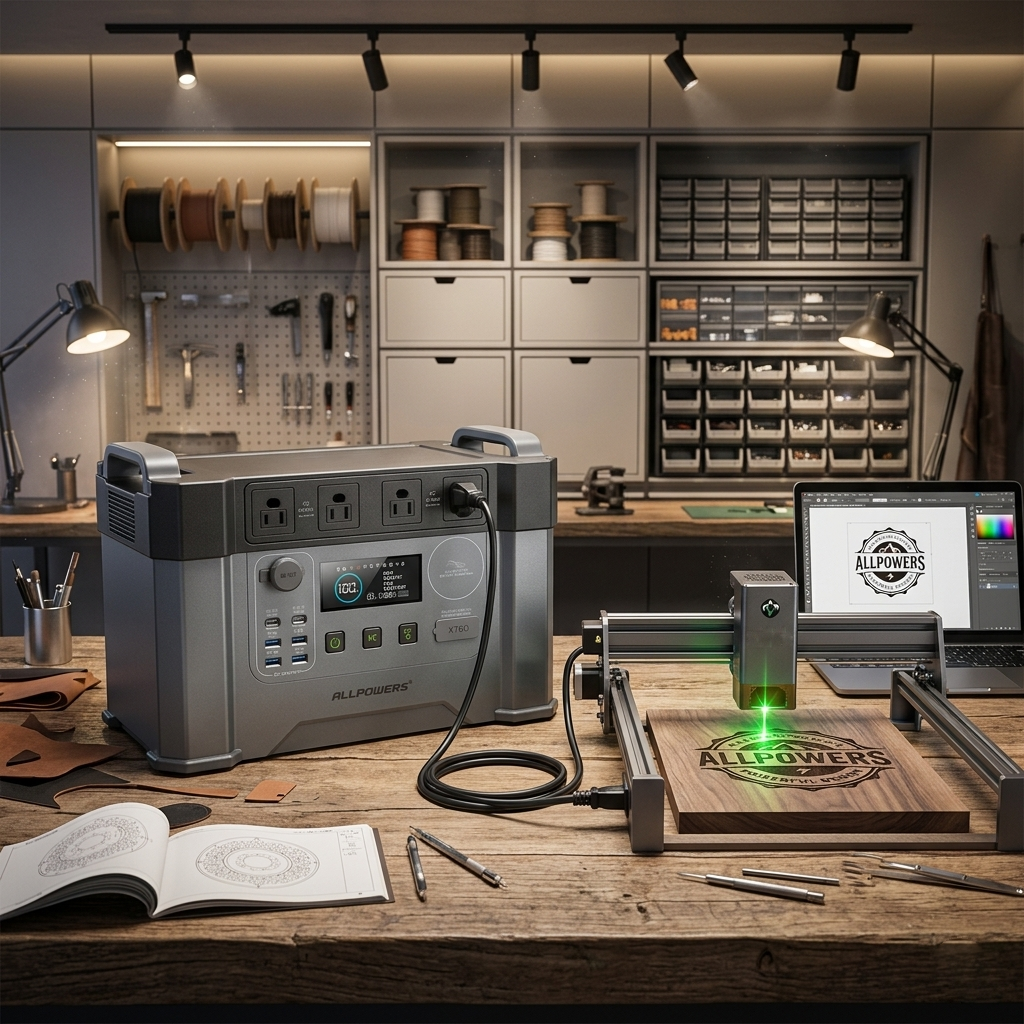
Laser Engraver
Run anywhere. No fumes, no noise.
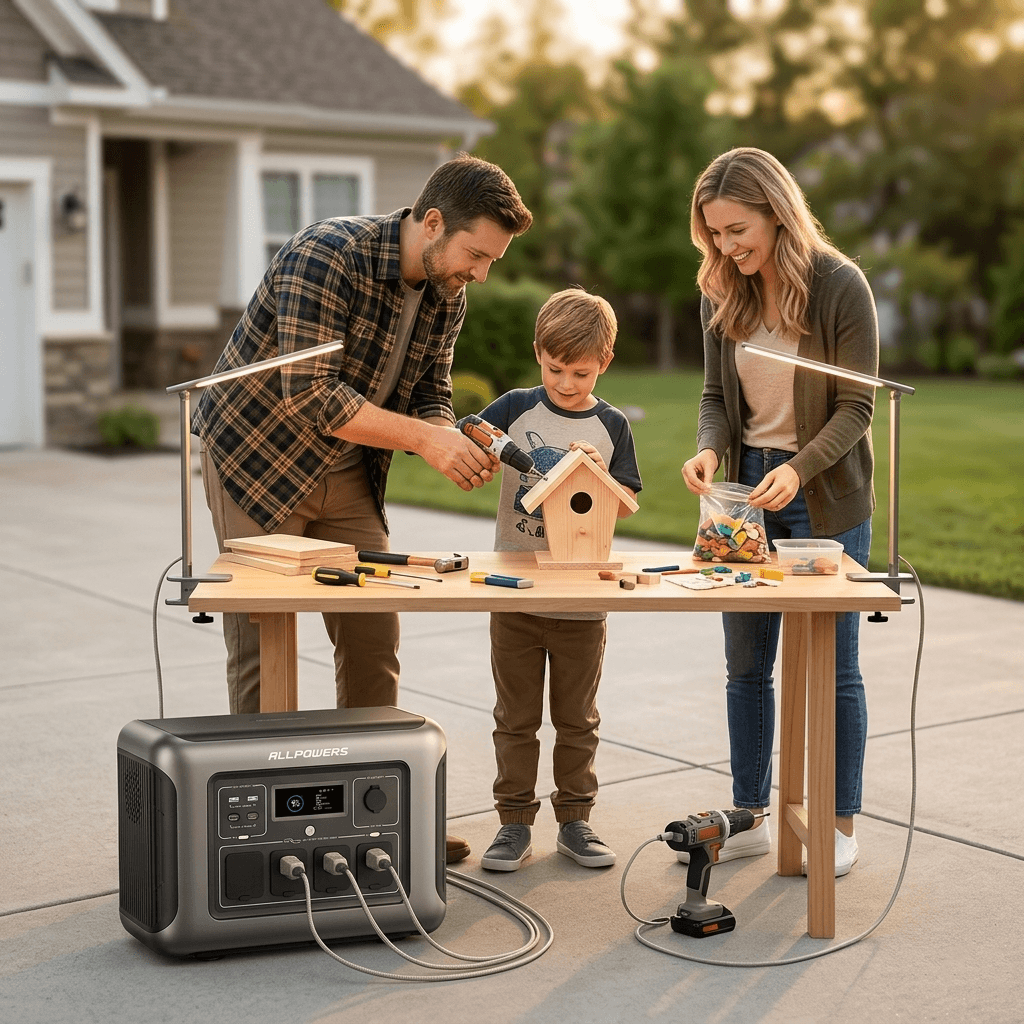
DIY Garage Builder
Keep projects moving anywhere.
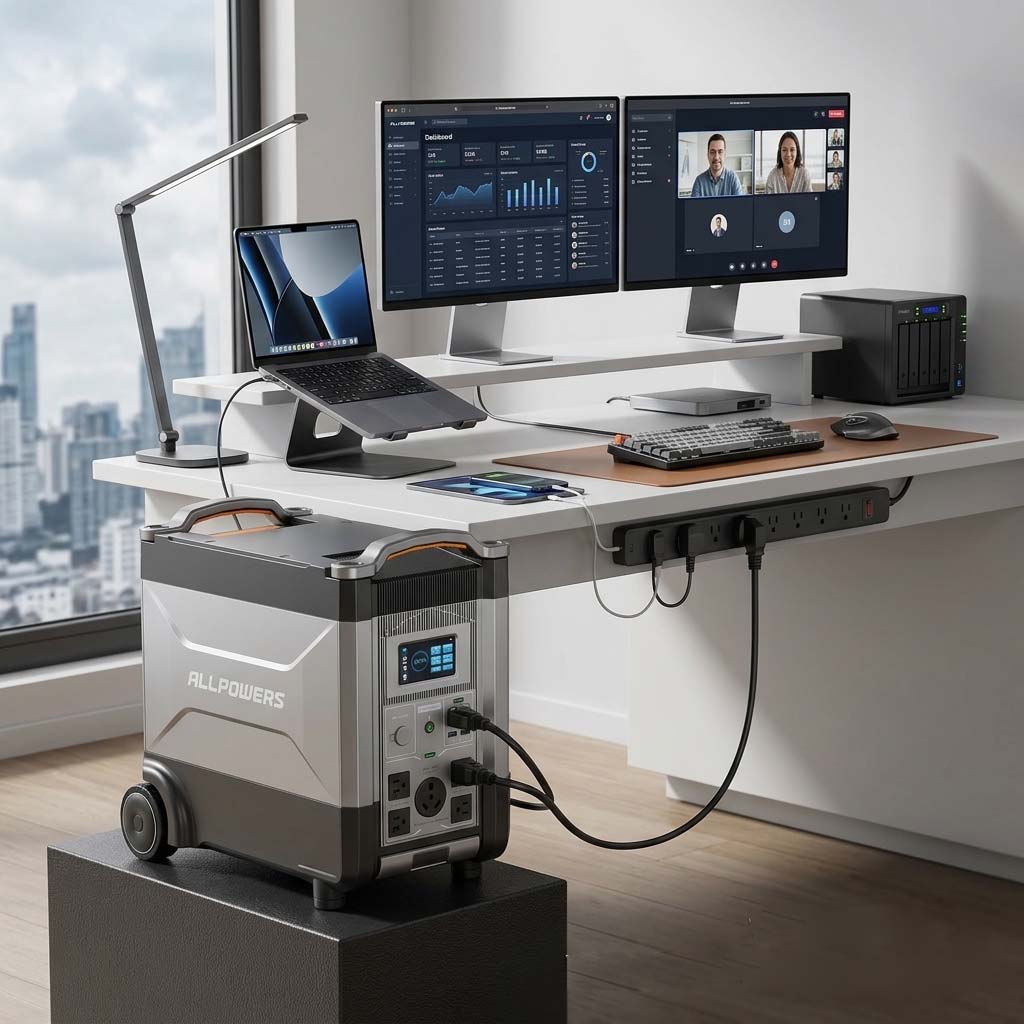
WFH Power User
Dual monitors · NAS · servers
UPS that never lets your work die.

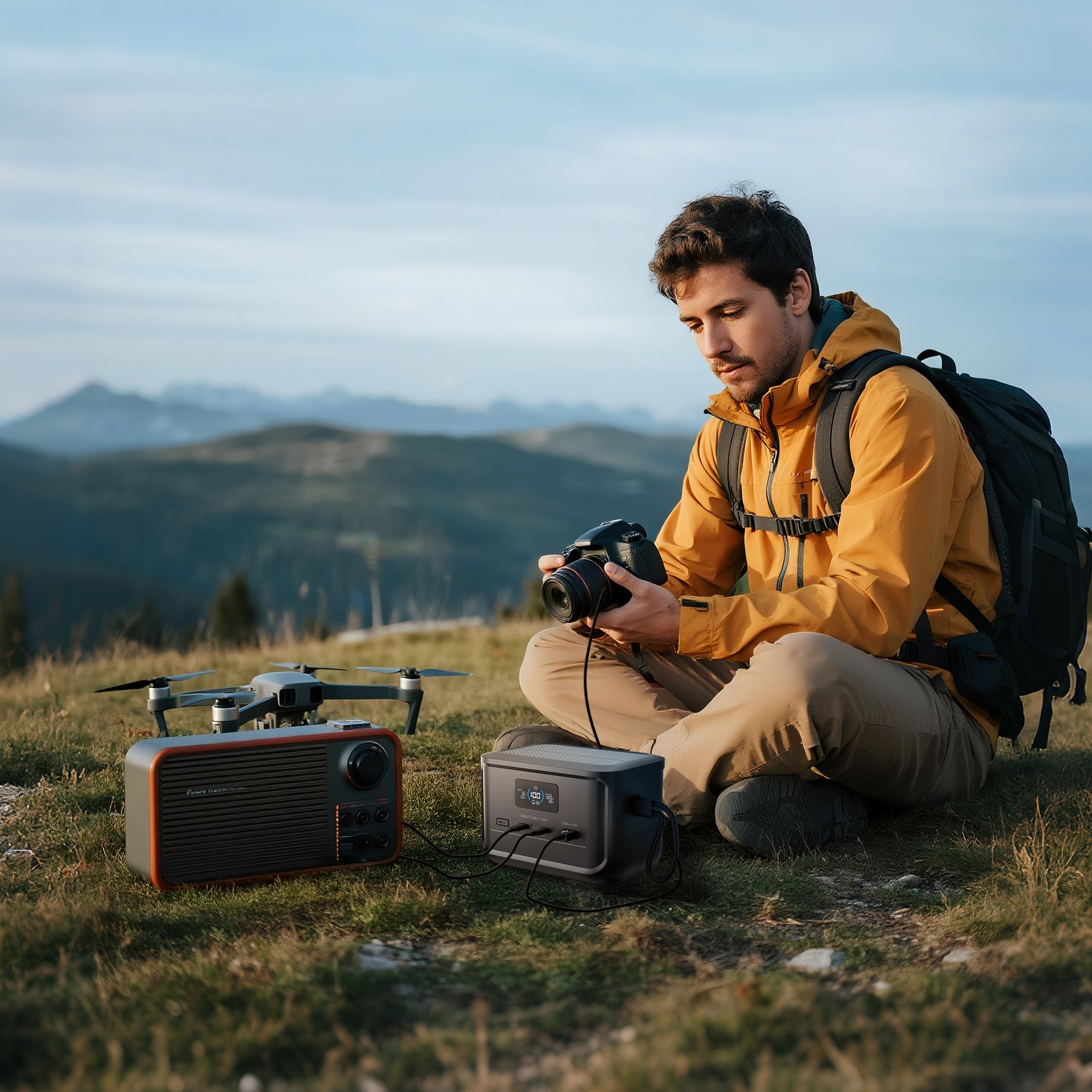
Video / Photo Creator
Charge cameras, lights, drones, laptops, and displays.
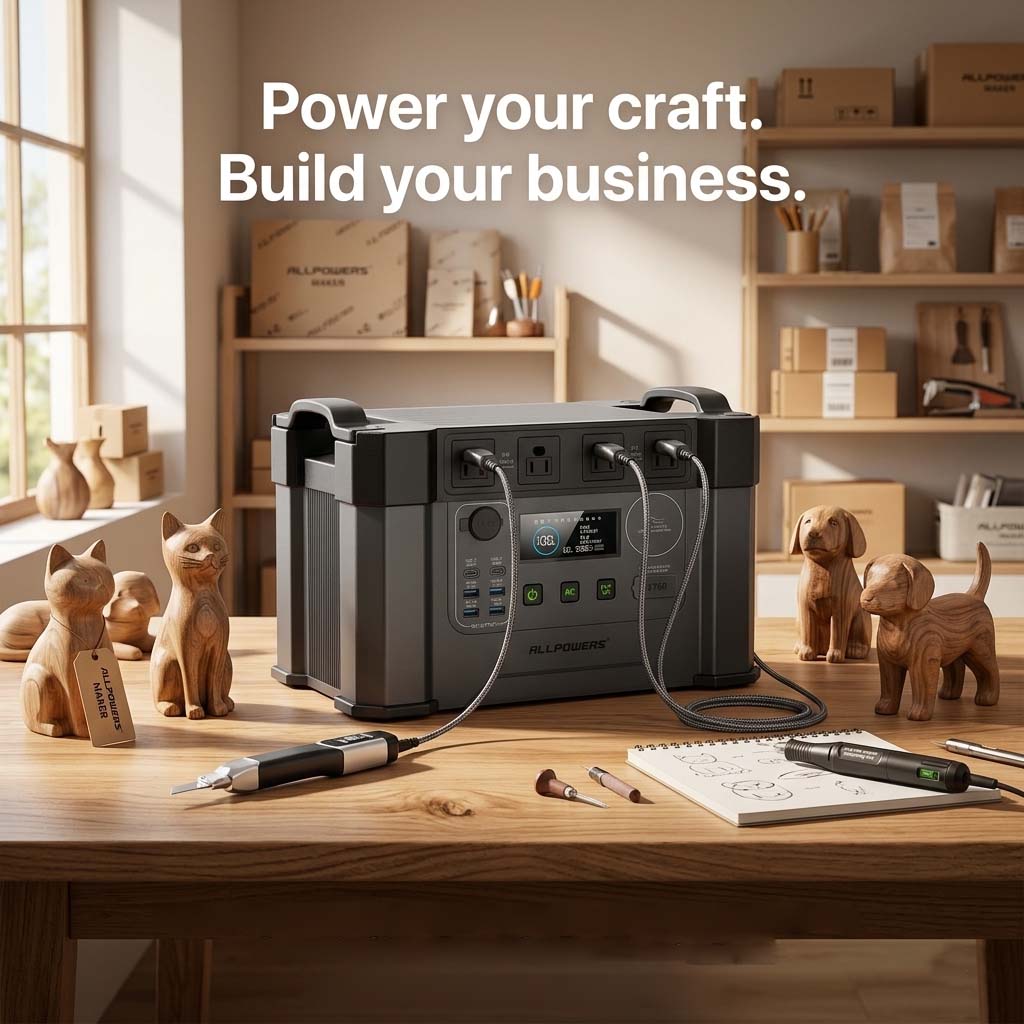
Craft Business
Clean power for DIY tools
CHOOSE YOUR MAKER POWER SYSTEM
Every maker setup is different. Light hobbyist. Daily creator. Professional studio. The right power station is the one sized for how you actually work, not the biggest one we make.
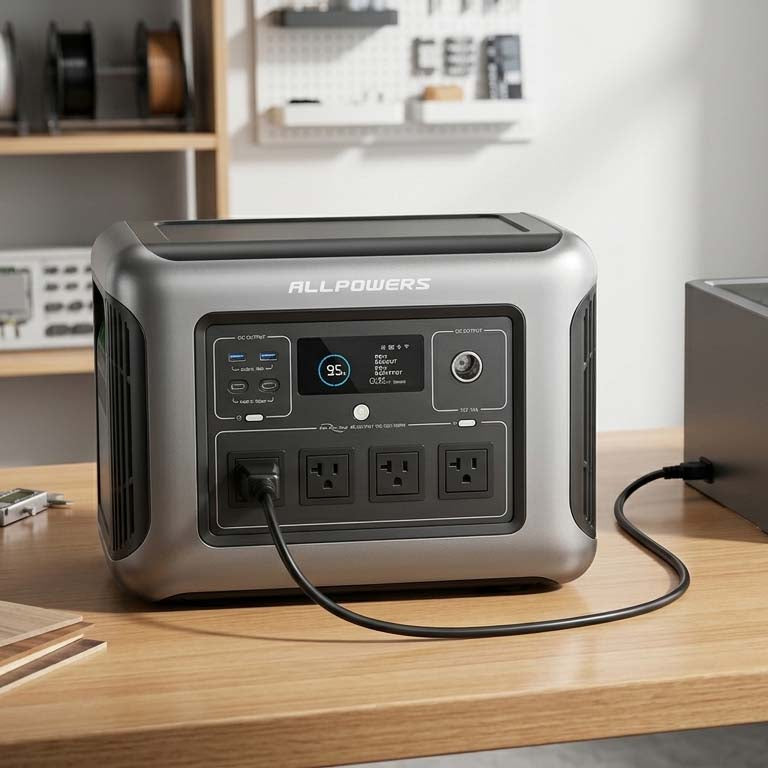
Everyday Maker · Mid-Range Tools, Daily Use
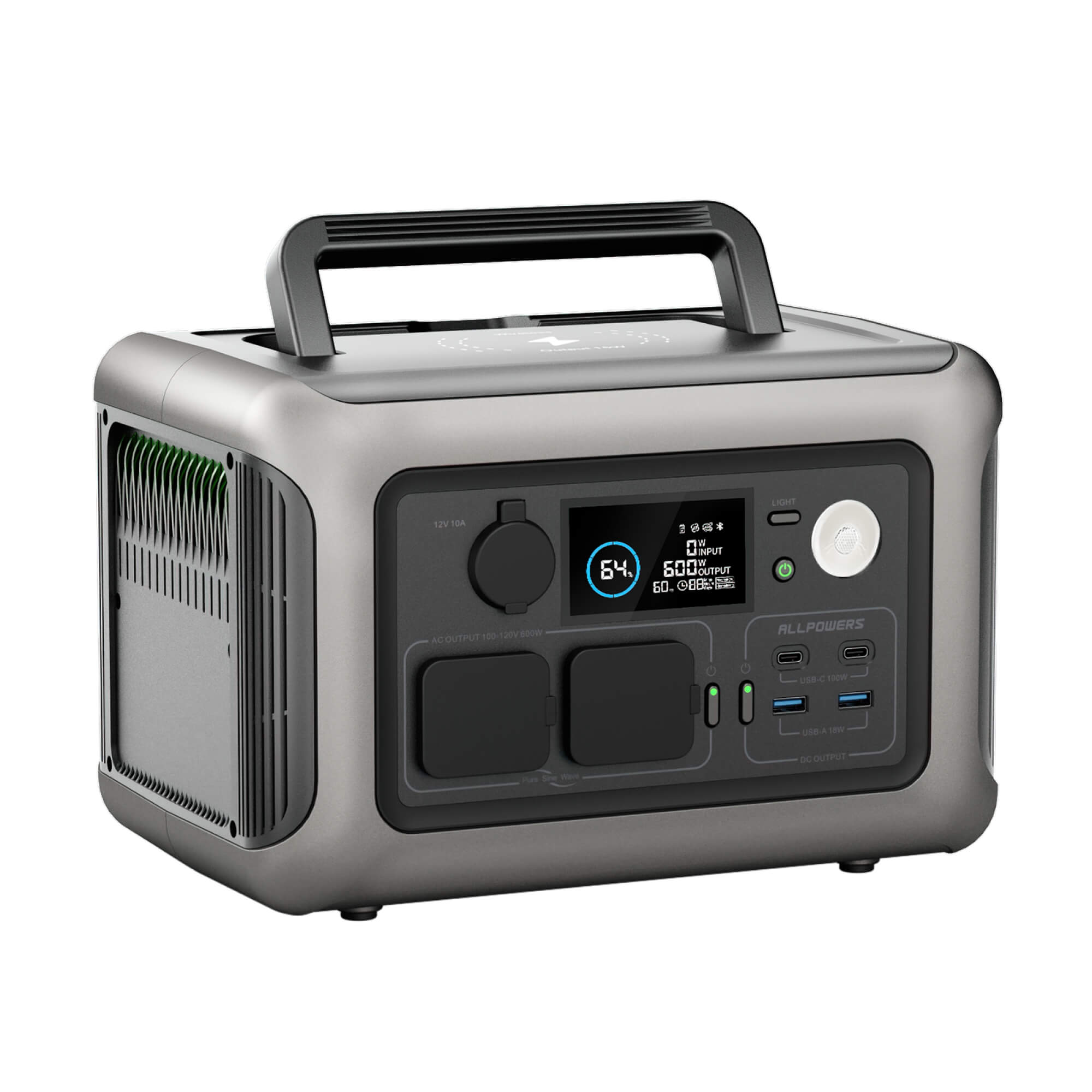
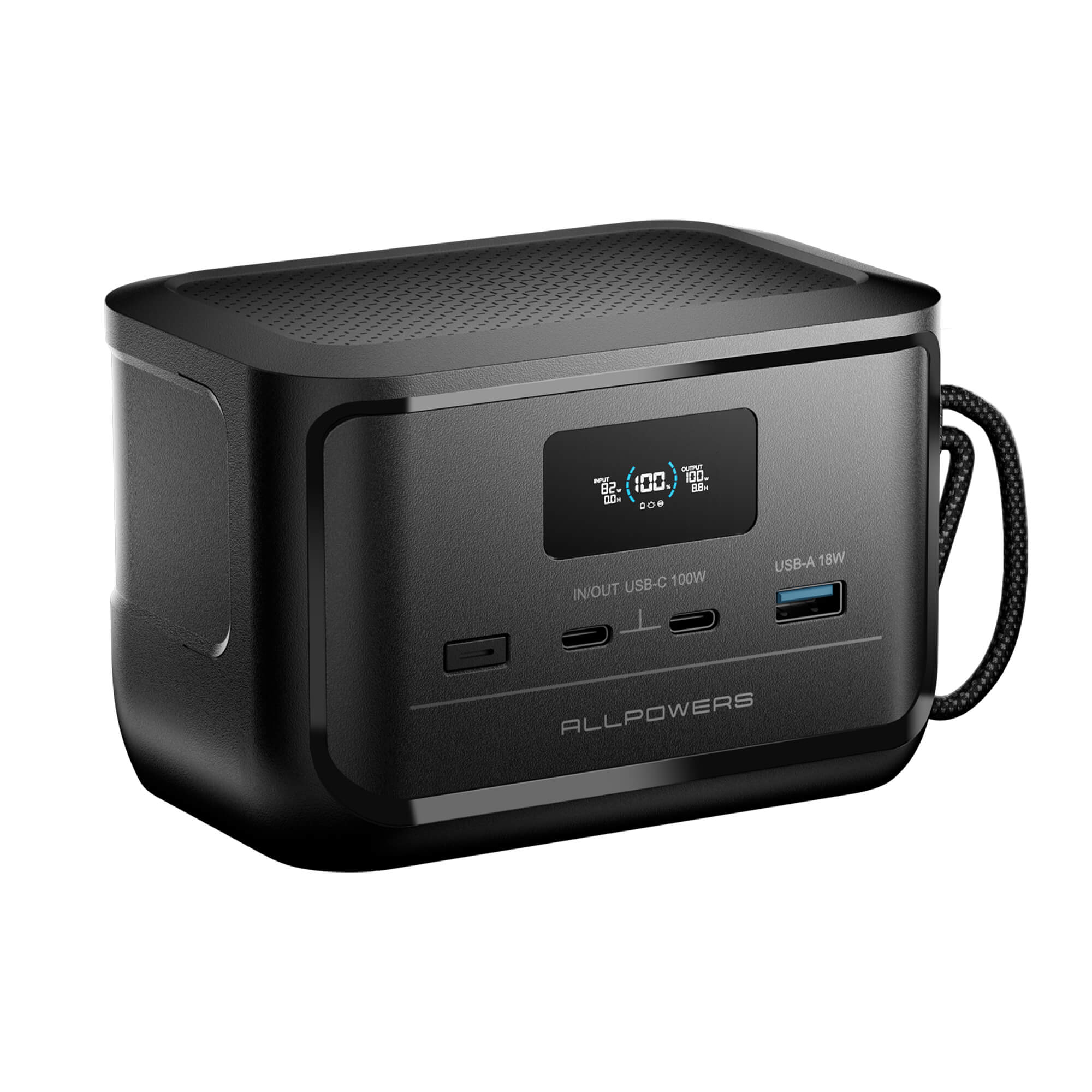
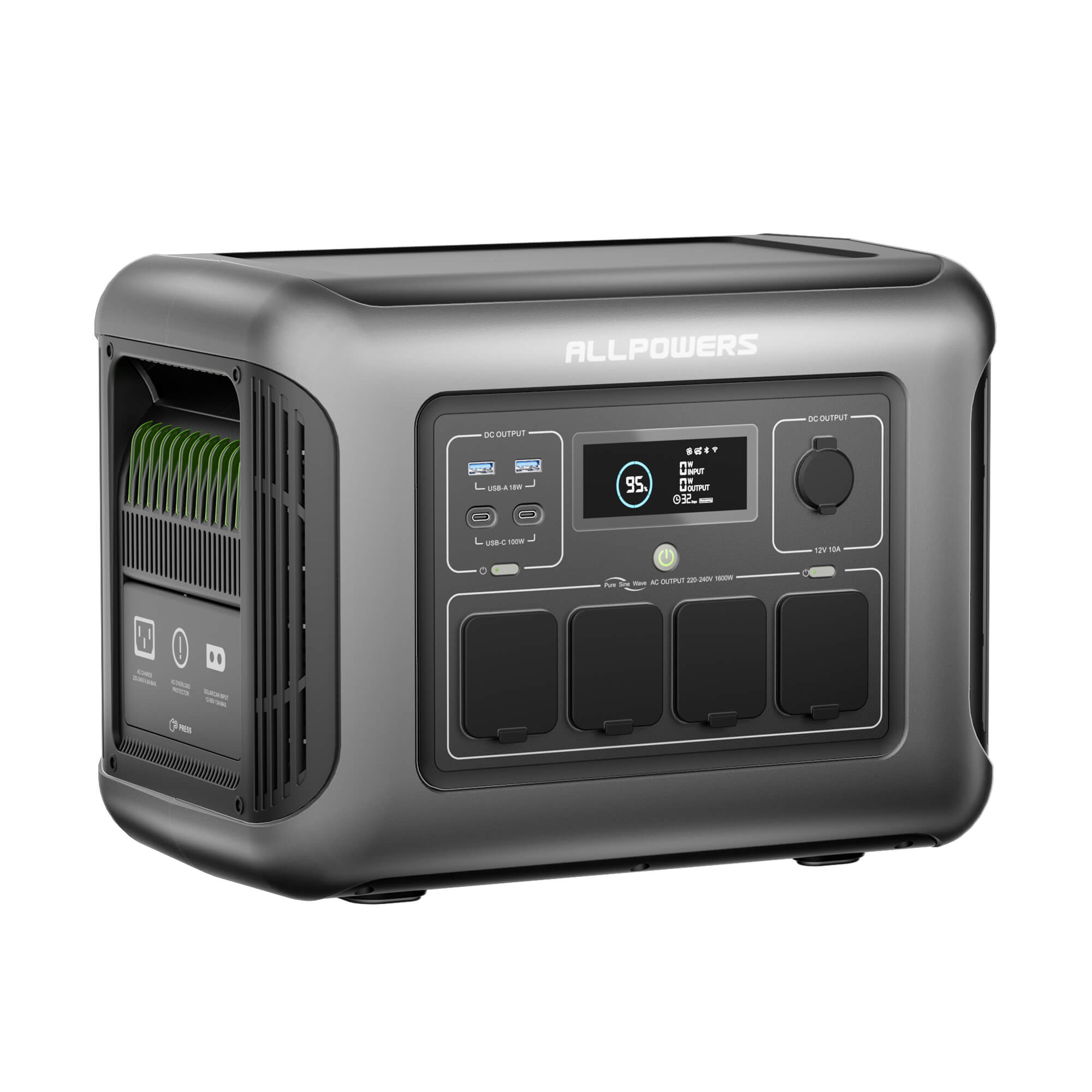
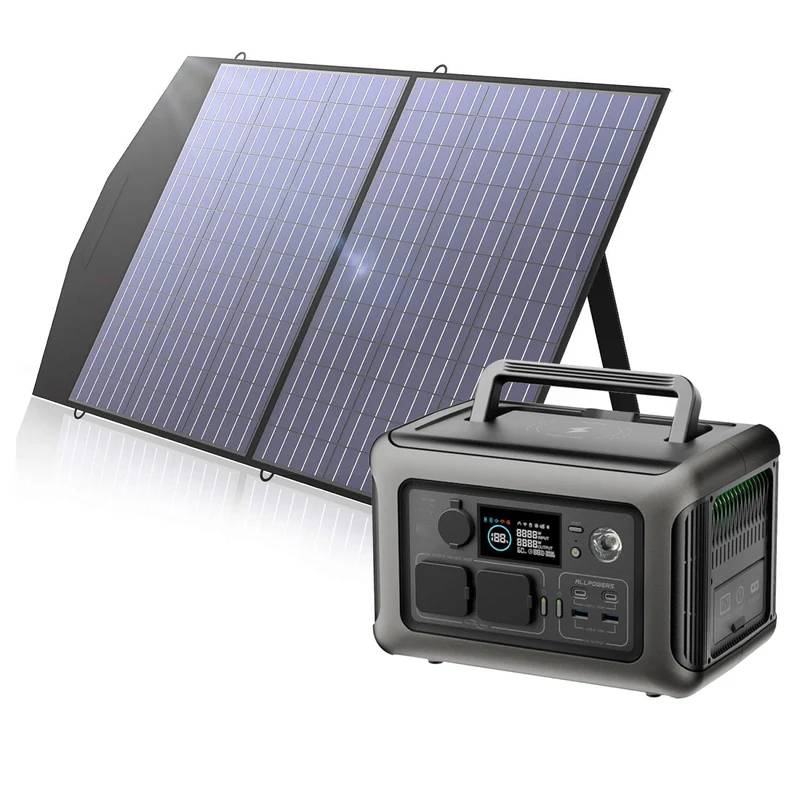
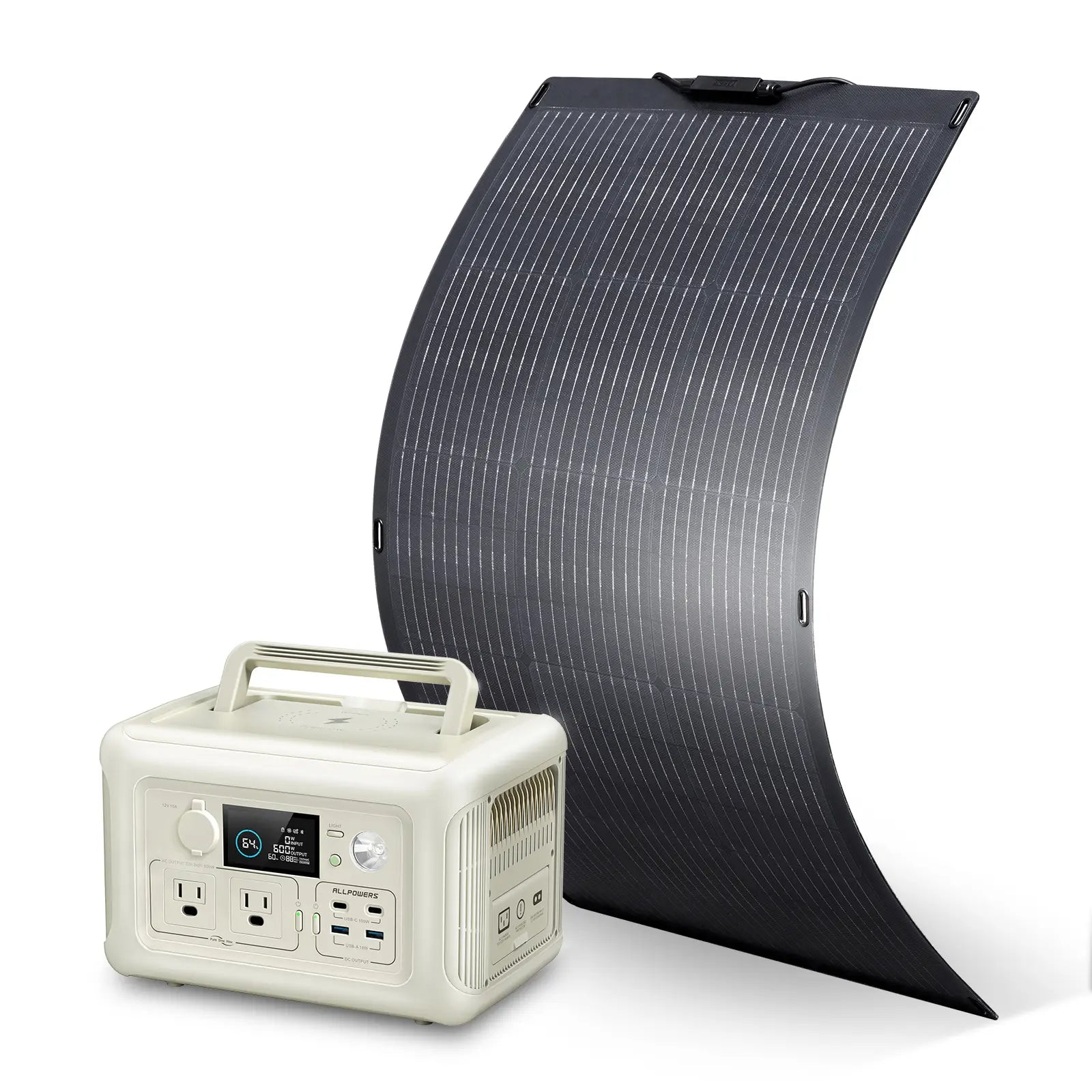
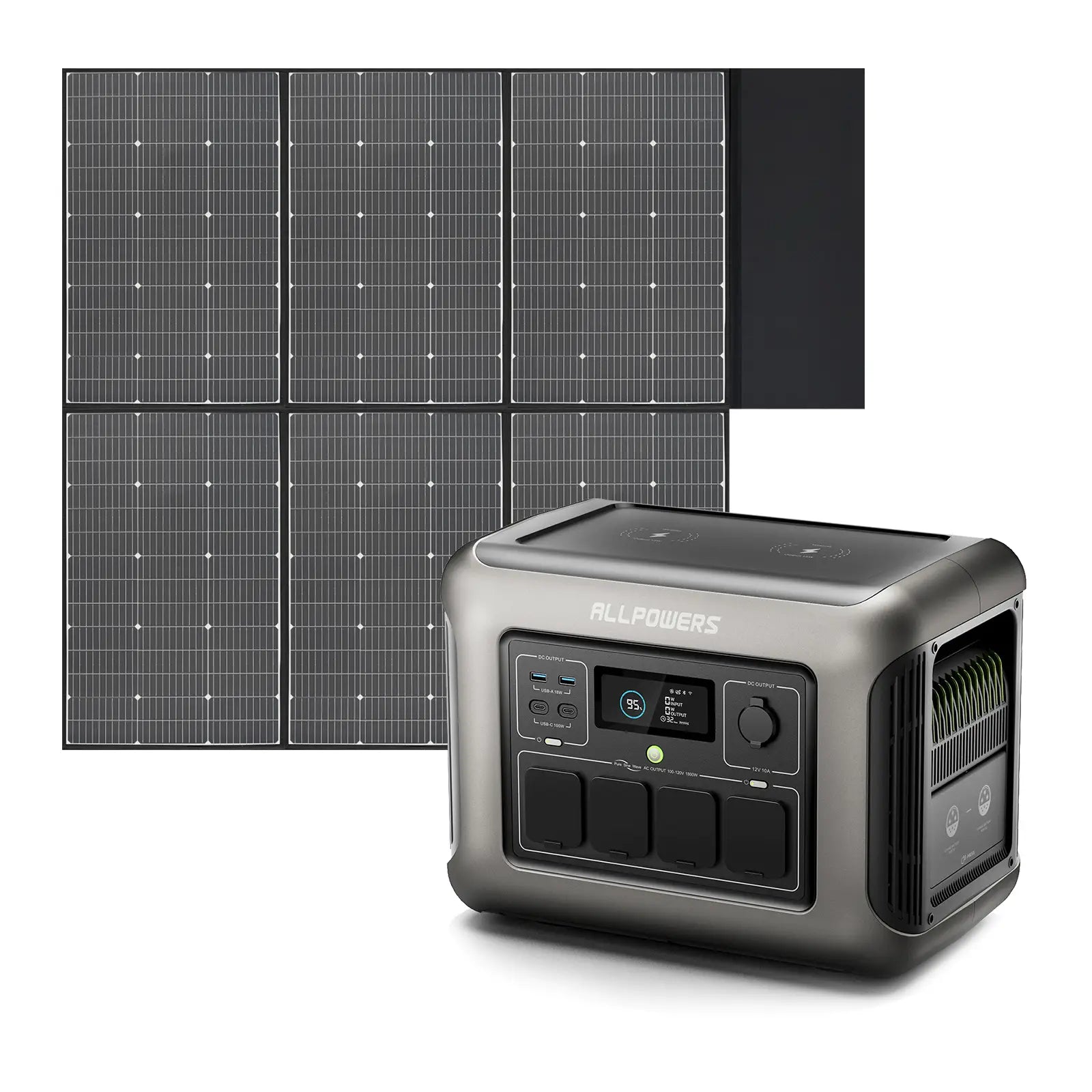
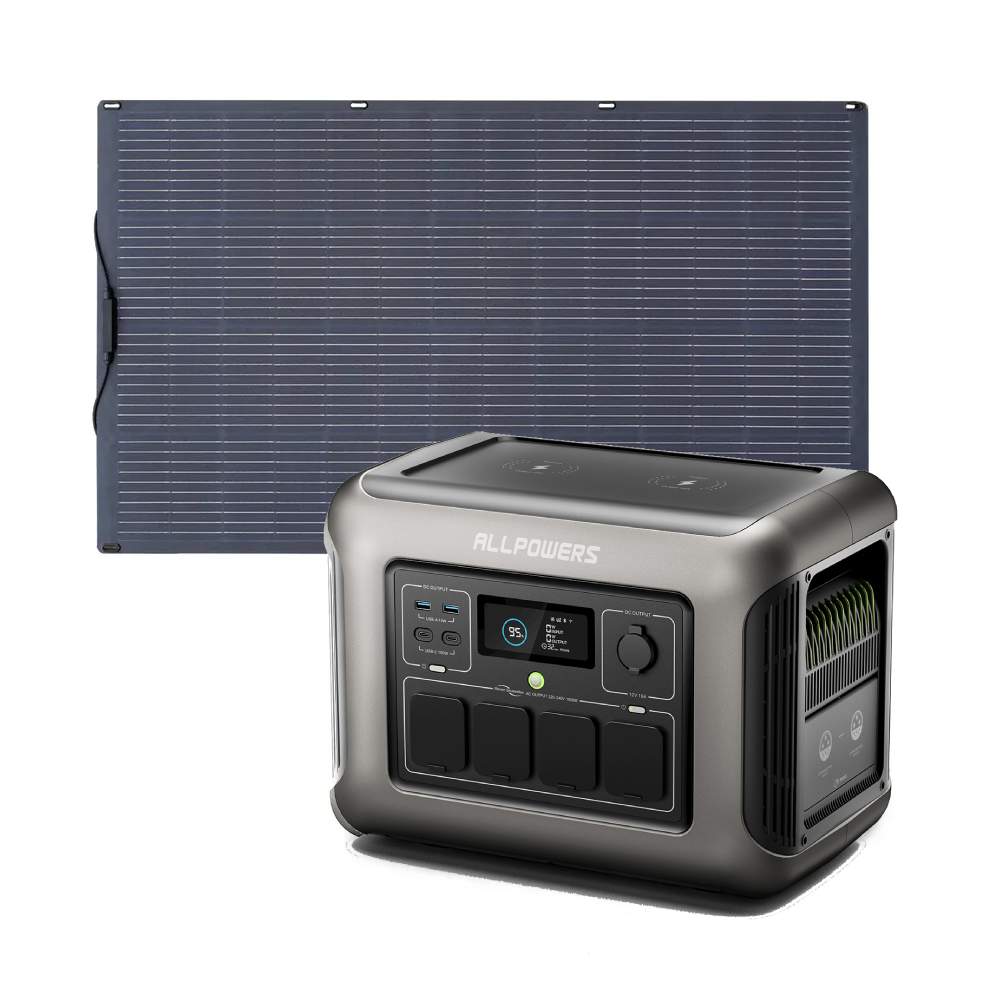
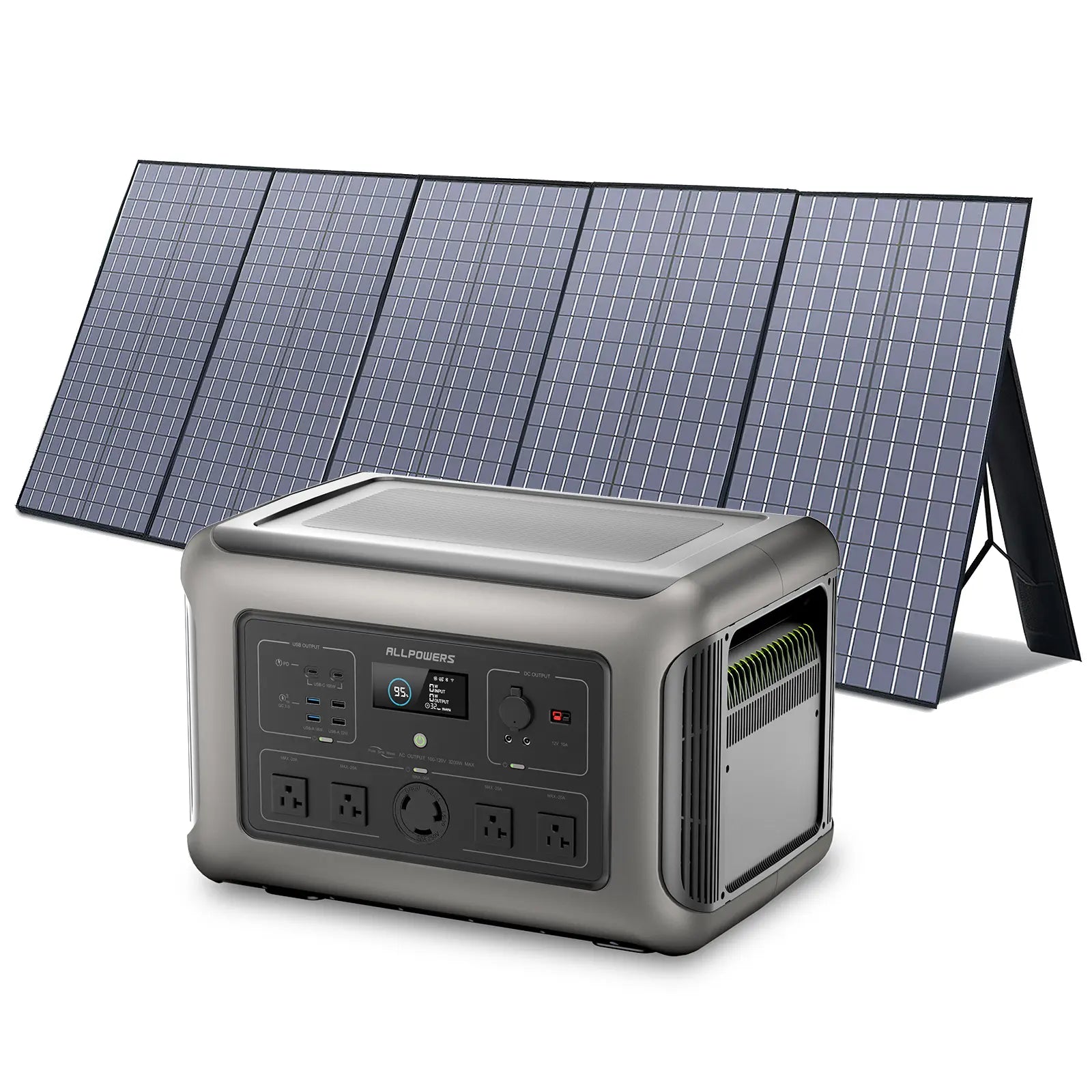
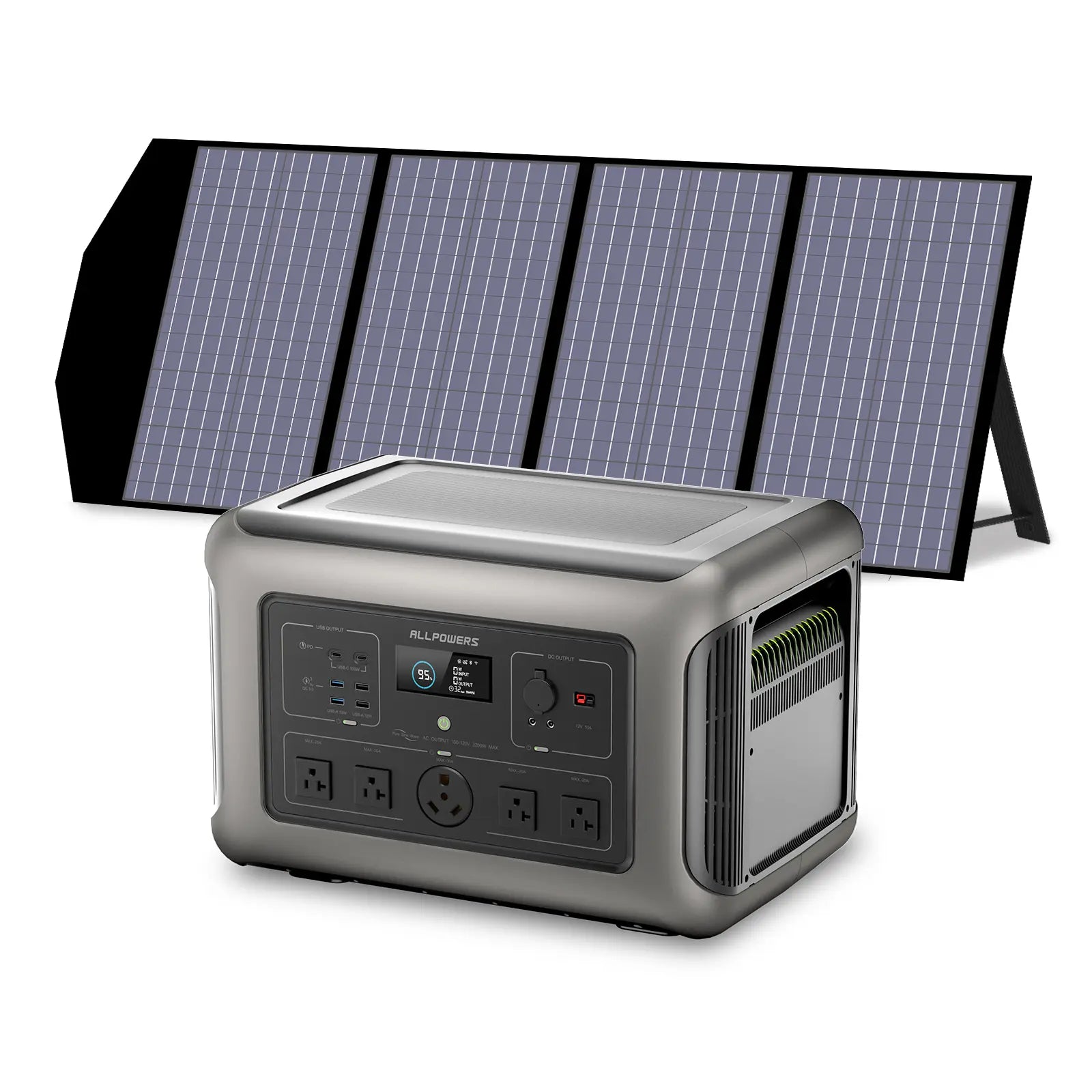
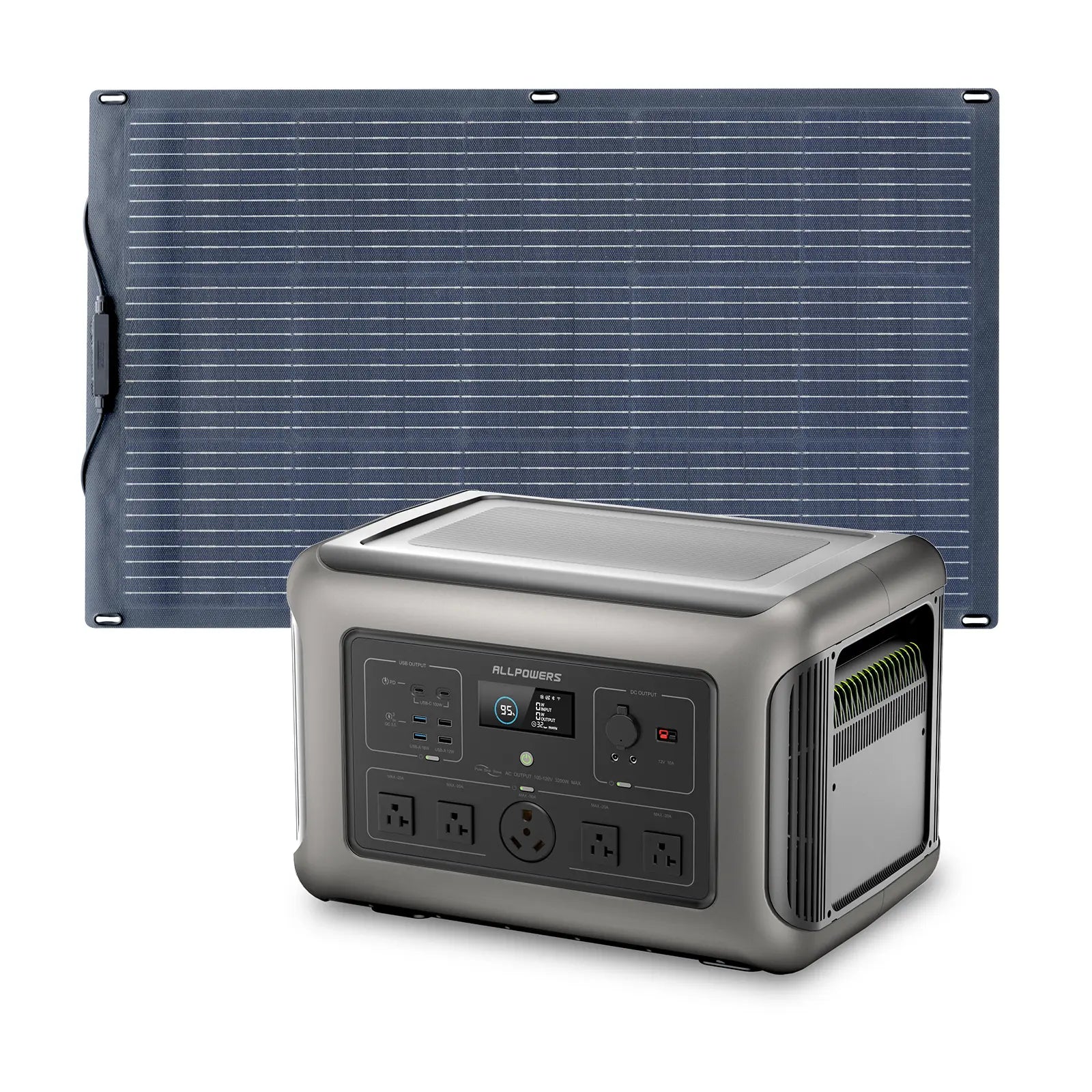
R1500 LITE
The Daily Creator | 1056WH · 1600W
You run your maker setup most days. Bigger prints, longer laser sessions, a full camera setup or a coffee cart. This is your workhorse, LFP means it lasts as long as your passion does.
Runtime: Laser 40W ~22h · 3D printer 200W ~4.5h · Coffee cart setup 800w ~1.1h
EXPLORE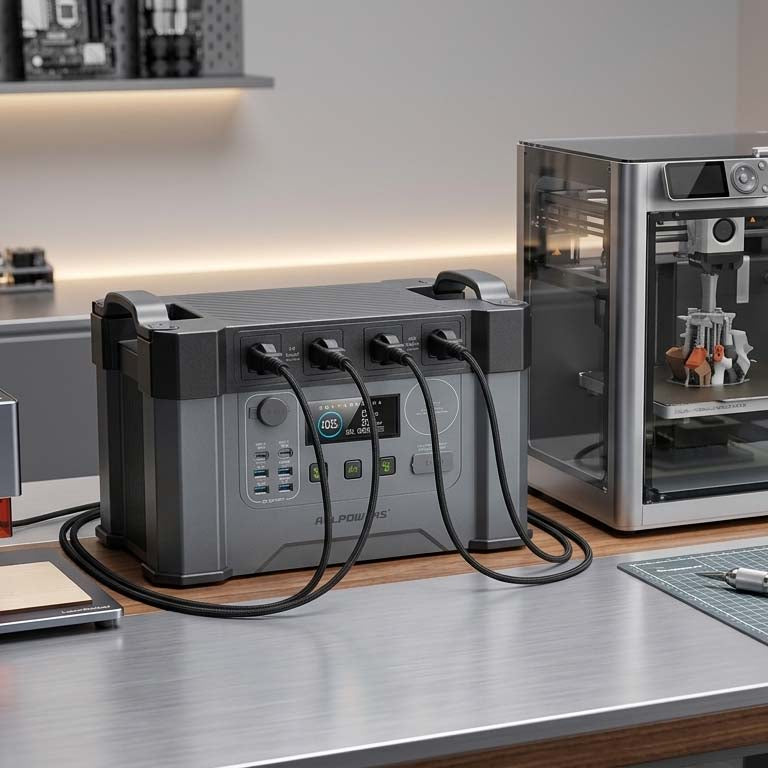
All-round Choice · Mid-Range Tools · Professional
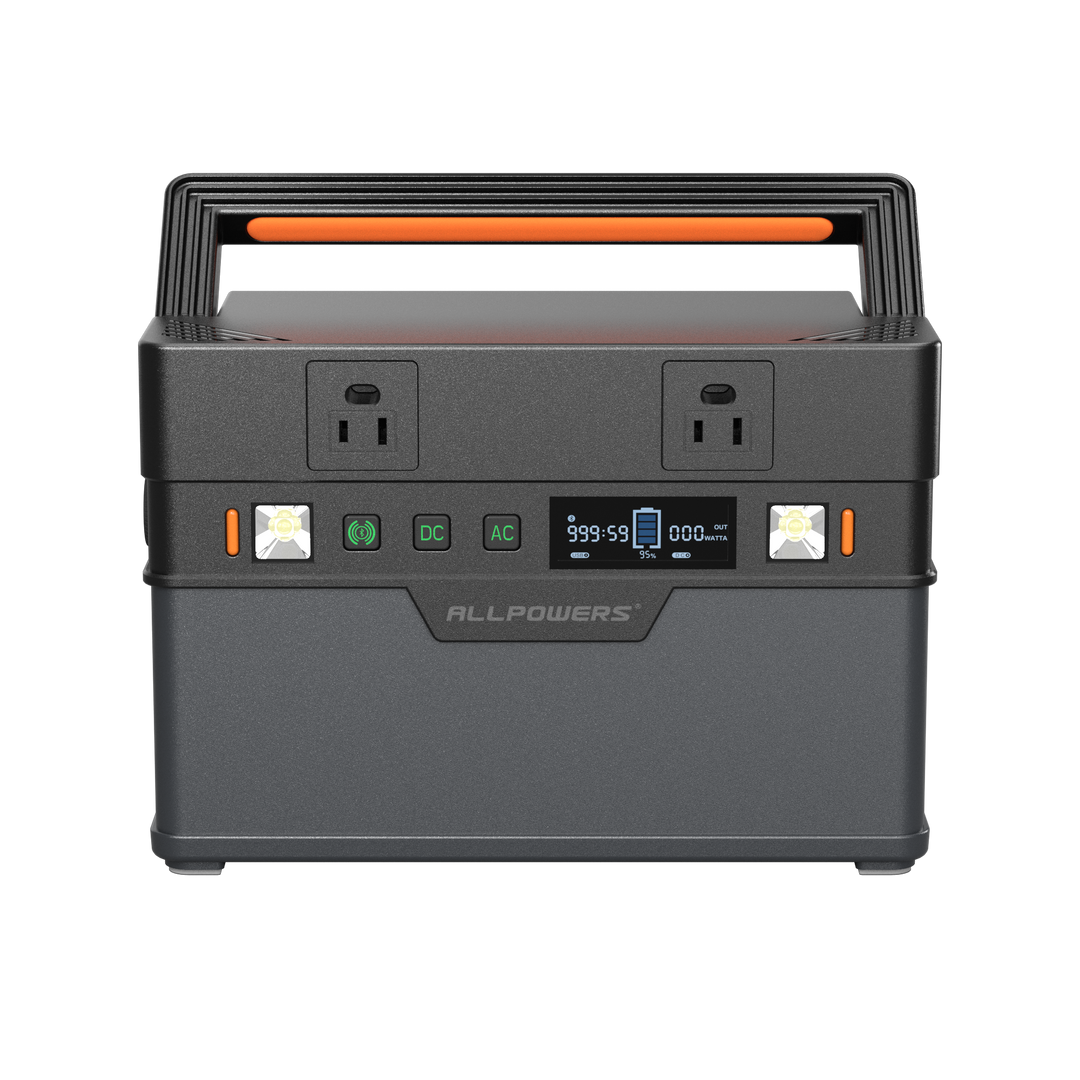
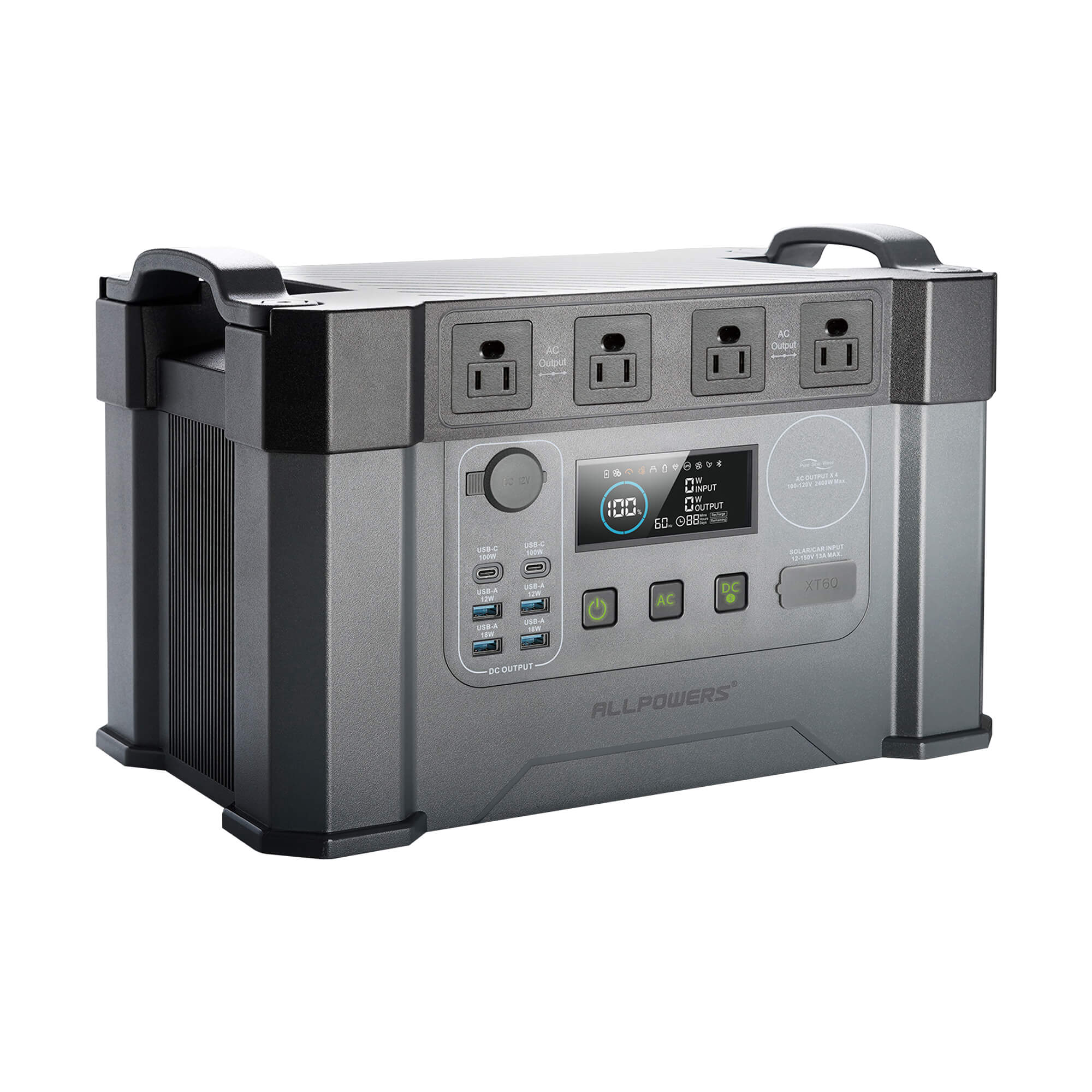
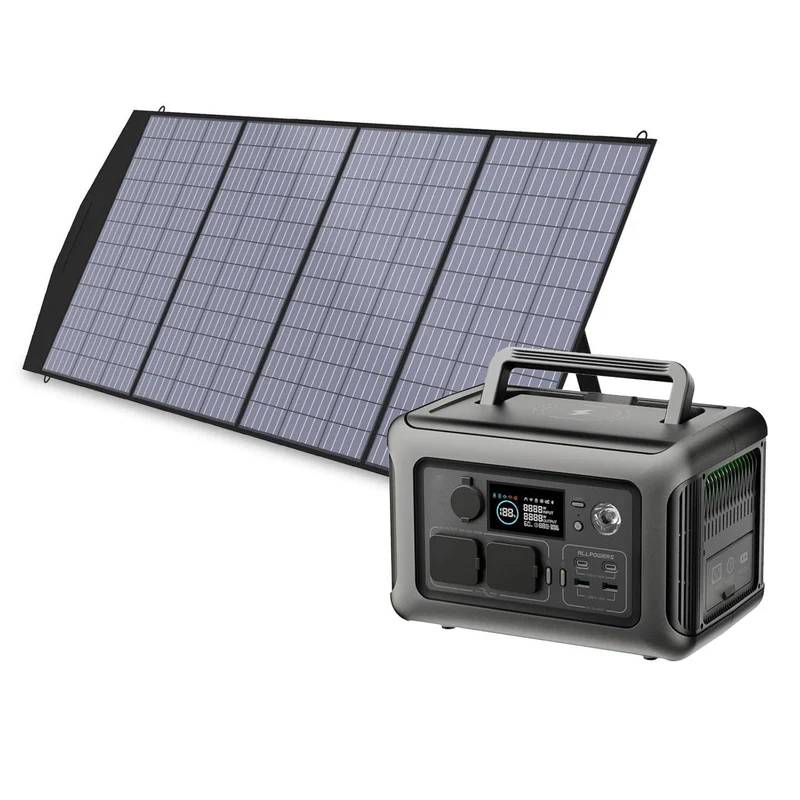
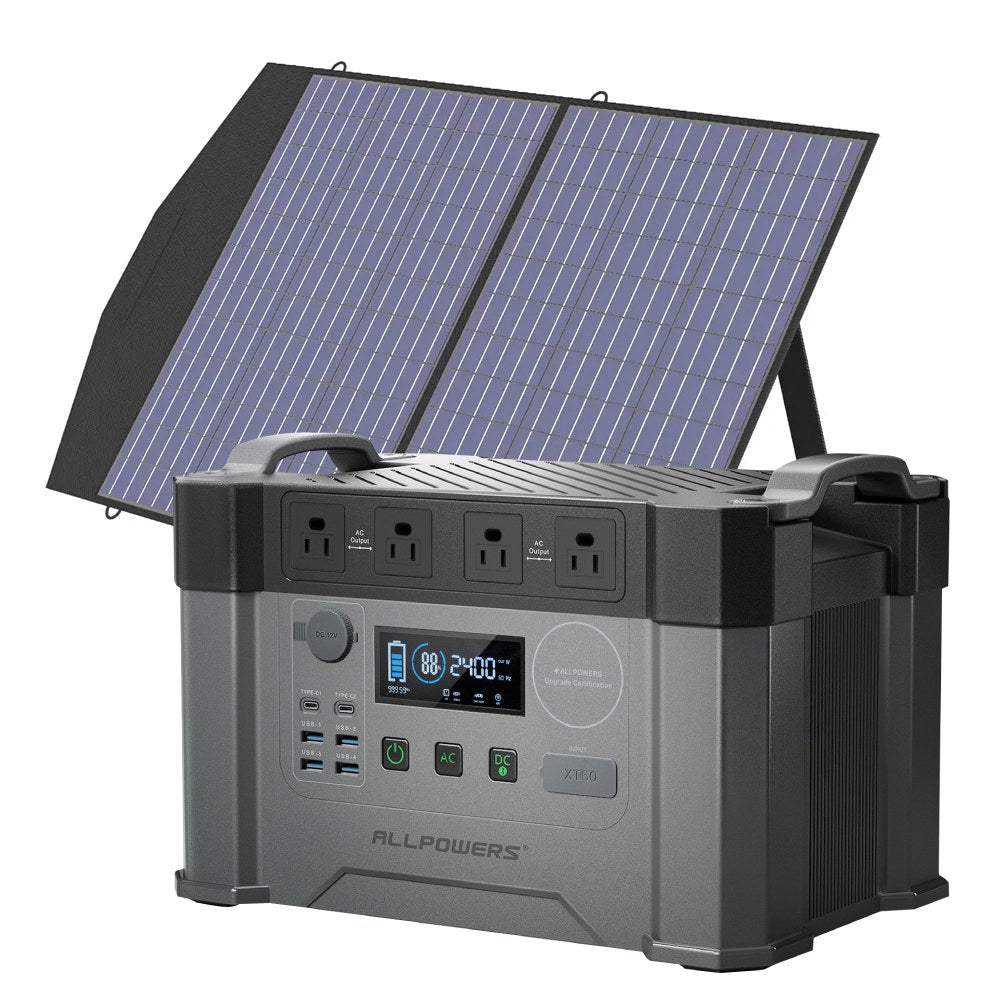
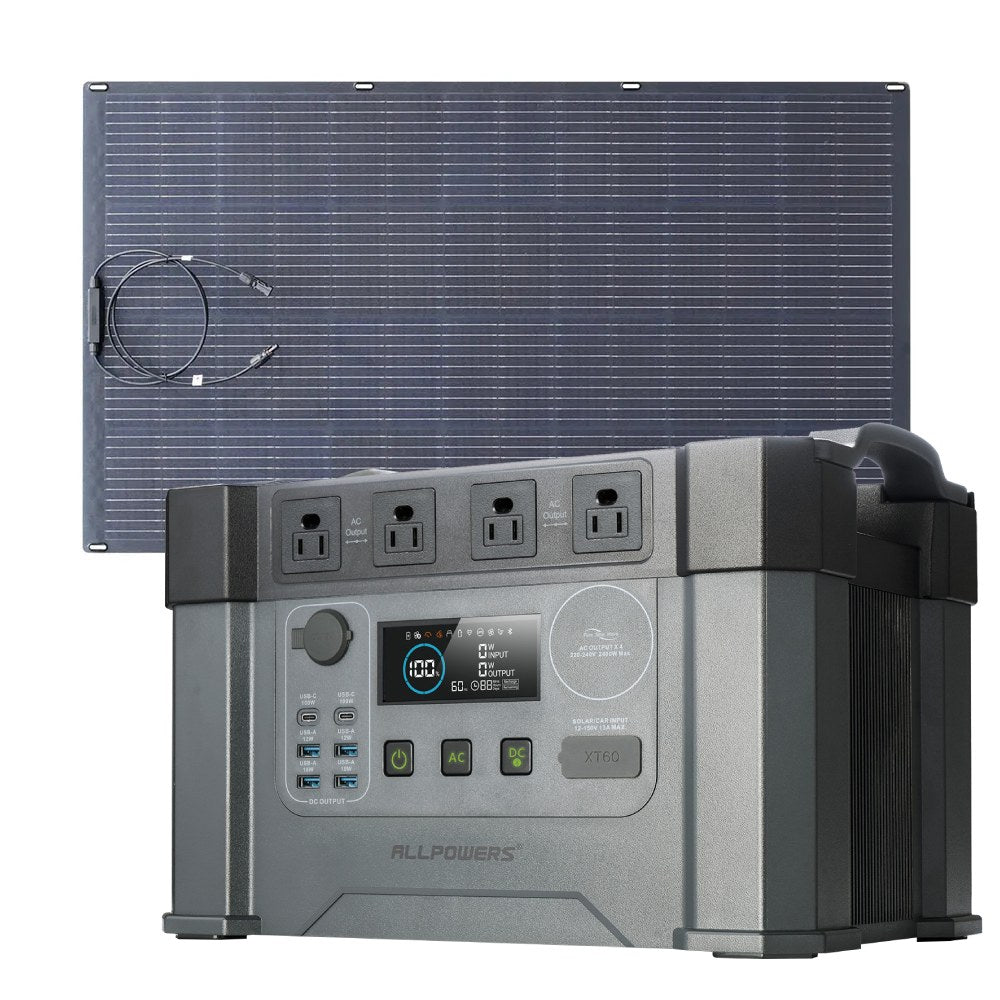
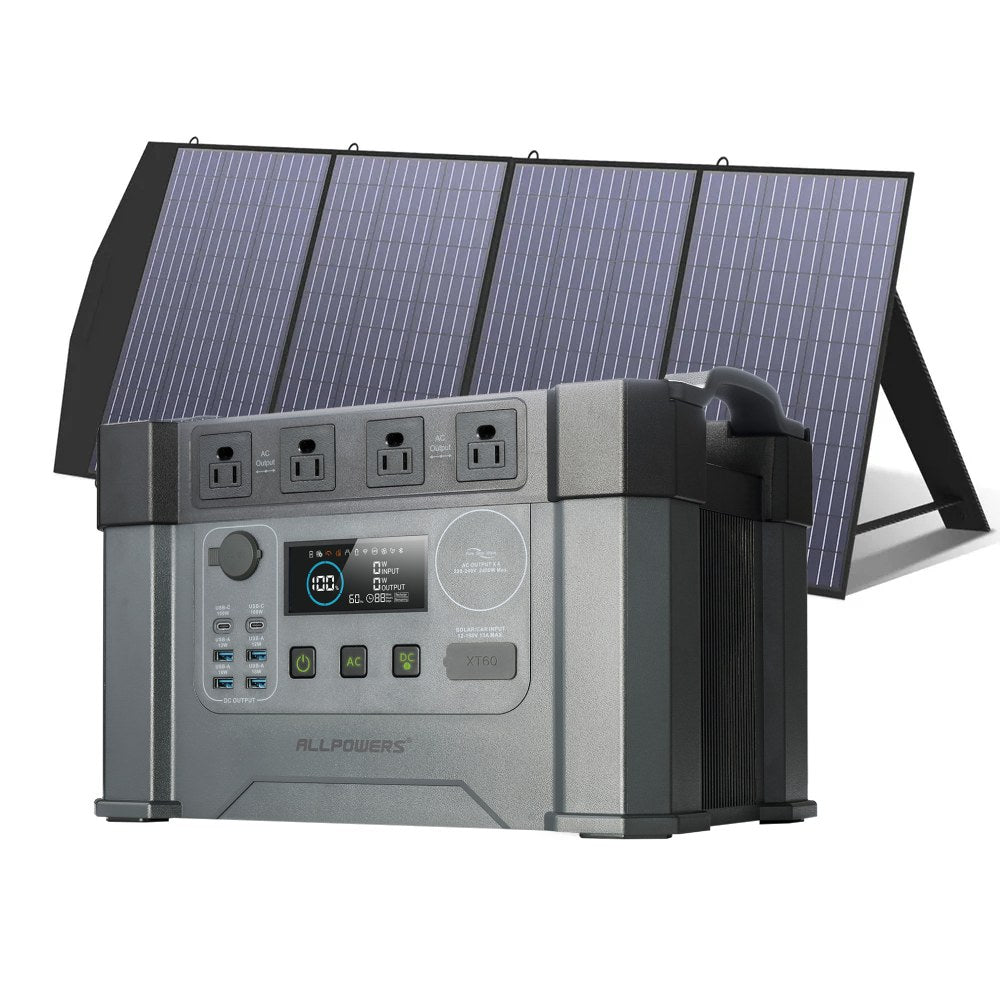
S2000 PRO
The Studio Builder
1451Wh Capacity | 2400W Output
Best all-round choice for most makers. Maximum Output, Zero Bulk. Professional wattage for your workshop bench.
Runtime: Laser 40W ~31h · 3D printer 200W ~6.2h · Coffee cart setup 800w ~1.6h
EXPLORE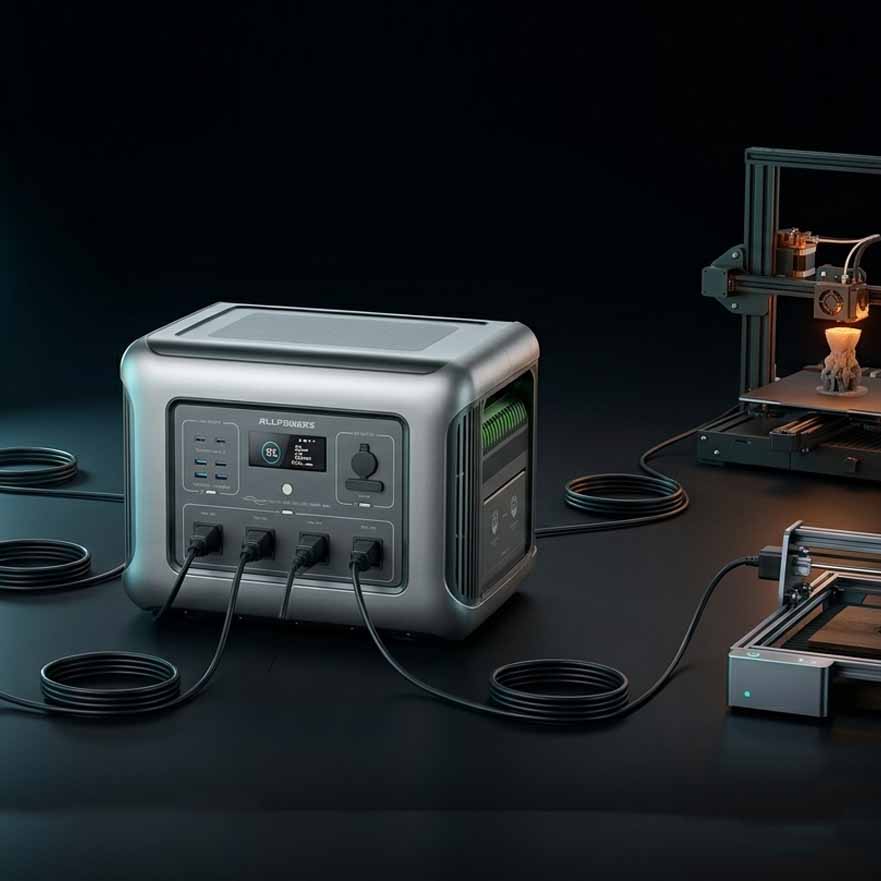
Longer Sessions Maker · Heavy-Duty · Multi-Tool
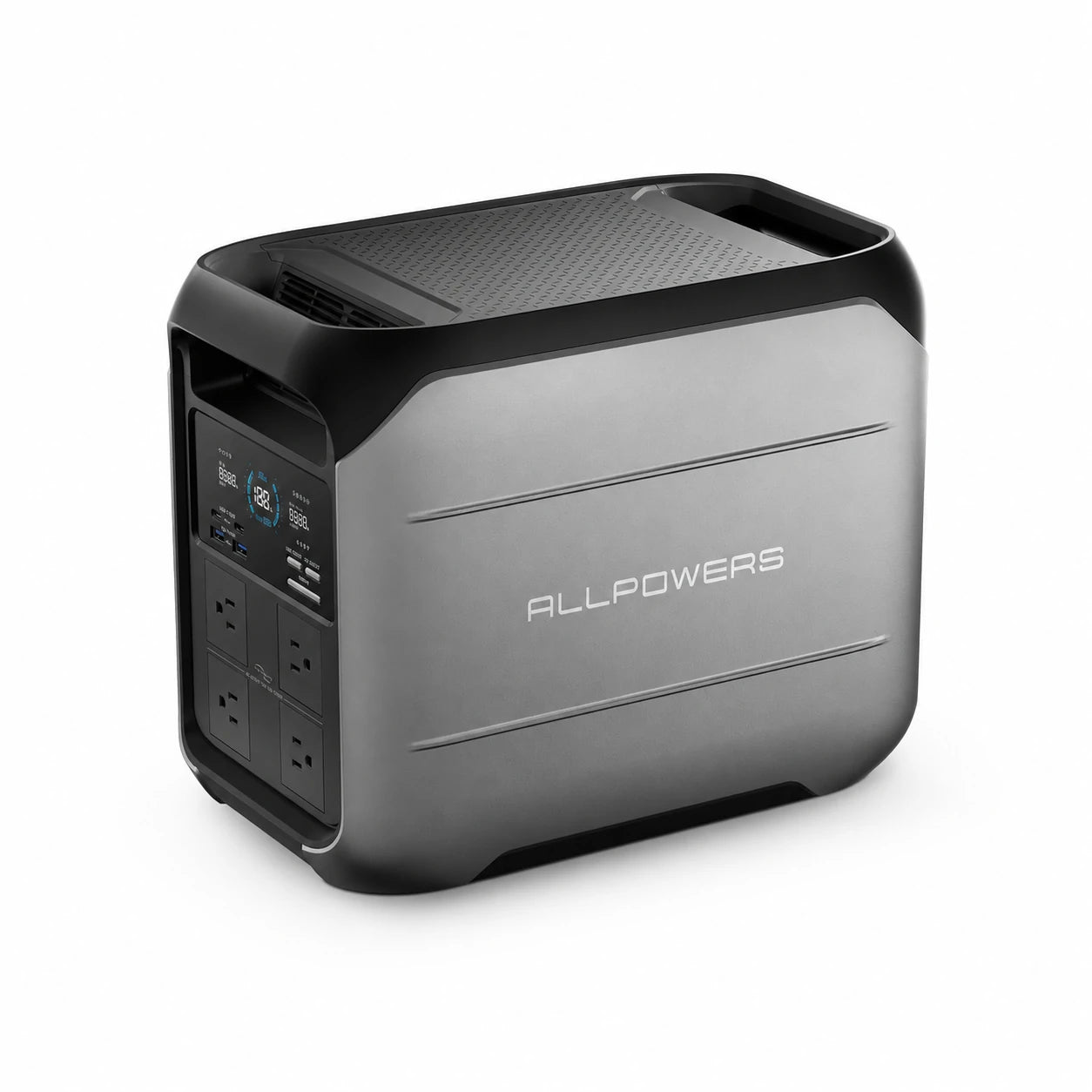
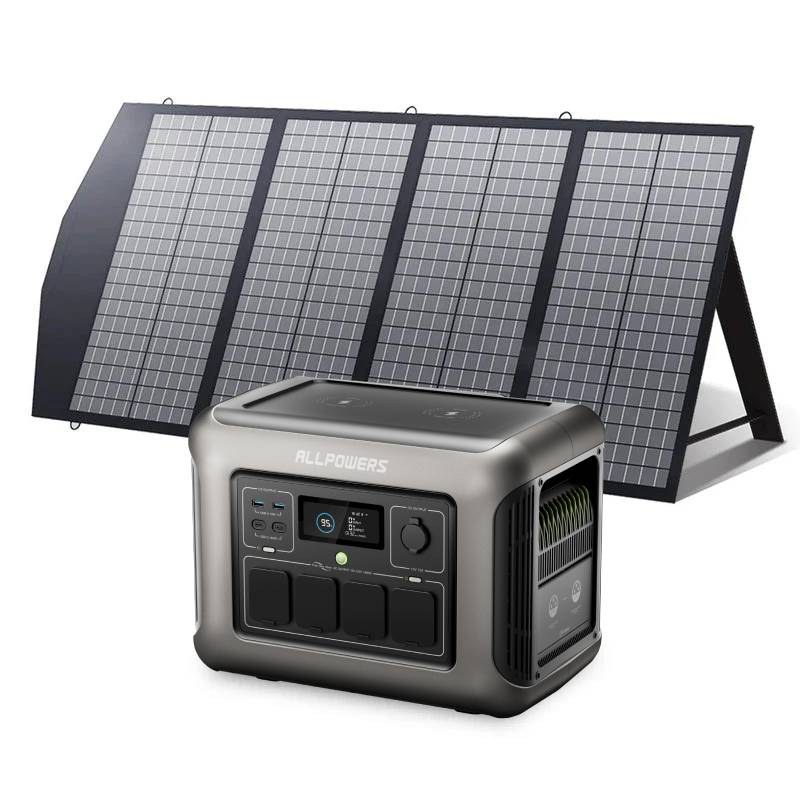
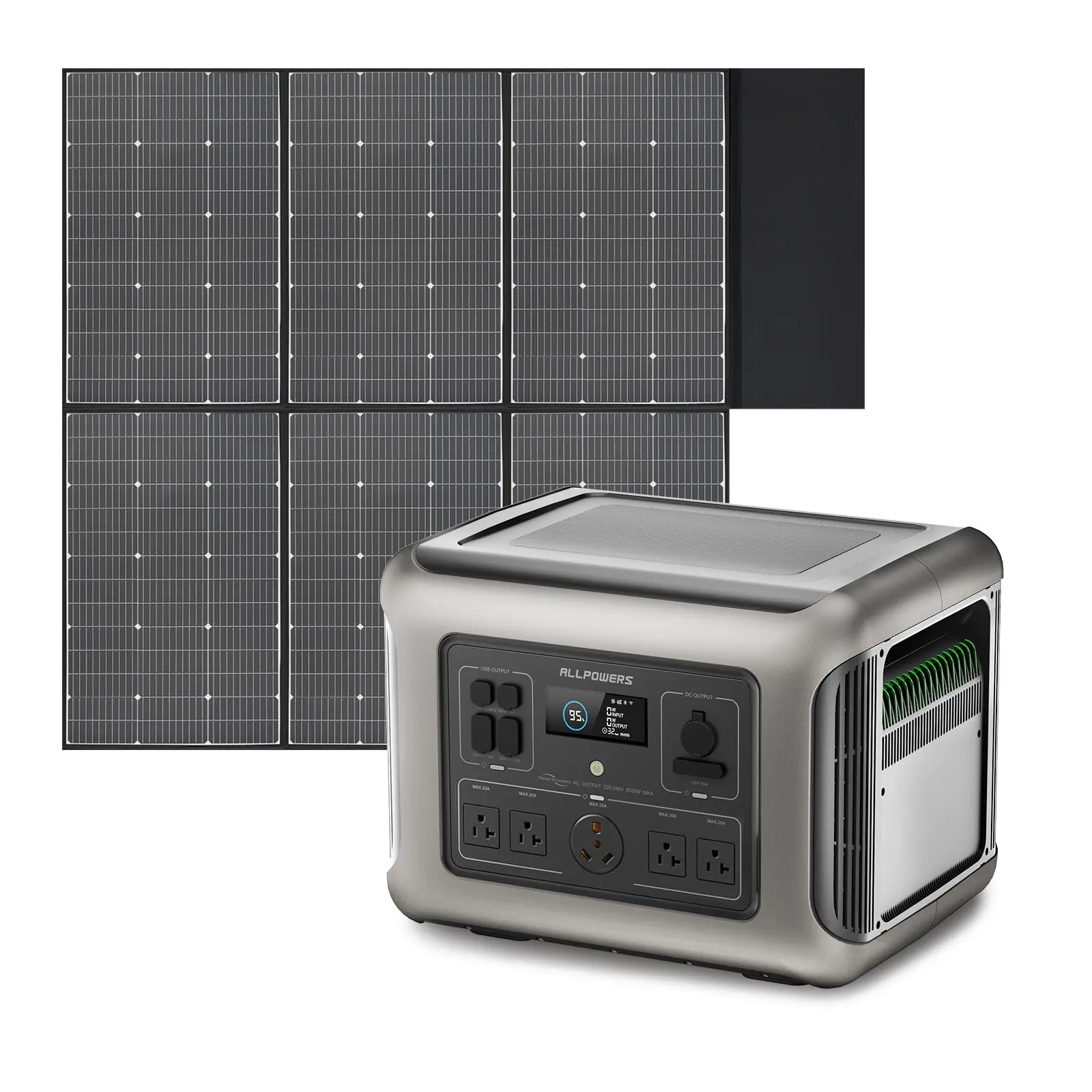
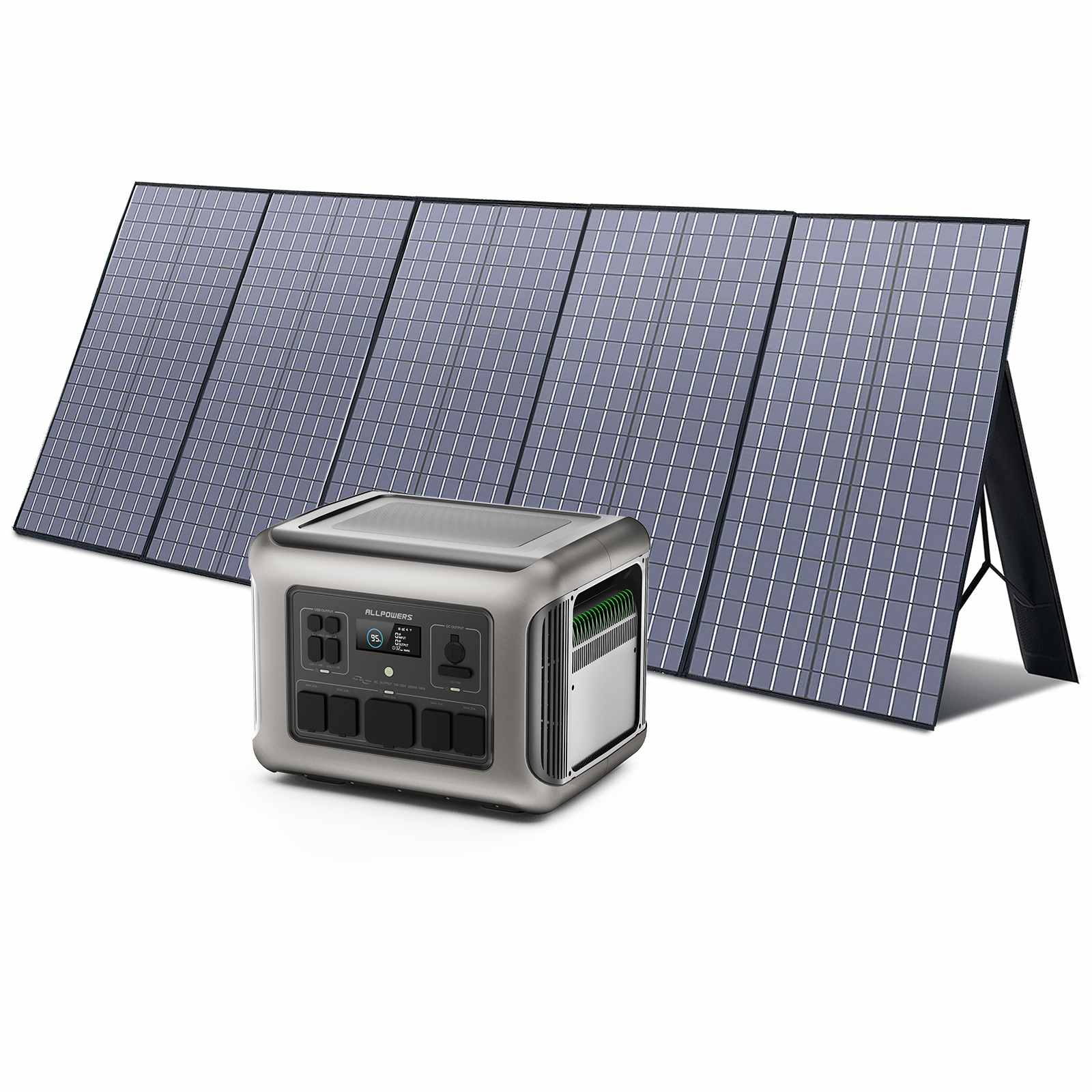
R2500
The Pro Maker
2016Wh Capacity | 2500W Output
For multi-tool workbenches and longer sessions. For those running heavy-duty CNCs and commercial espresso machines.
Runtime: Laser 40W ~43h · 3D printer 200W ~8.7h · Coffee cart setup 800w ~2.2h
EXPLORE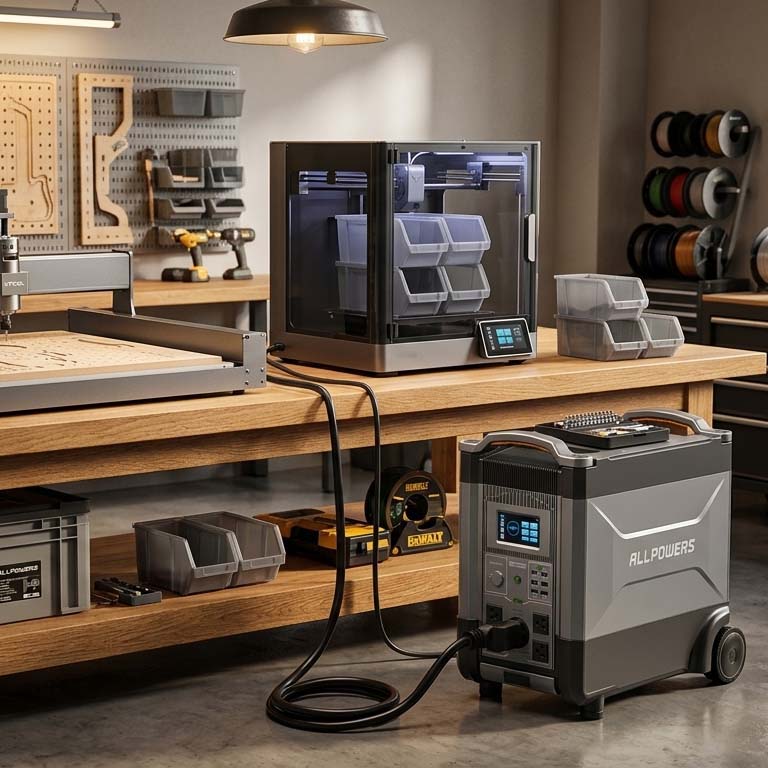
Extended Maker · Heavy-Duty · Studio Power
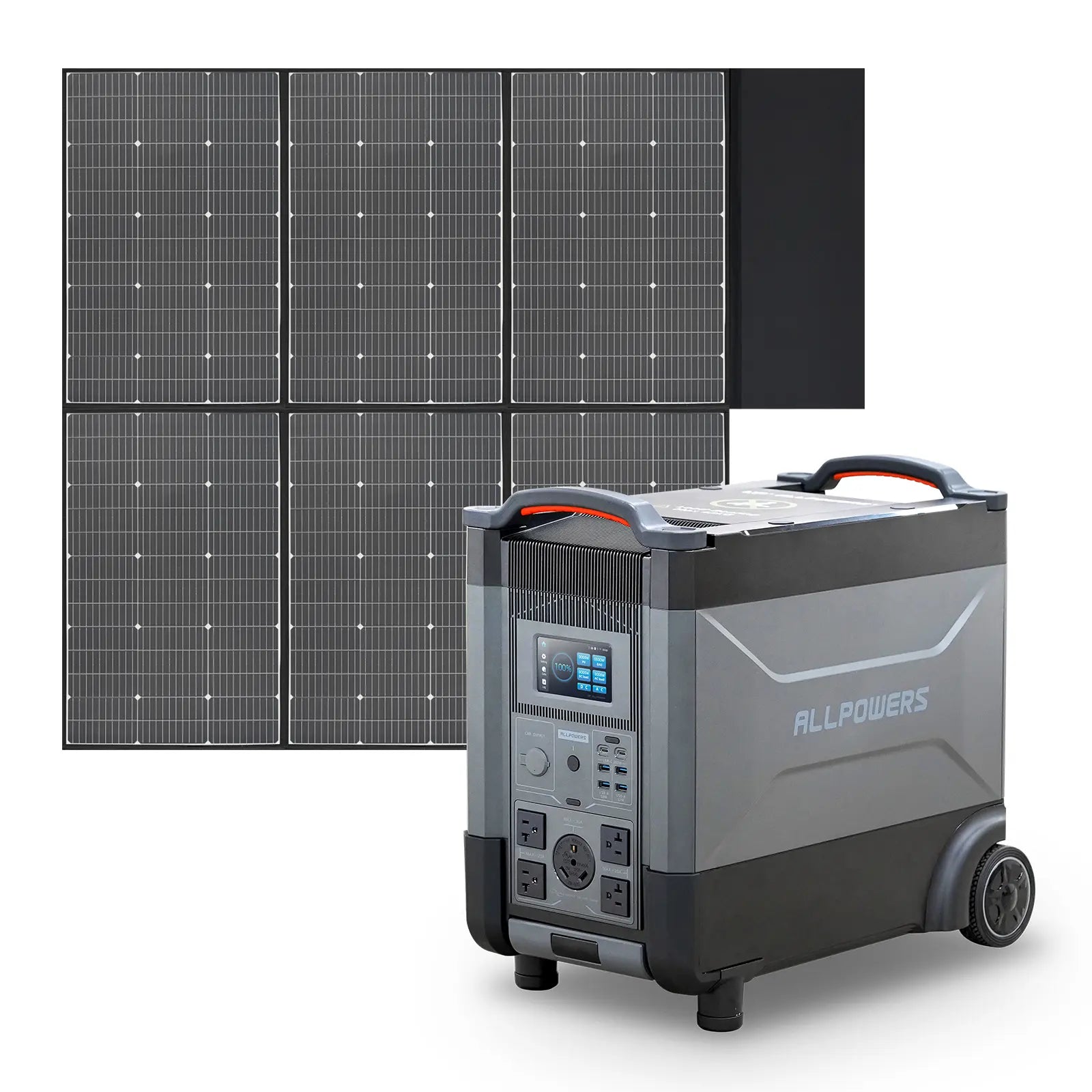
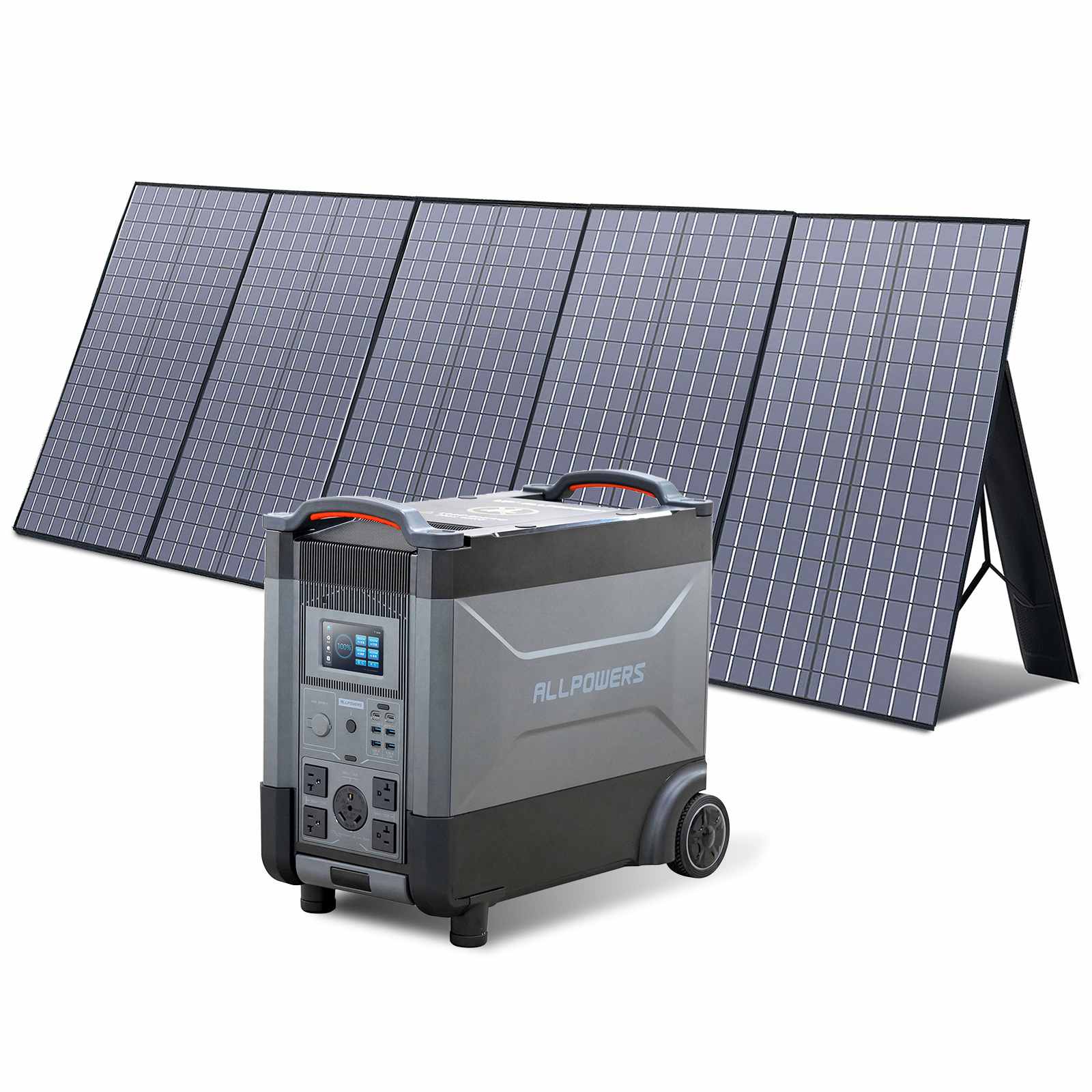
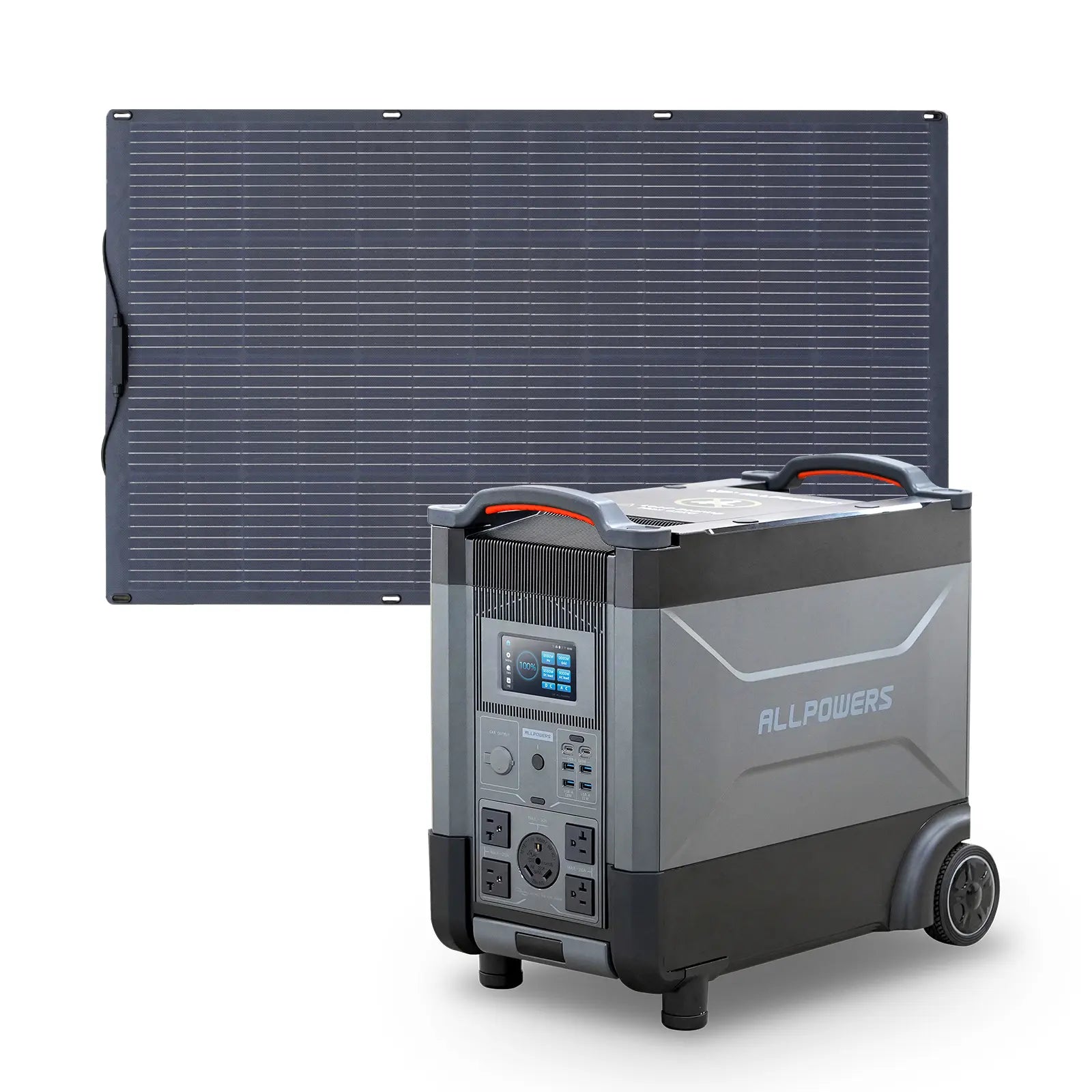
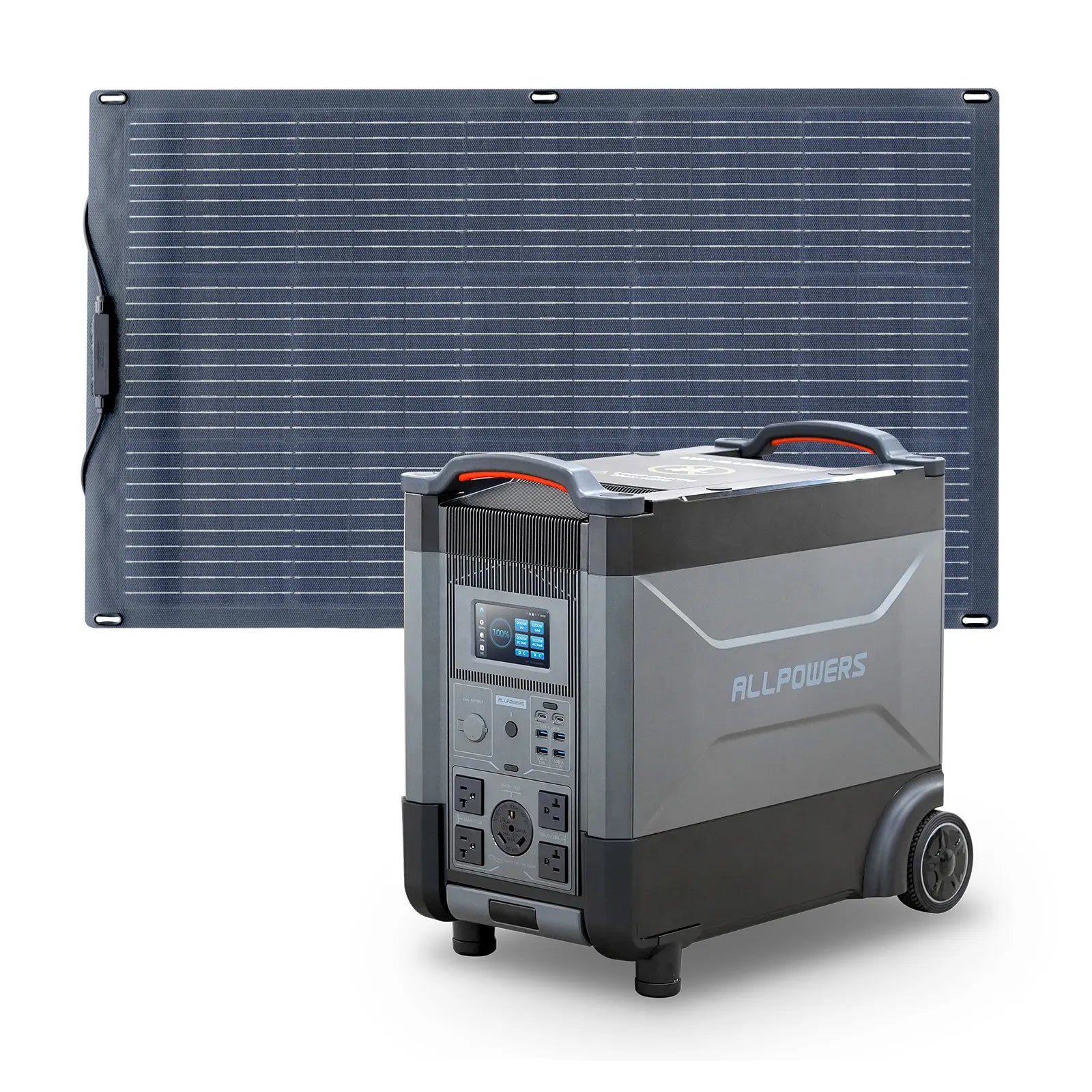
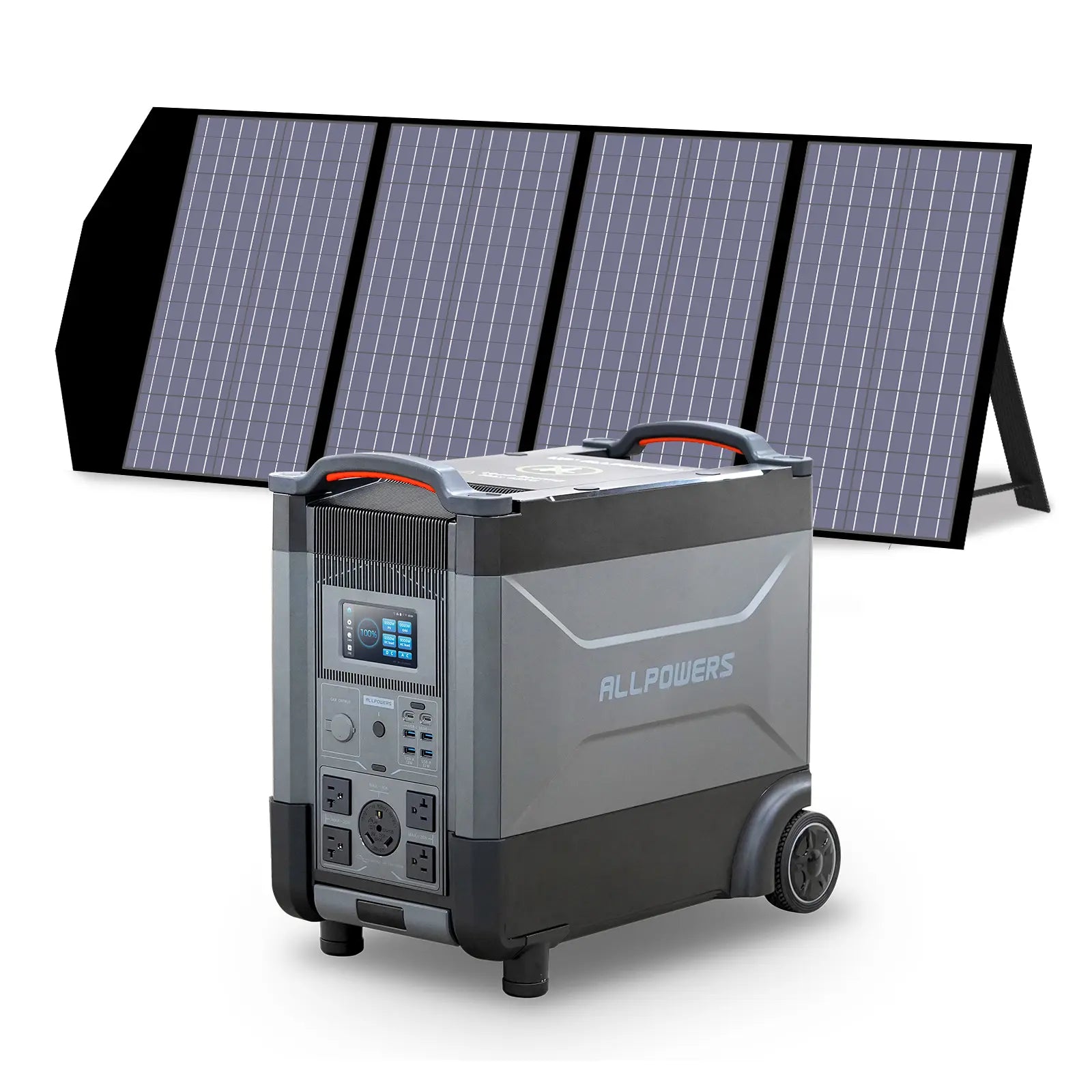
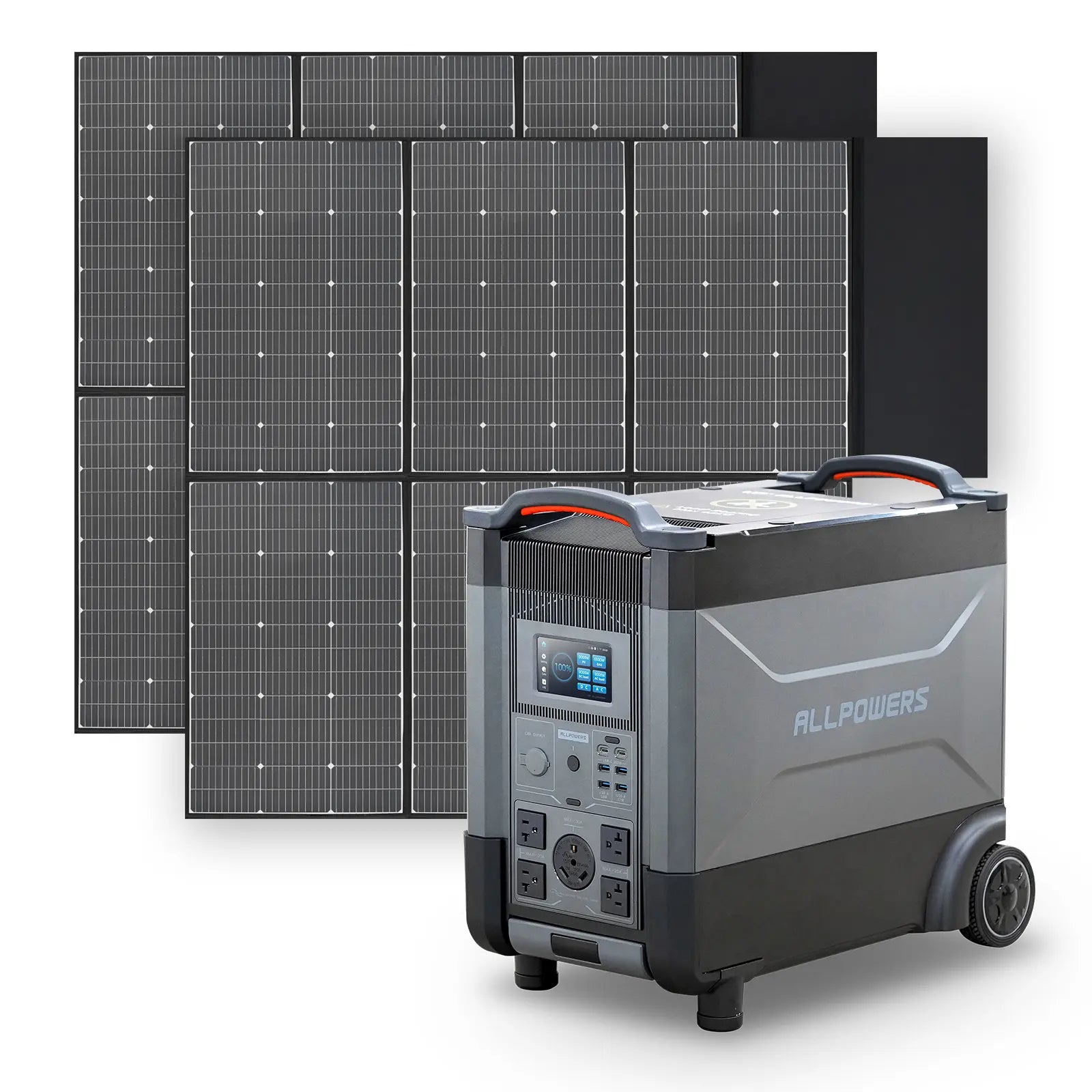
R4000
The Pro Maker
3456Wh Capacity | 3600W Output
For multi-tool workbenches and longer sessions. For those running heavy-duty CNCs and commercial espresso machines.
Runtime: Laser 40W ~74h · 3D printer 200W ~14.9h · Coffee cart setup 800w ~3.7h
EXPLORE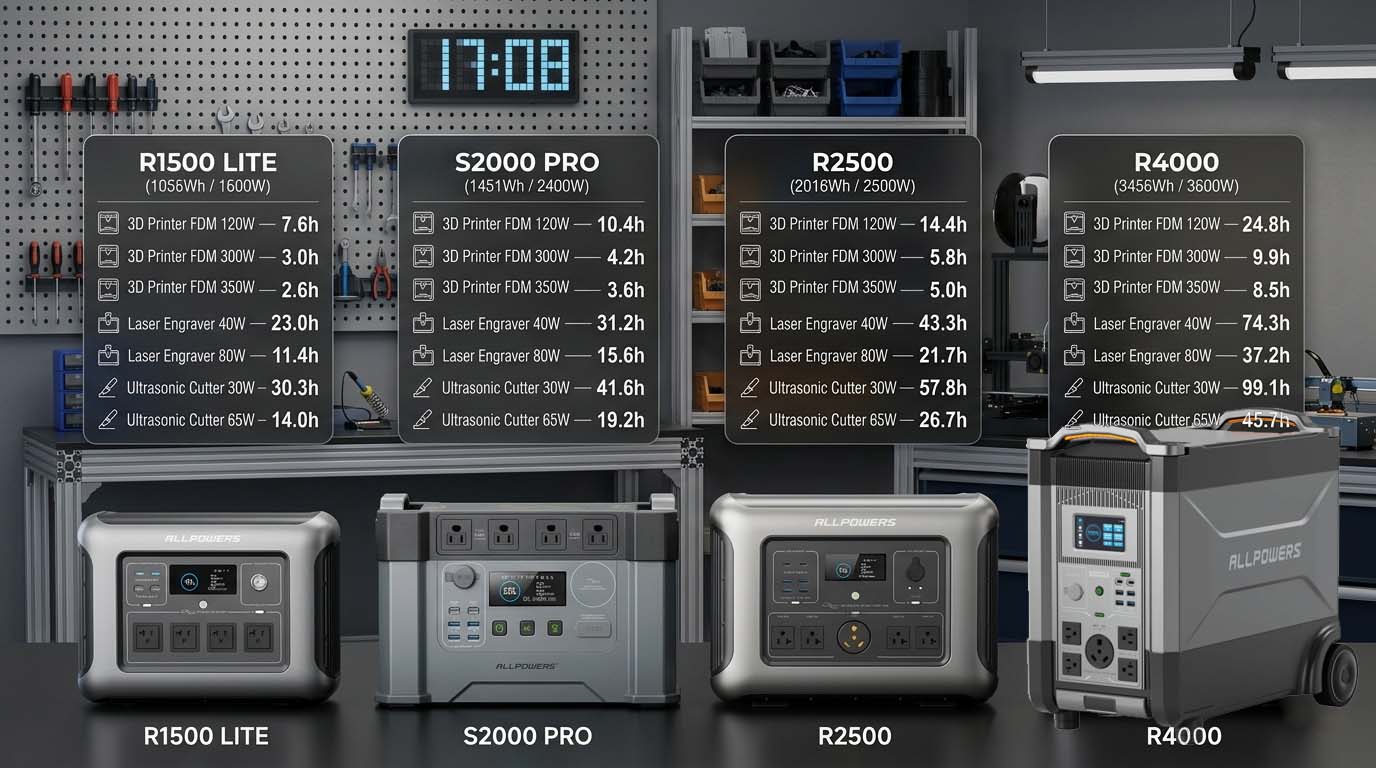
Built for makers by design.
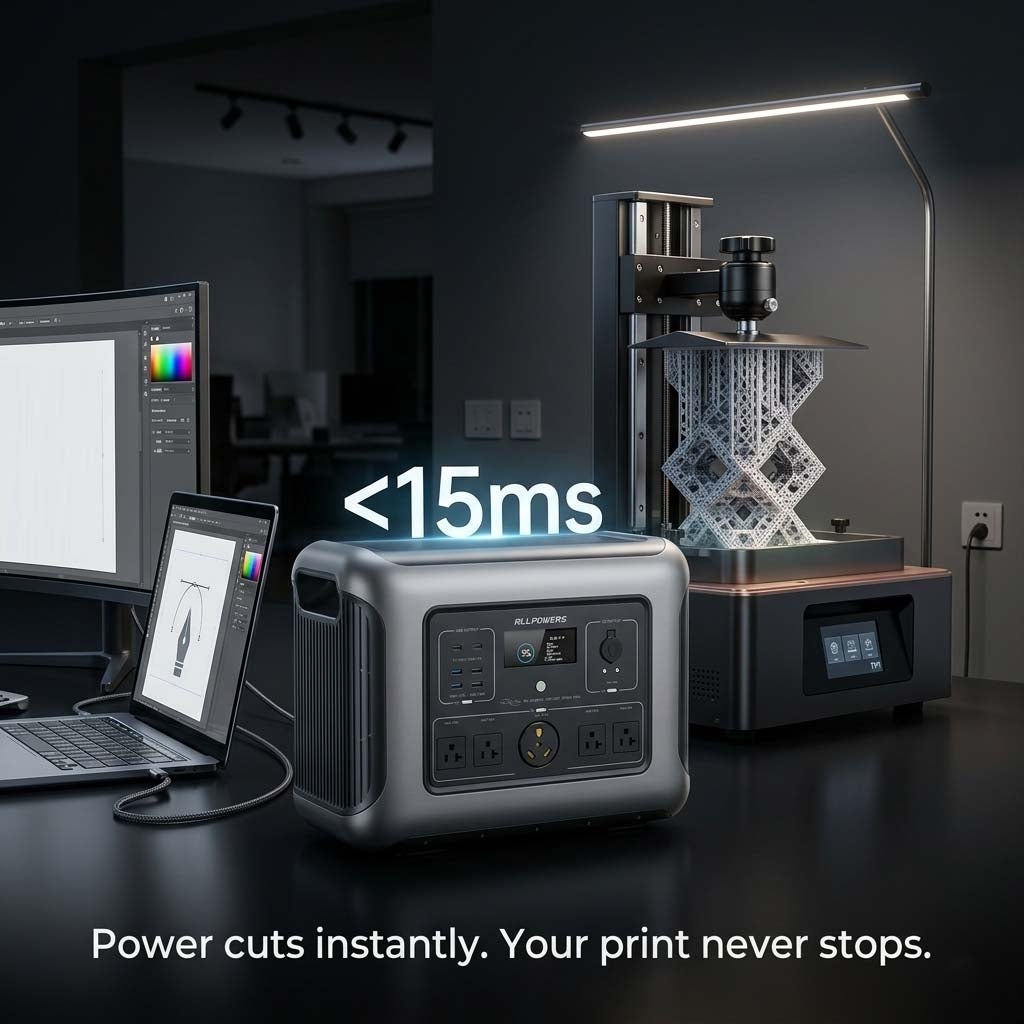
<15ms UPS switchover time
Your 3D print doesn't notice. Your laser doesn't flinch. Your server doesn't reboot. Grid power cuts, your work continues.
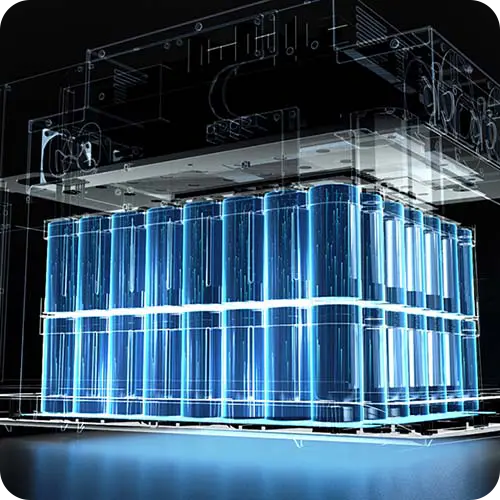
6500+ LFP charge cycles
Daily charge and discharge for 10 years before hitting 80% capacity. Built for makers who use their gear every single day.

Silent Zero emissions, zero noise
Run it indoors. Run it at night. Run it in the venue, the studio, the market stall. No exhaust, no 70dB drone, no neighbor complaints.

12 BMS protection layers
Overvoltage, overtemperature, short circuit, overcurrent and more. Your tools and your power station are both protected.

Pure sine wave AC output
True continuous output. Not peak, not burst. Espresso machines, CO₂ lasers, CNC routers , run them properly or don't bother.
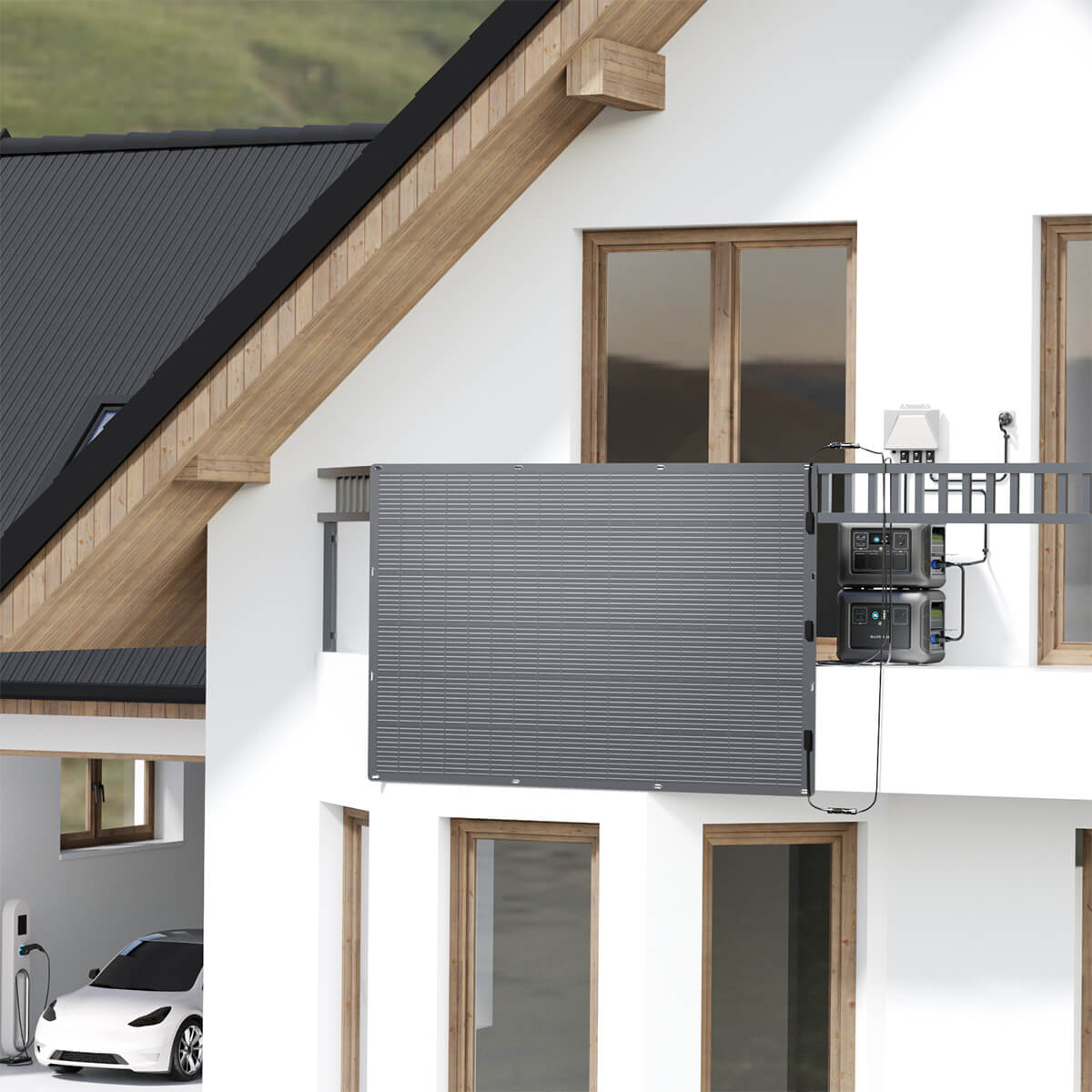
Solar Ready
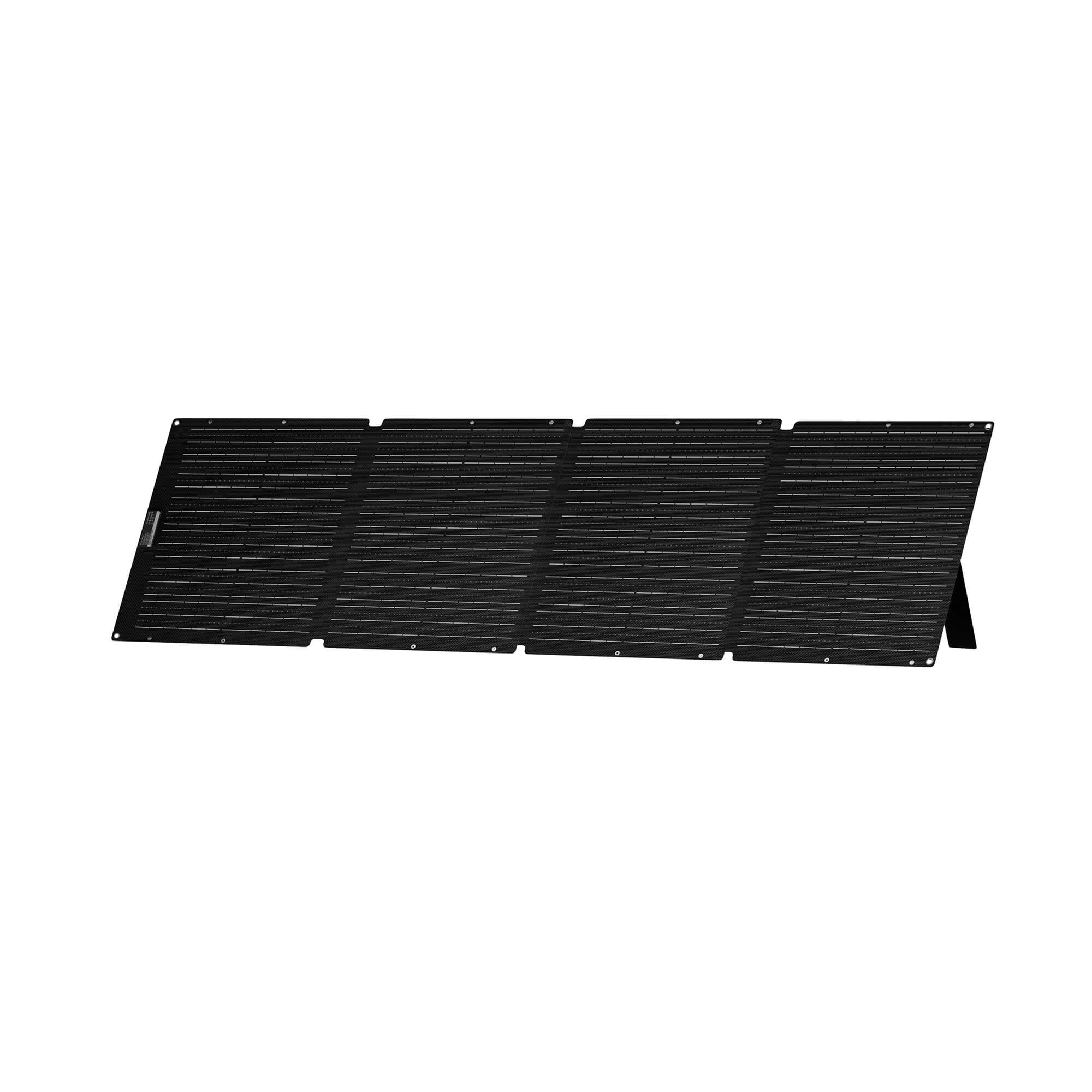
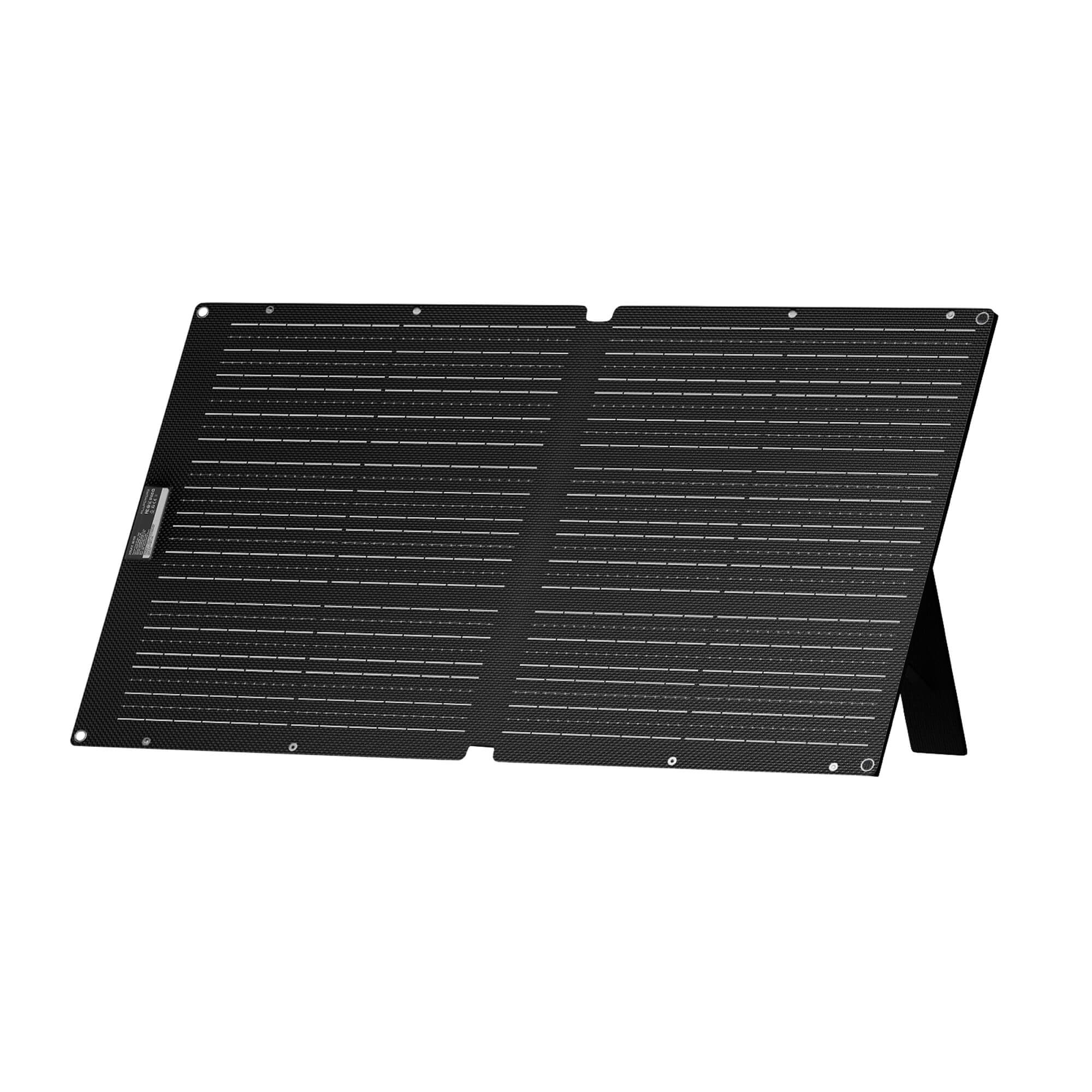
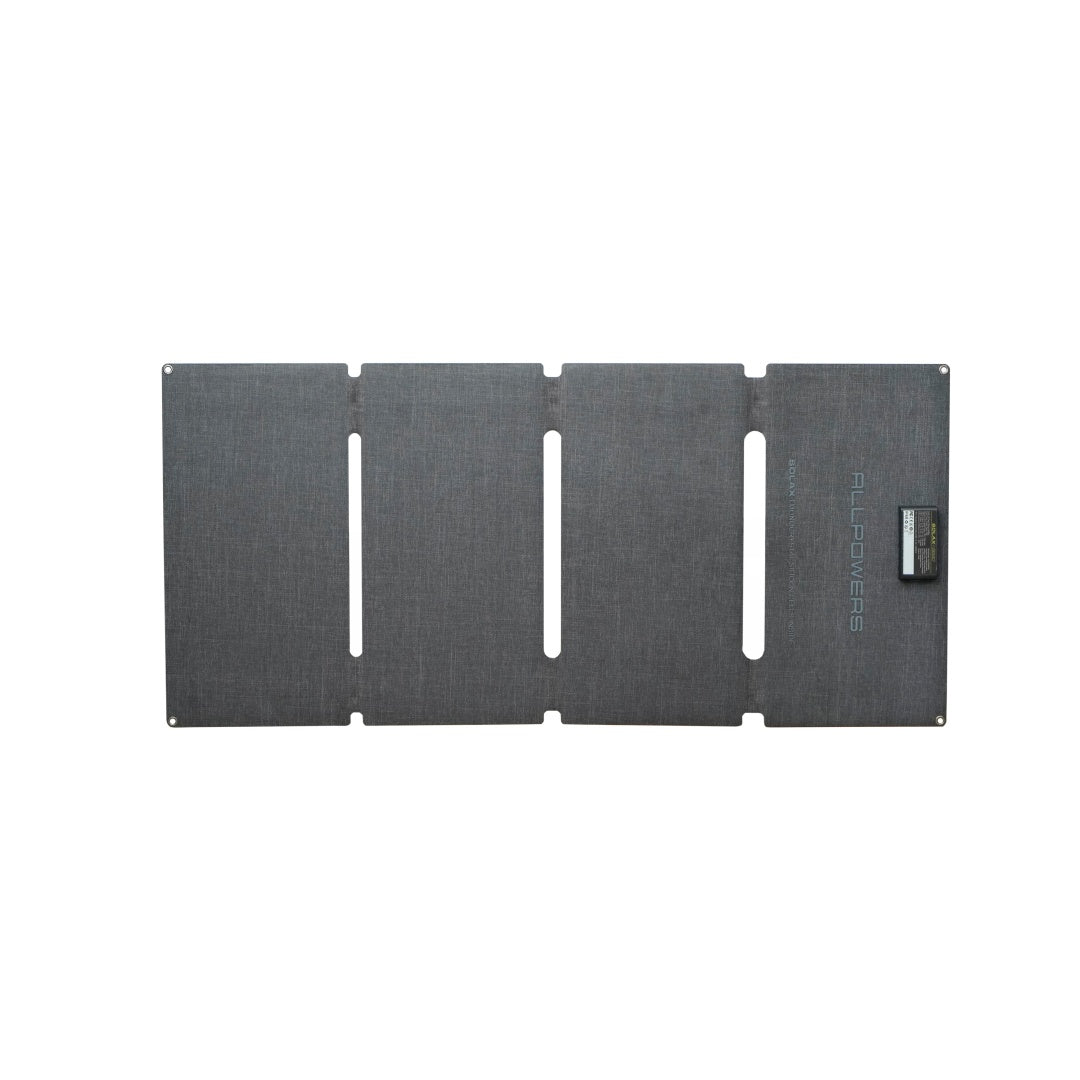
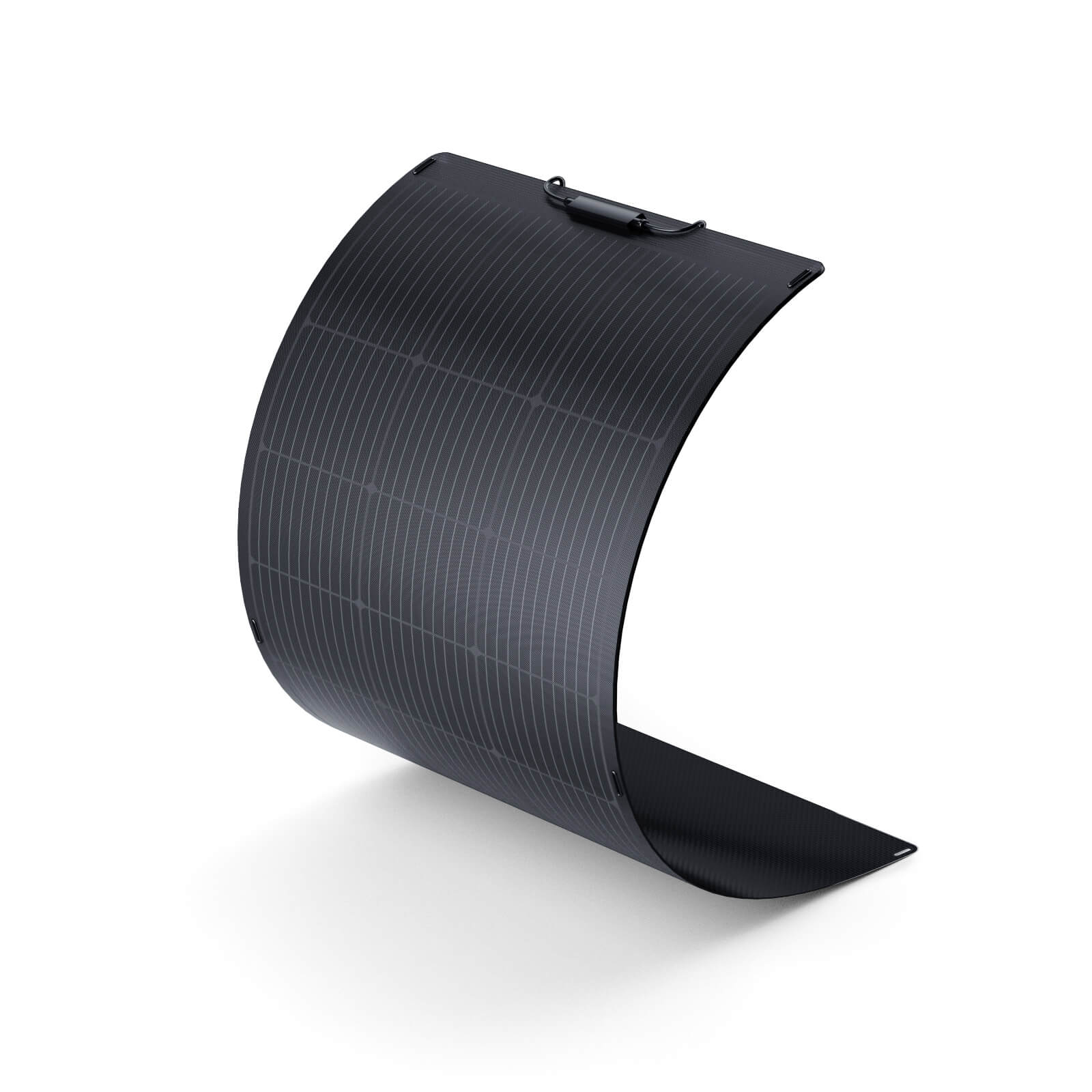
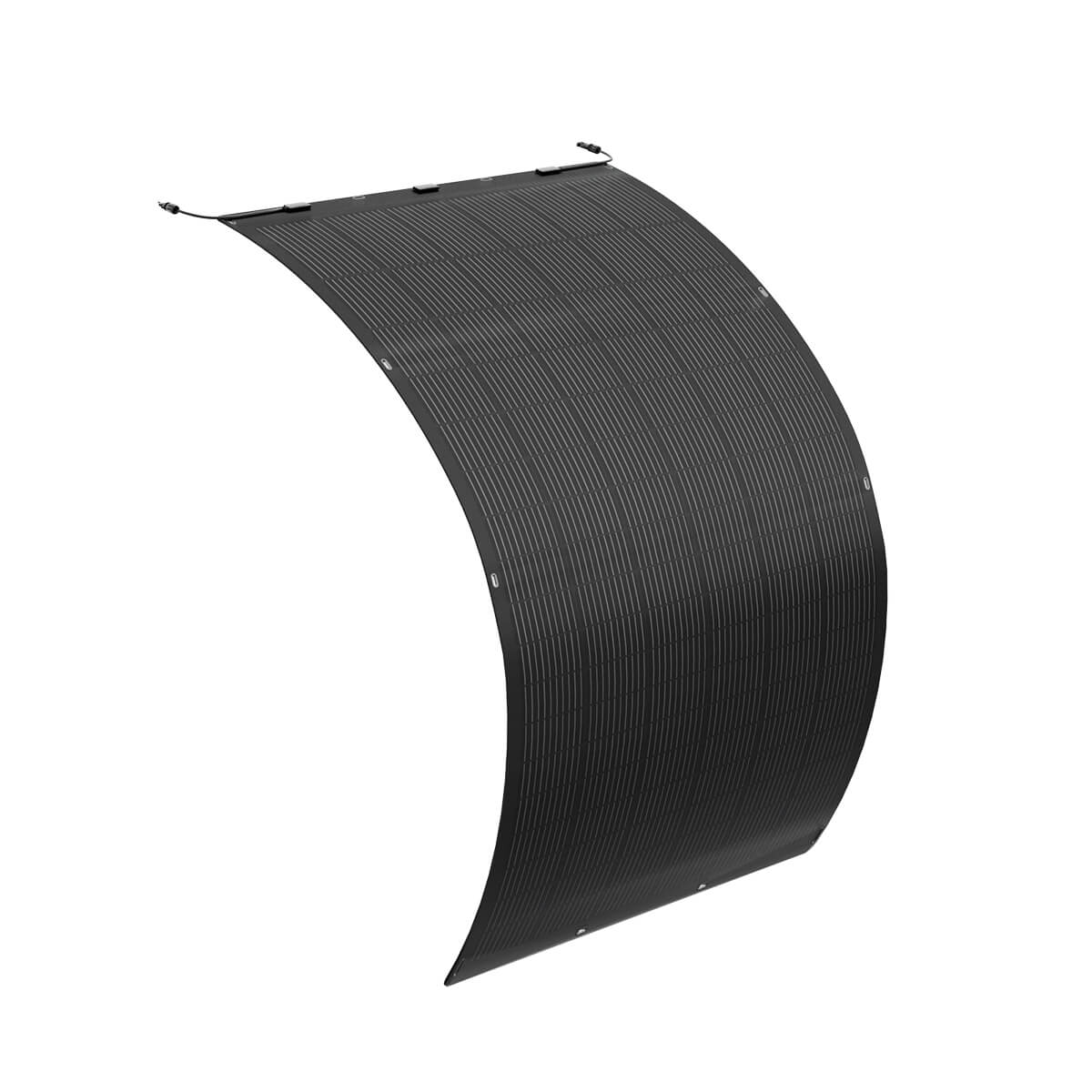
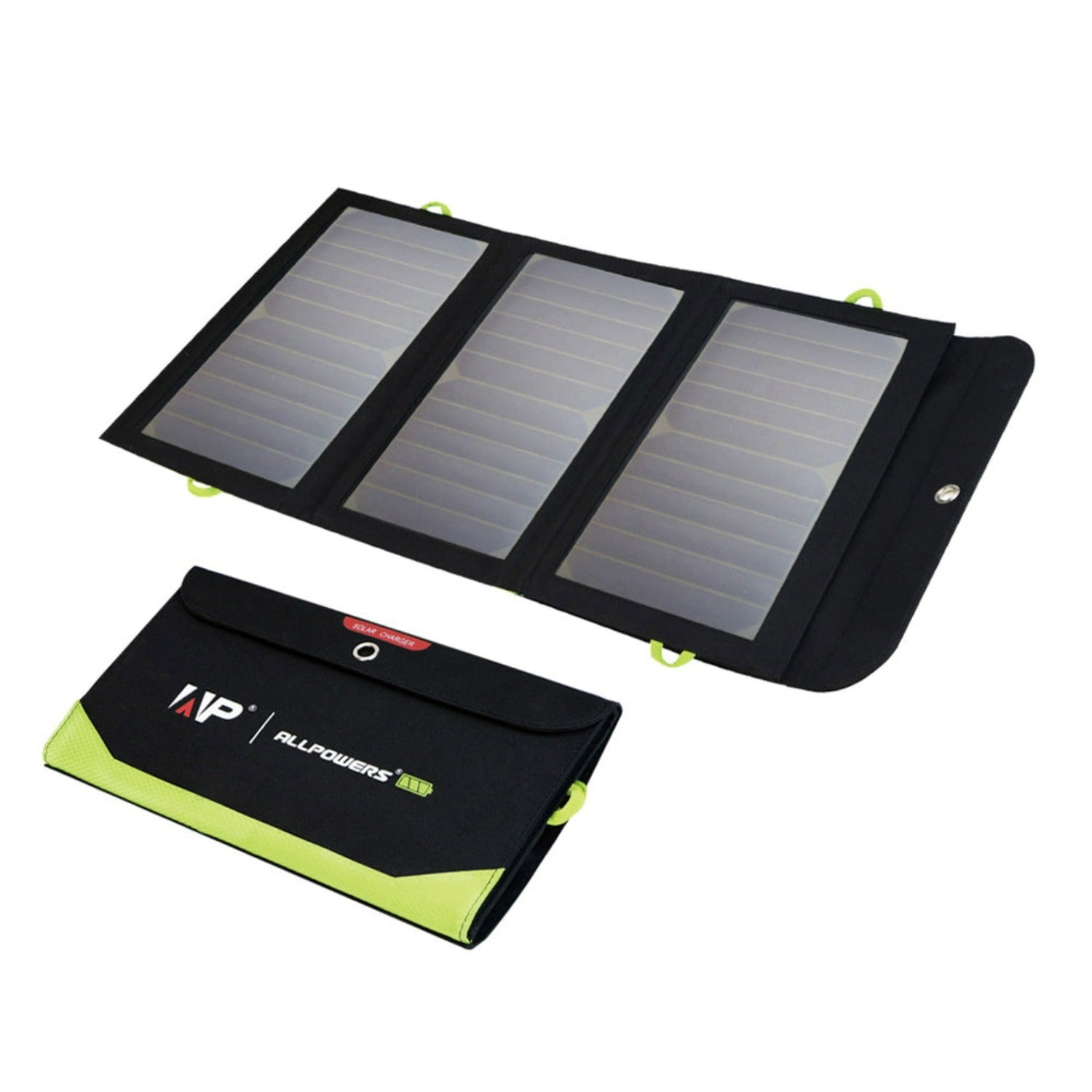
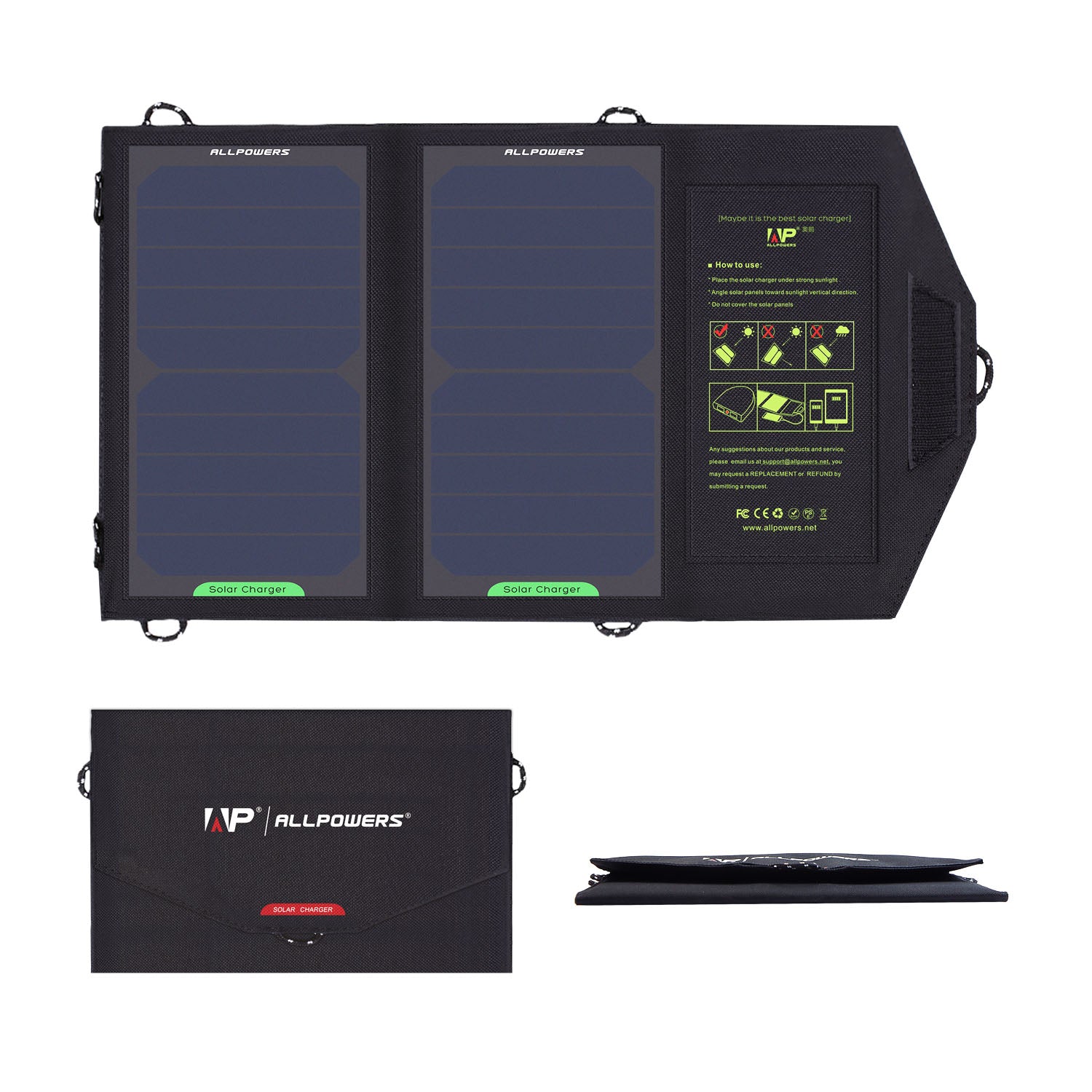
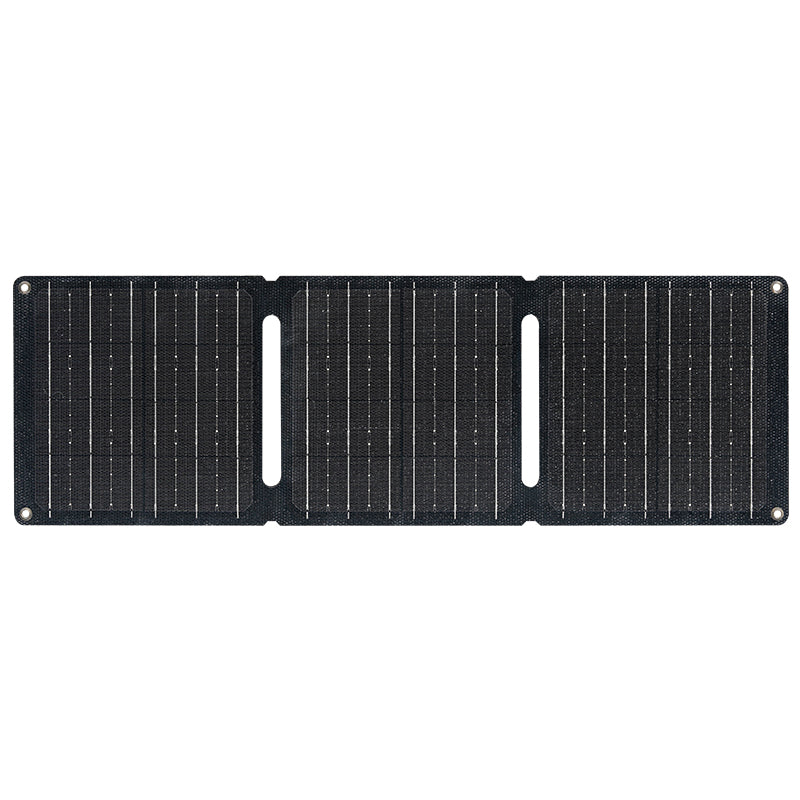
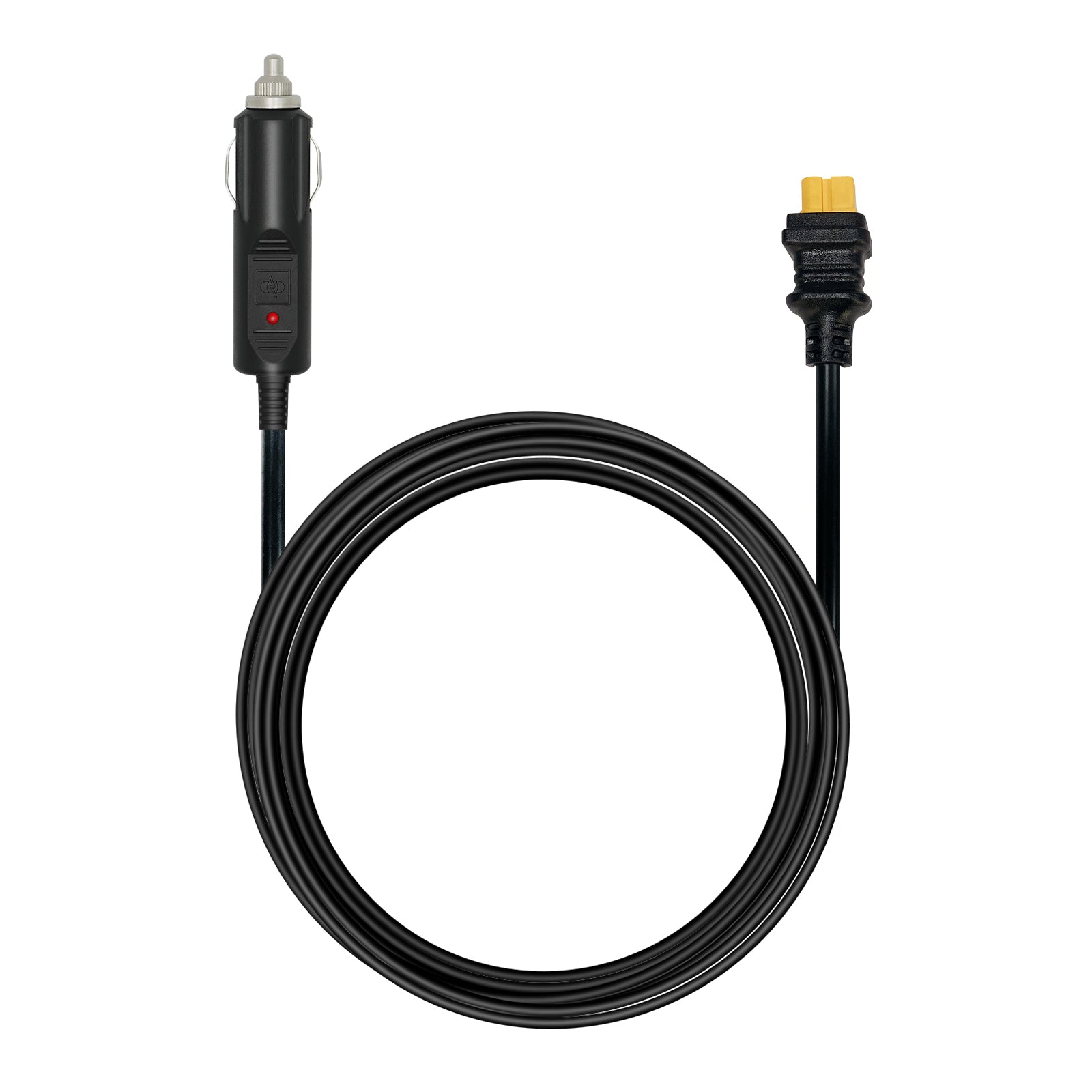
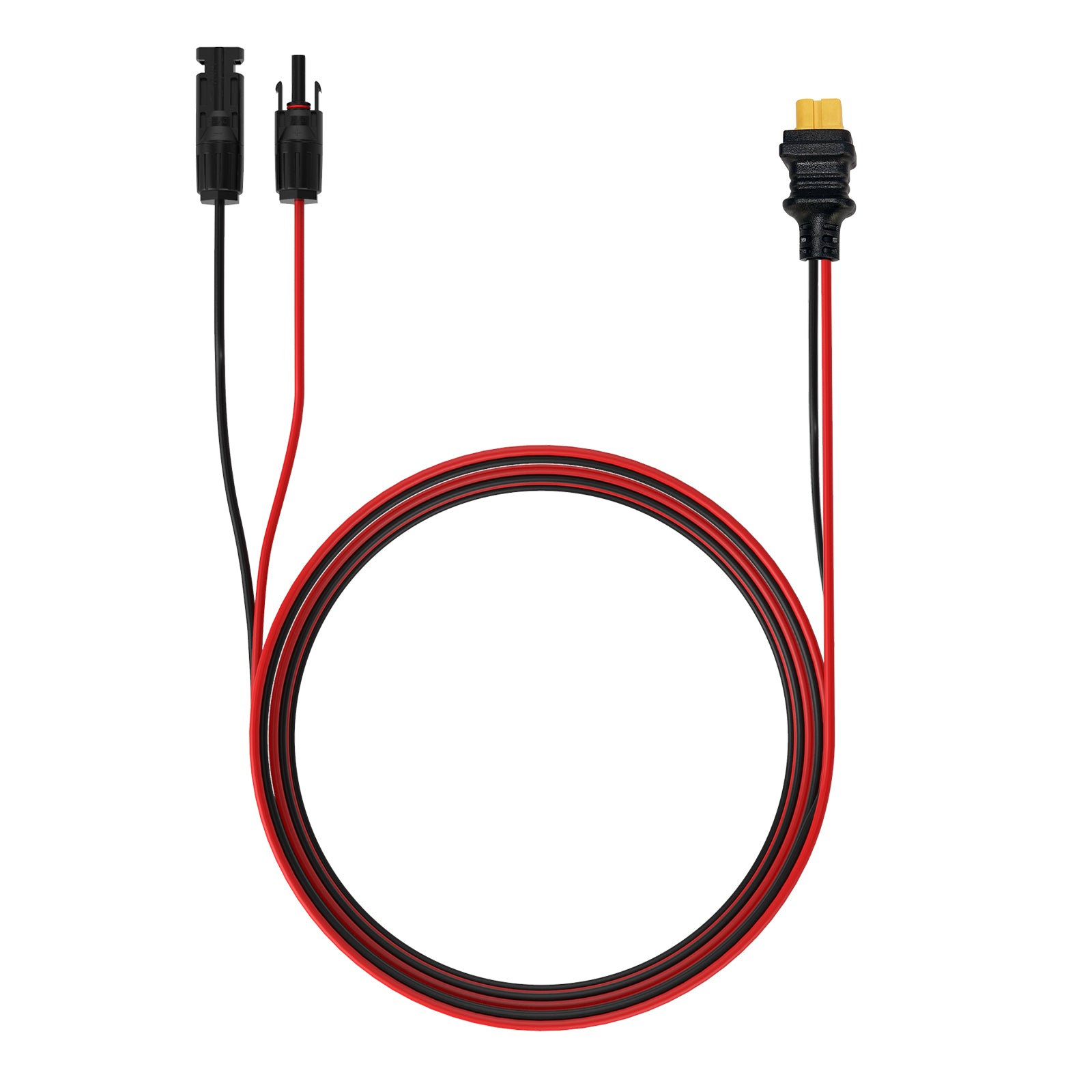
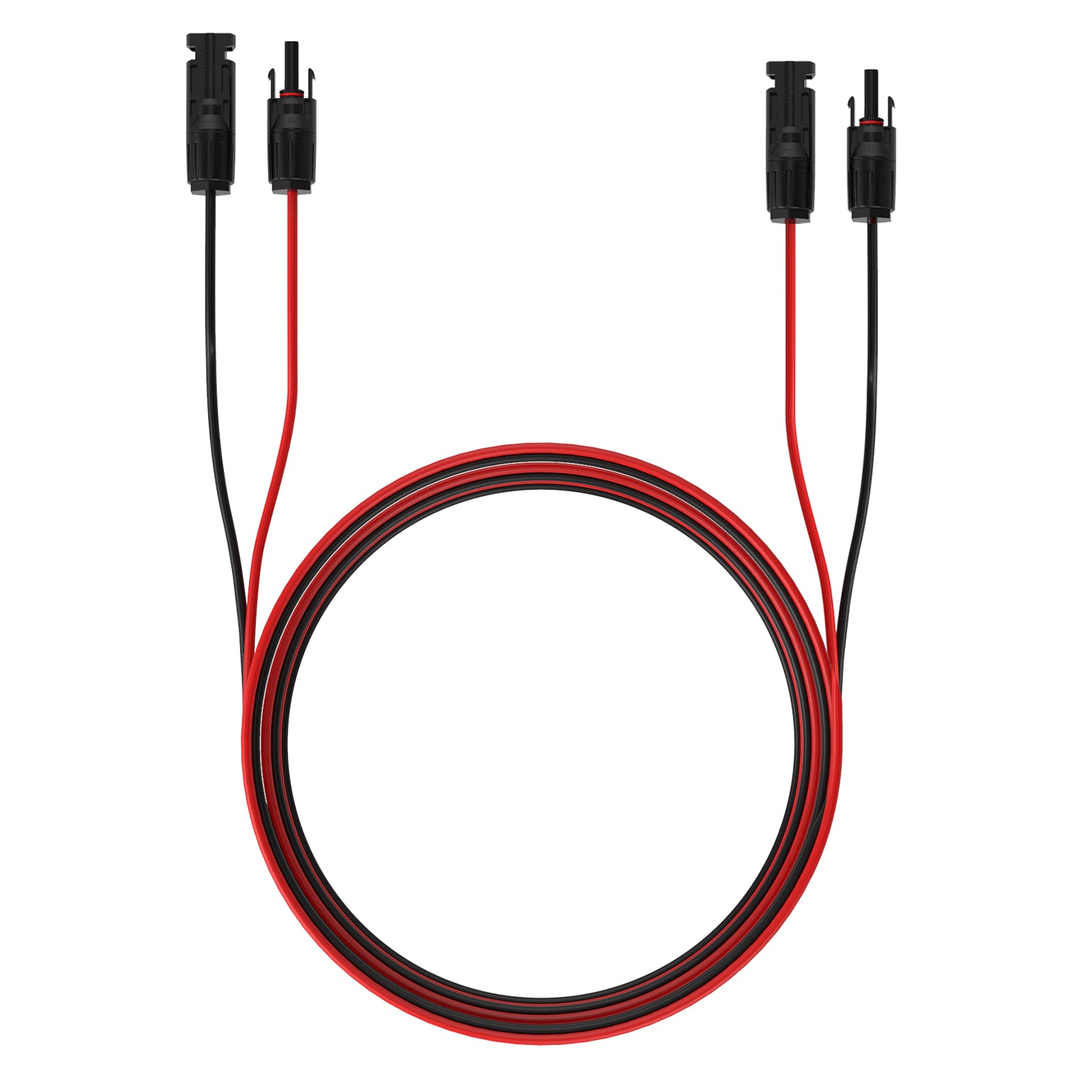
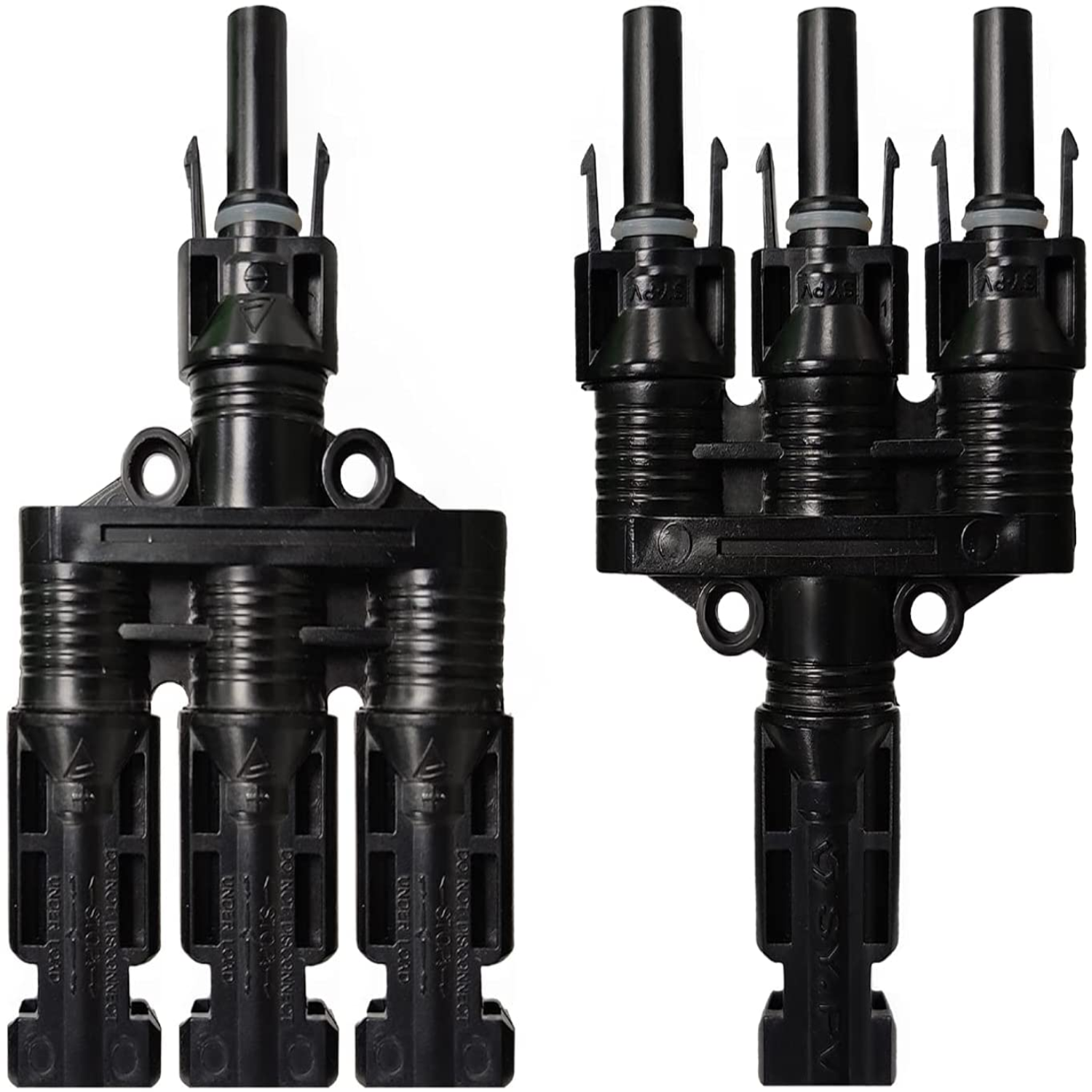
Harvest the sun for off-grid independence. Compatible with solar panels for greener charging. Outdoor makers and mobile studios: your power is the sun.
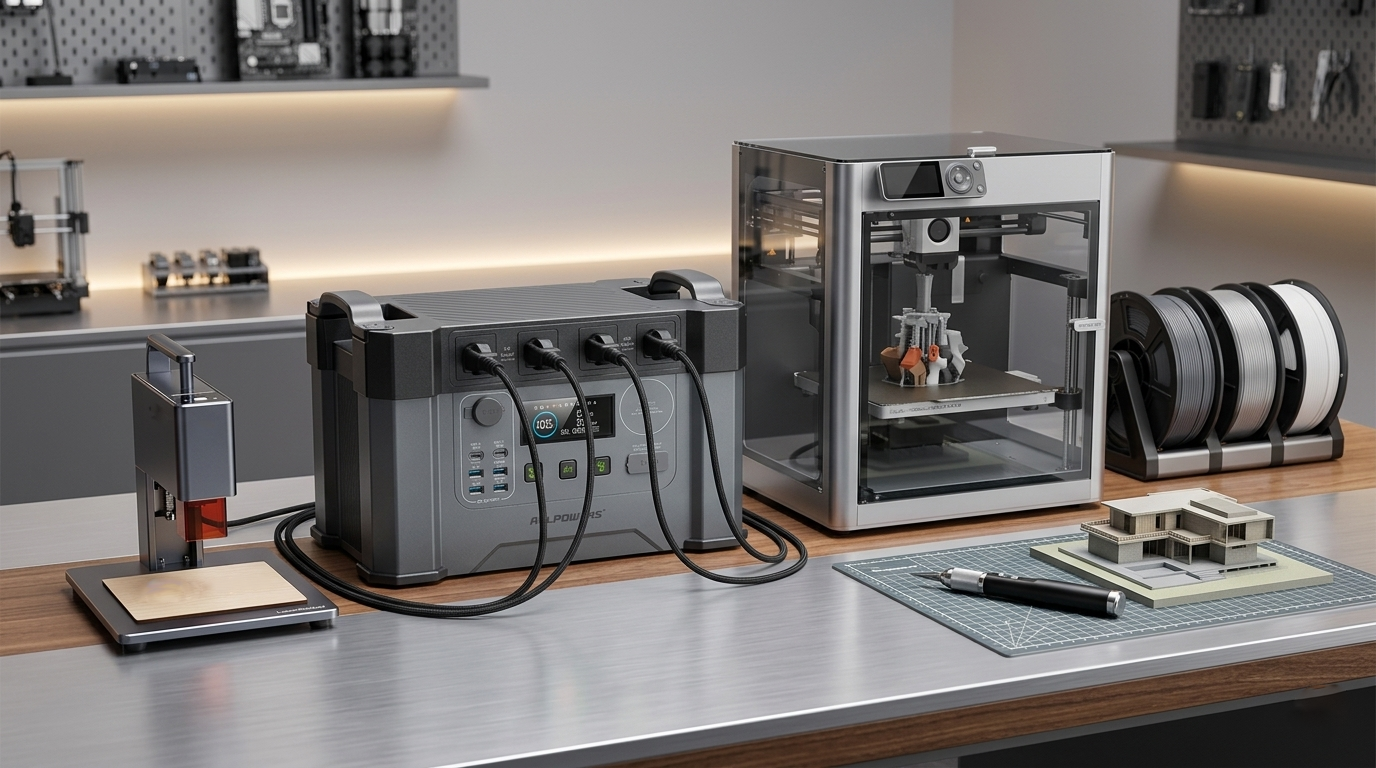
Ready to build without limits?
Frequently Asked Questions
What size power station do I need for a 3D printer?
For most desktop 3D printers in the U.S. maker market, the R1500 LITE (1056Wh / 1600W) is an ideal choice. It can power common printers like Bambu Lab, Creality, Prusa, or Elegoo during outages, garage workshops, or mobile events.
If you run multiple printers or enclosed heated-chamber models, the S2000 PRO or R2500 offers longer runtime and higher surge capacity.
Can a portable power station run a laser engraver?
Yes. Many desktop laser engravers such as xTool, Glowforge, Atomstack, and Ortur can run on a portable power station depending on wattage.
- R1500 LITE: good for light-duty diode lasers
- S2000 PRO: excellent for 20W–40W laser engravers
- R2500 / R4000: best for larger enclosed laser systems, air assist, fans, and accessories
Always check your machine’s startup wattage before use.
Which power station is best for a maker garage or home workshop?
For most U.S. DIY garages and maker studios, the R2500 (2016Wh / 2500W) hits the sweet spot. It can run tools, printers, lighting, soldering stations, laptops, and charging devices at the same time.
If you need whole-workshop backup or heavy equipment support, upgrade to the R4000 (3456Wh / 3600W).
How long can a power station run my devices?
Runtime depends on the wattage of your equipment. Examples:
- 100W soldering setup → ~9+ hours on R1500 LITE
- 250W 3D printer → ~3.6 hours on R1500 LITE
- 500W laser + accessories → ~2.5 hours on S2000 PRO
- Multi-device maker setup → longer with R2500 or R4000
For best accuracy, divide battery capacity (Wh) by device wattage.
Can I use a power station during a power outage to save a print job?
Absolutely. This is one of the biggest reasons makers buy backup power. A power station can keep your 3D printer, computer, Wi-Fi router, and lights running during outages-helping prevent failed prints and lost project time.
The R1500 LITE is great for single-printer backup, while R2500 and R4000 are better for multi-machine setups.
Which model is best for craft fairs, flea markets, and mobile selling?
If you sell custom products at craft fairs, farmers markets, Comic-Con booths, or pop-up events:
- R1500 LITE – compact and easy to carry
- S2000 PRO – best balance of mobility + output
- R2500 – ideal for running engraving machines onsite
- R4000 – for serious mobile business operations
Perfect for powering Cricut machines, printers, laser engravers, POS systems, lights, and fans.
Is a power station better than a gas generator for indoor maker use?
Yes,for most indoor maker environments. Portable power stations are:
- Quiet
- Fume-free
- Safe for indoor use
- Instant start
- Low maintenance
- Perfect for garages, basements, studios, and apartments
Unlike gas generators, they won’t disturb neighbors or fill your workspace with fumes.