





Camping is no longer limited to completely disconnecting from the digital world.
Many outdoor enthusiasts now bring laptops for remote work, photo editing, trip planning, or entertainment.
While modern laptops are more energy-efficient than ever, they still require a reliable source of electricity.
Without access to traditional outlets, how can you reliably power a laptop while camping?
TL;DR: The most reliable ways to power a laptop while camping include using a high-capacity battery system, charging through a vehicle, using solar charging during longer trips, or combining multiple energy sources. The most important factors are battery capacity, charging efficiency, and usage habits.
How Much Power Does a Laptop Use?
Most everyday laptops consume between 30W and 70W during normal use. High-performance laptops may require over 100W, especially when running demanding software or charging a large internal battery.
Lightweight Everyday Laptops
Ultrabooks and productivity laptops generally consume less energy because they use efficient processors and integrated graphics. These models are often well suited for camping, remote work, and travel.
Gaming and Professional Workstations
High-performance laptops designed for gaming, video editing, or engineering software typically require much more electricity. Dedicated graphics cards, brighter displays, and powerful processors all contribute to increased energy consumption.
| Laptop Type | Average Power Usage | Typical Camping Usage |
|---|---|---|
| Ultrabook Laptop | 30–50W | Writing, browsing, communication |
| Standard Laptop | 50–70W | Remote work, streaming, productivity |
| Gaming Laptop | 100–200W+ | Gaming and intensive workloads |
| Professional Workstation | 80–150W | Editing and creative applications |
What Are the Best Ways to Power a Laptop While Camping?
There are several ways to keep a laptop charged outdoors.
Charging From a Vehicle
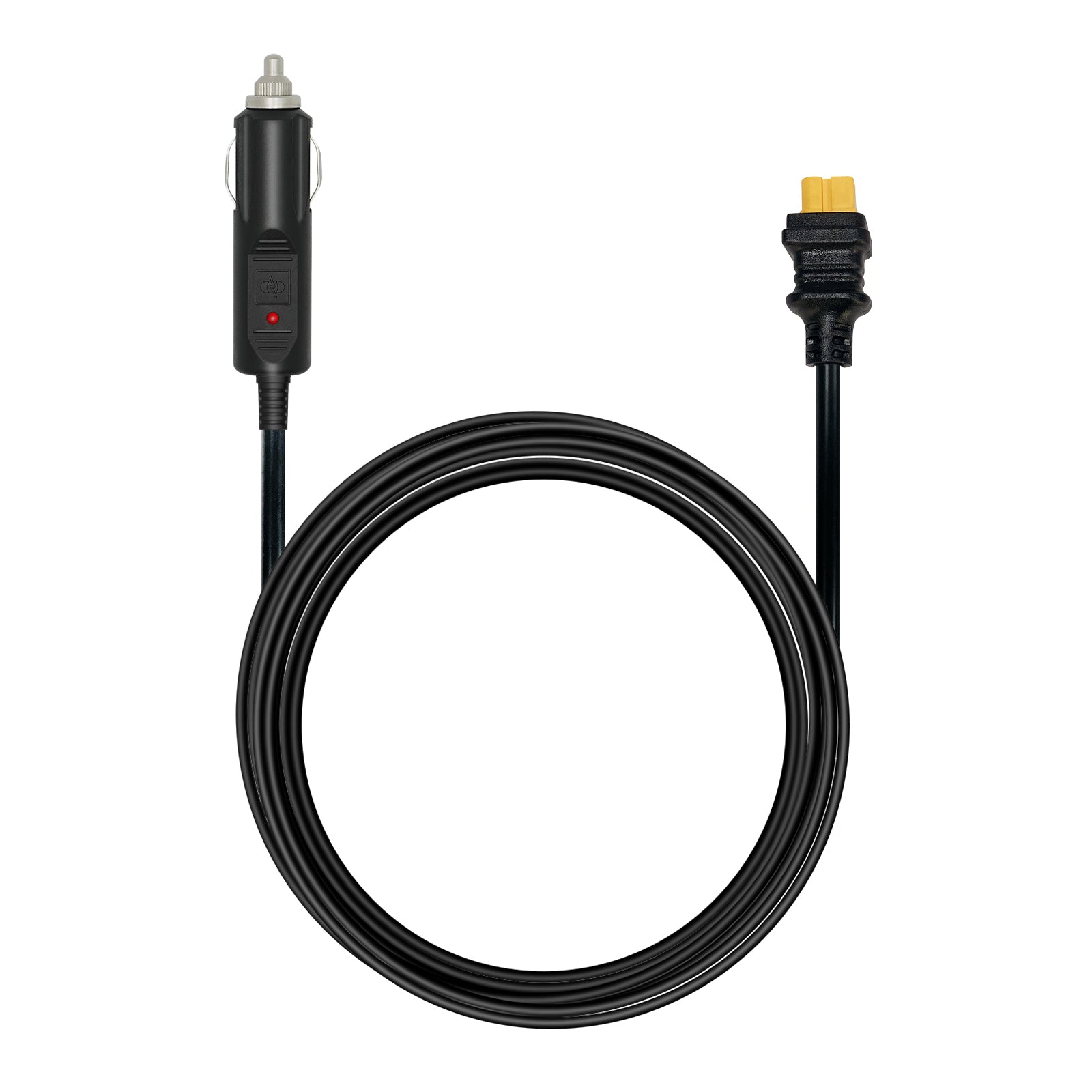
A vehicle can provide convenient access to electricity during road trips. Many campers use 12V car chargers or inverters to recharge laptops while traveling between locations.
However, relying only on a vehicle battery requires caution. Running electronics for extended periods without the engine operating can drain the starter battery and create unexpected problems.
Using Battery Storage Systems
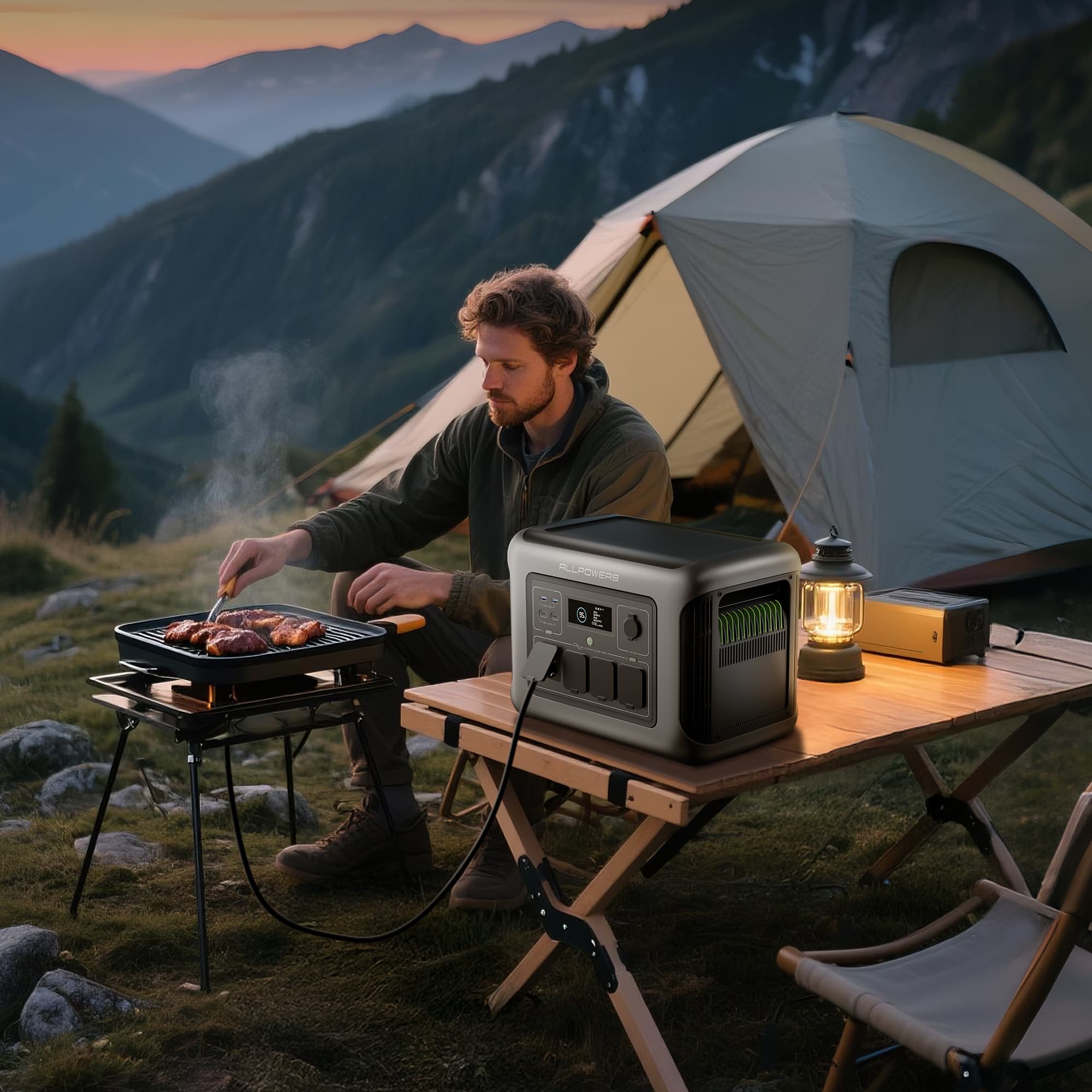
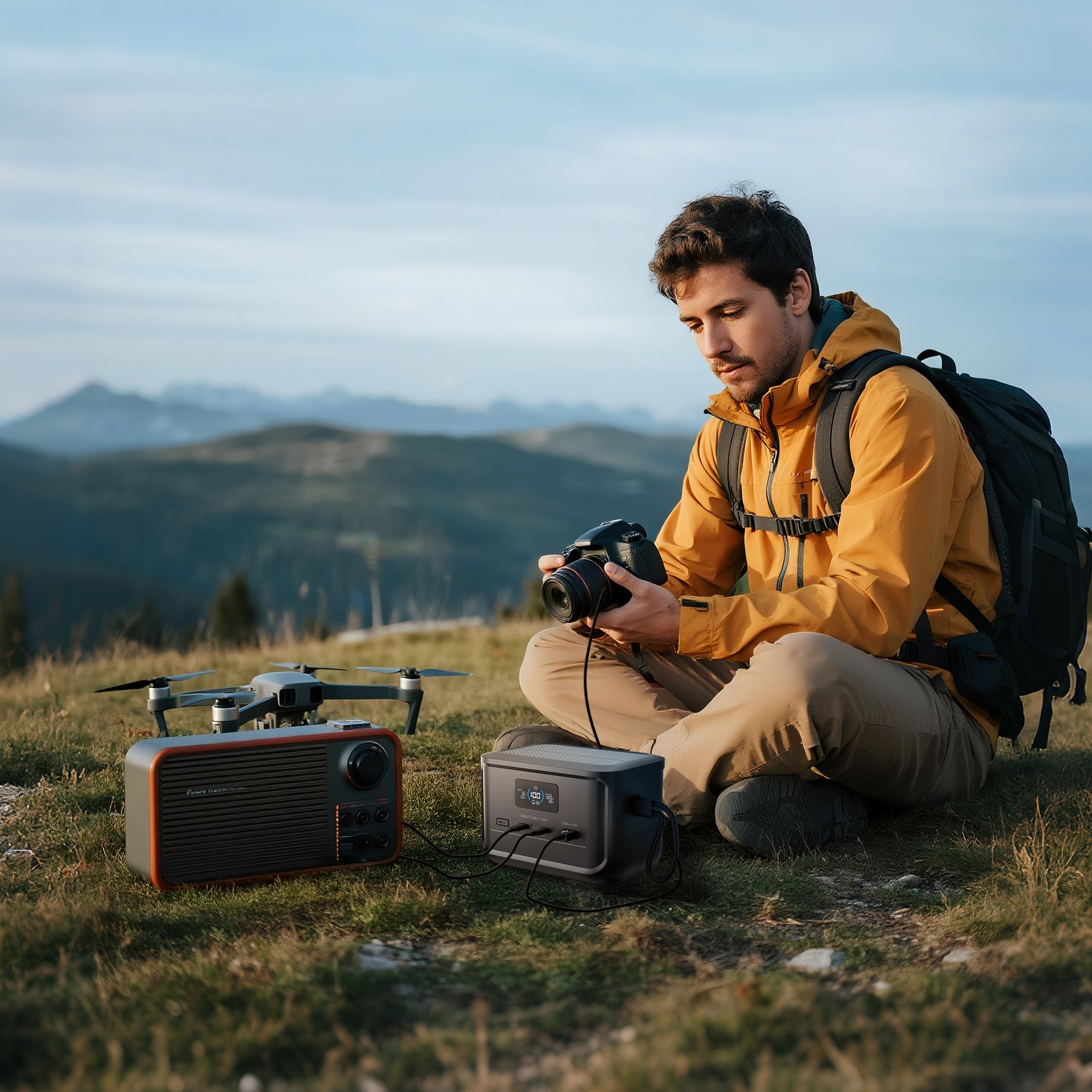
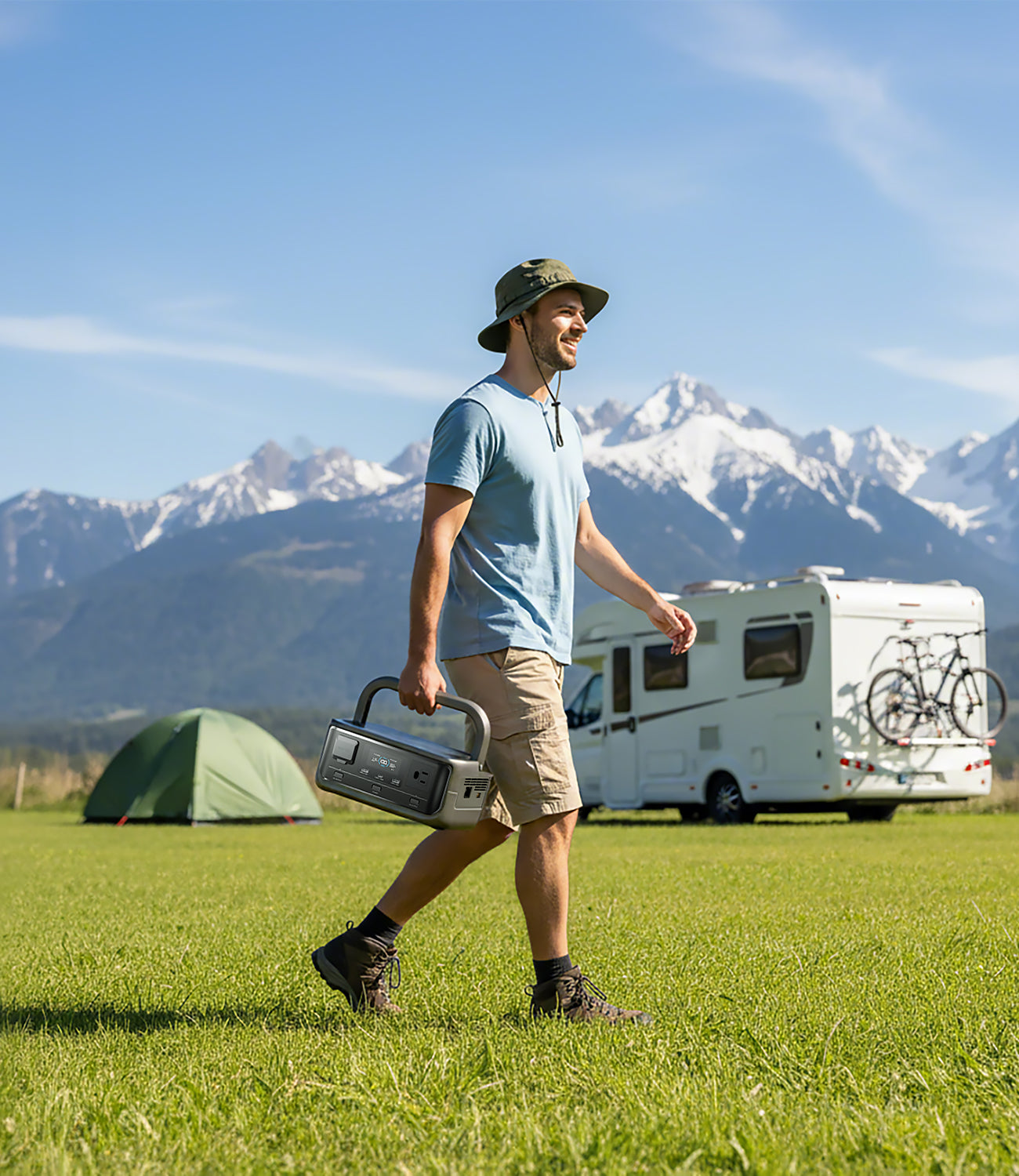
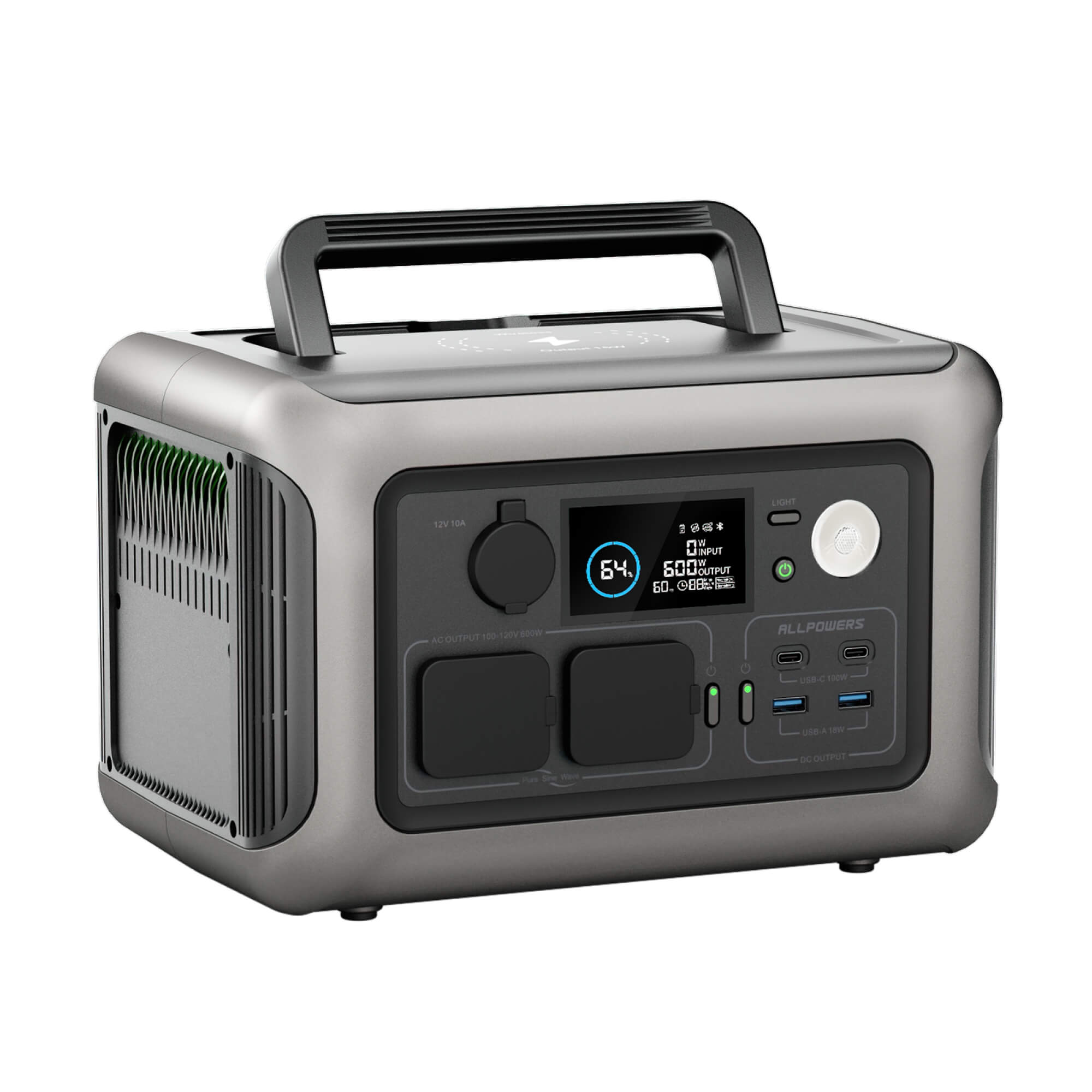
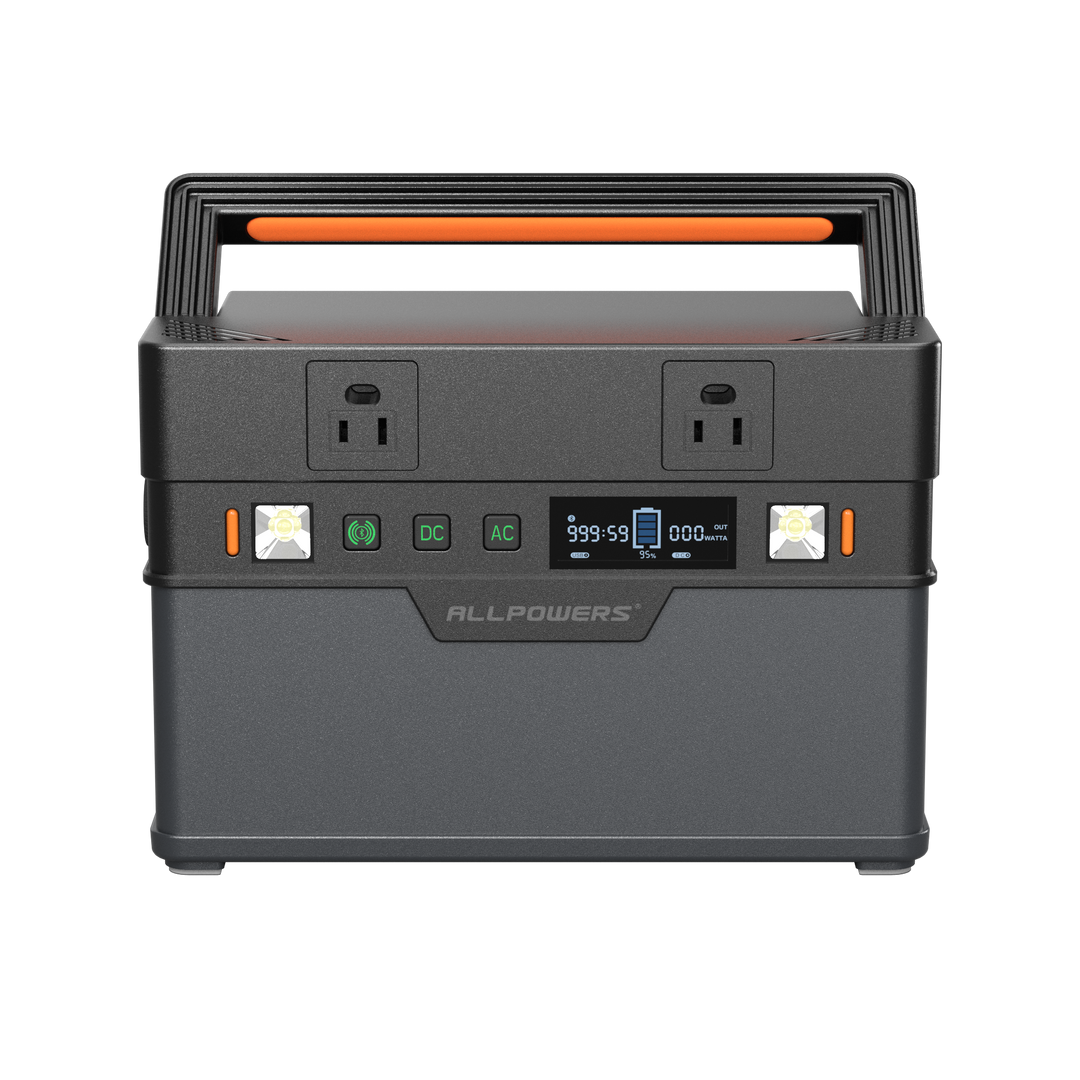
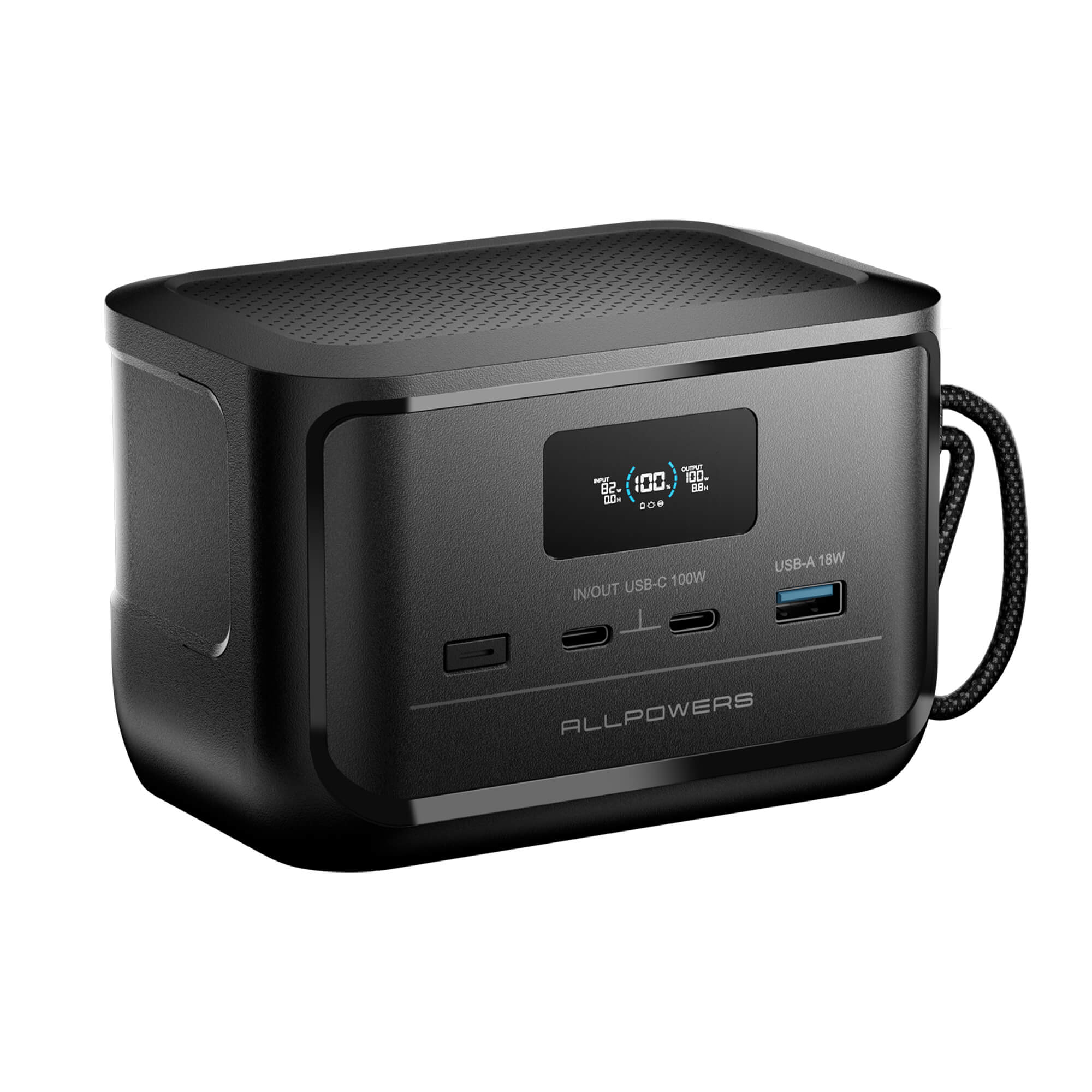
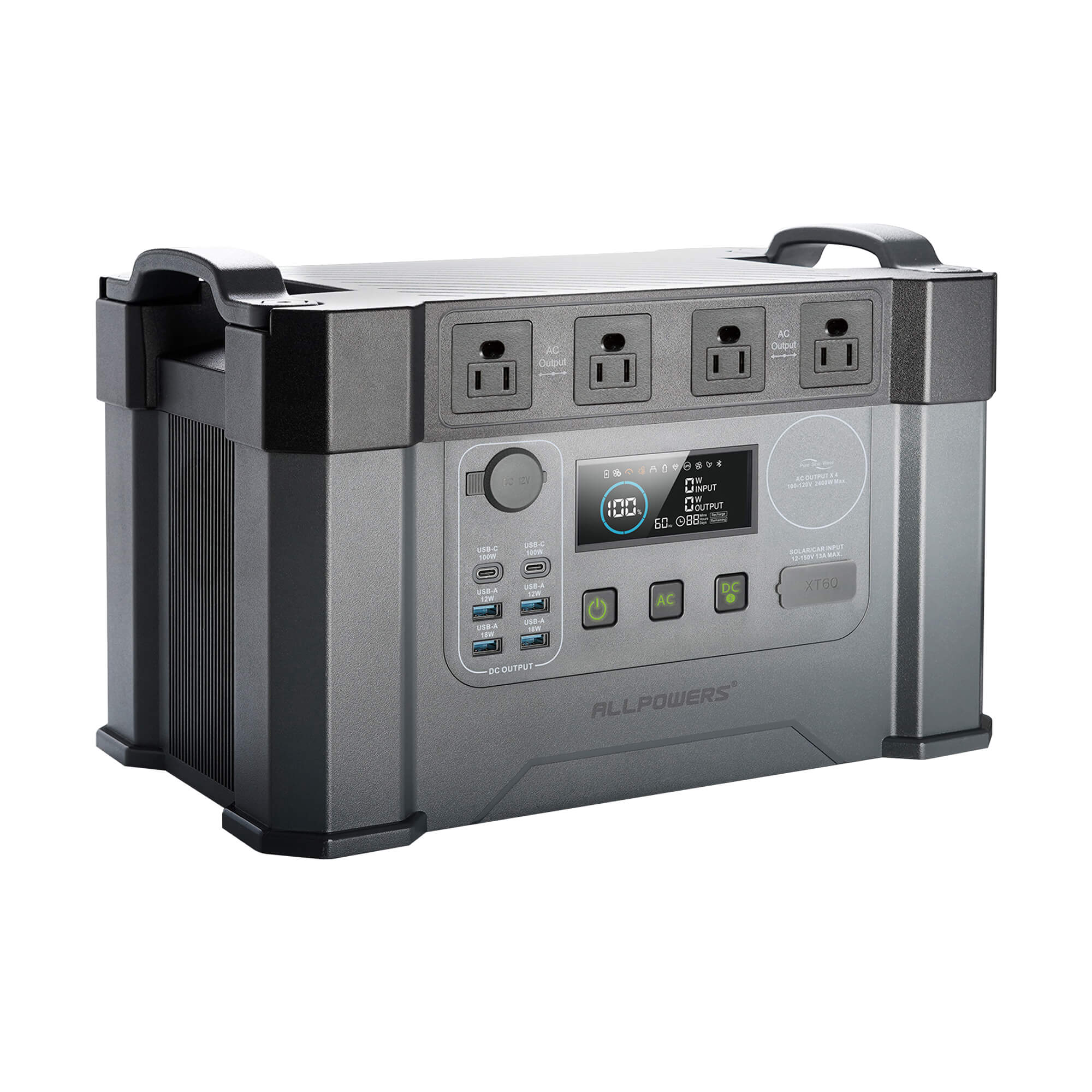
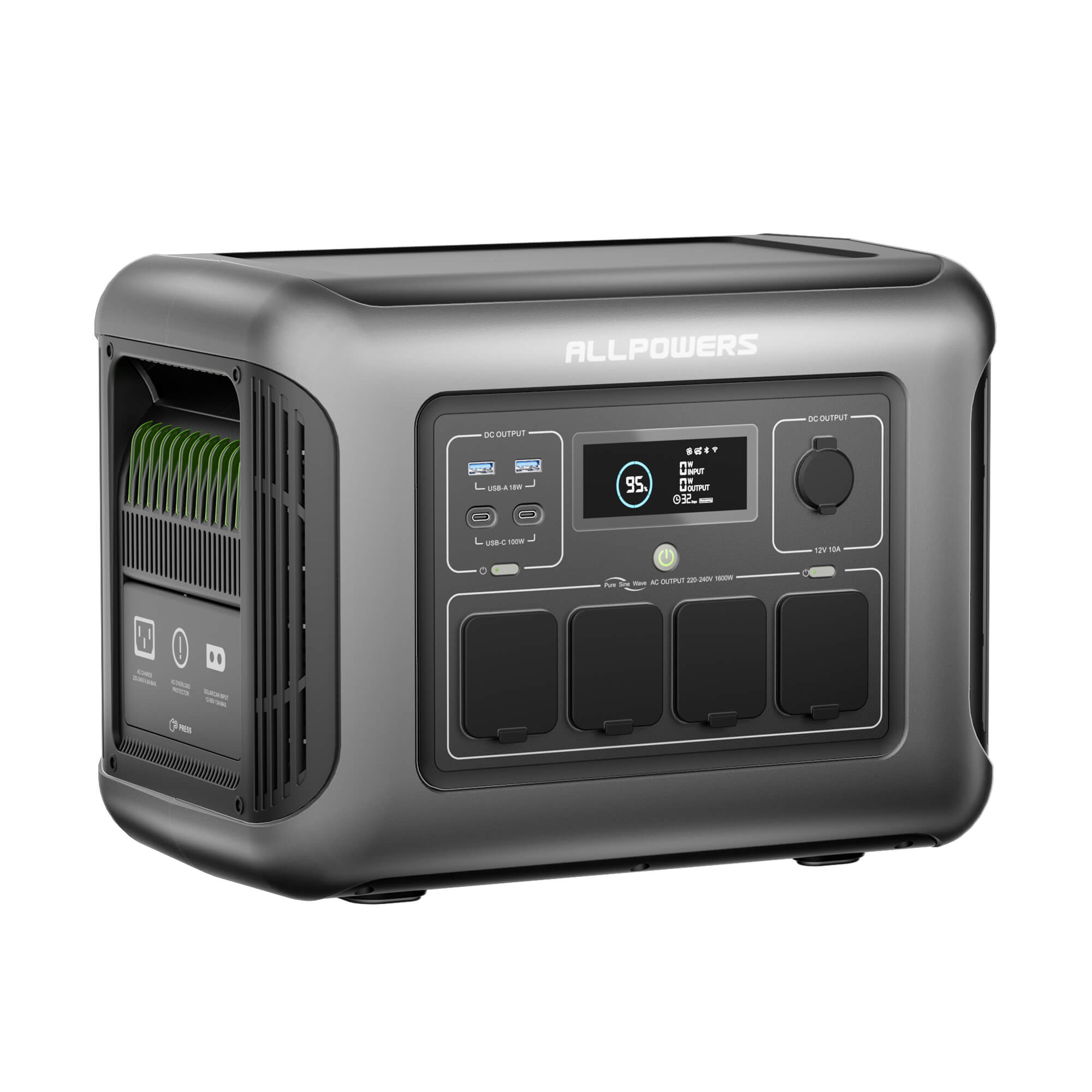
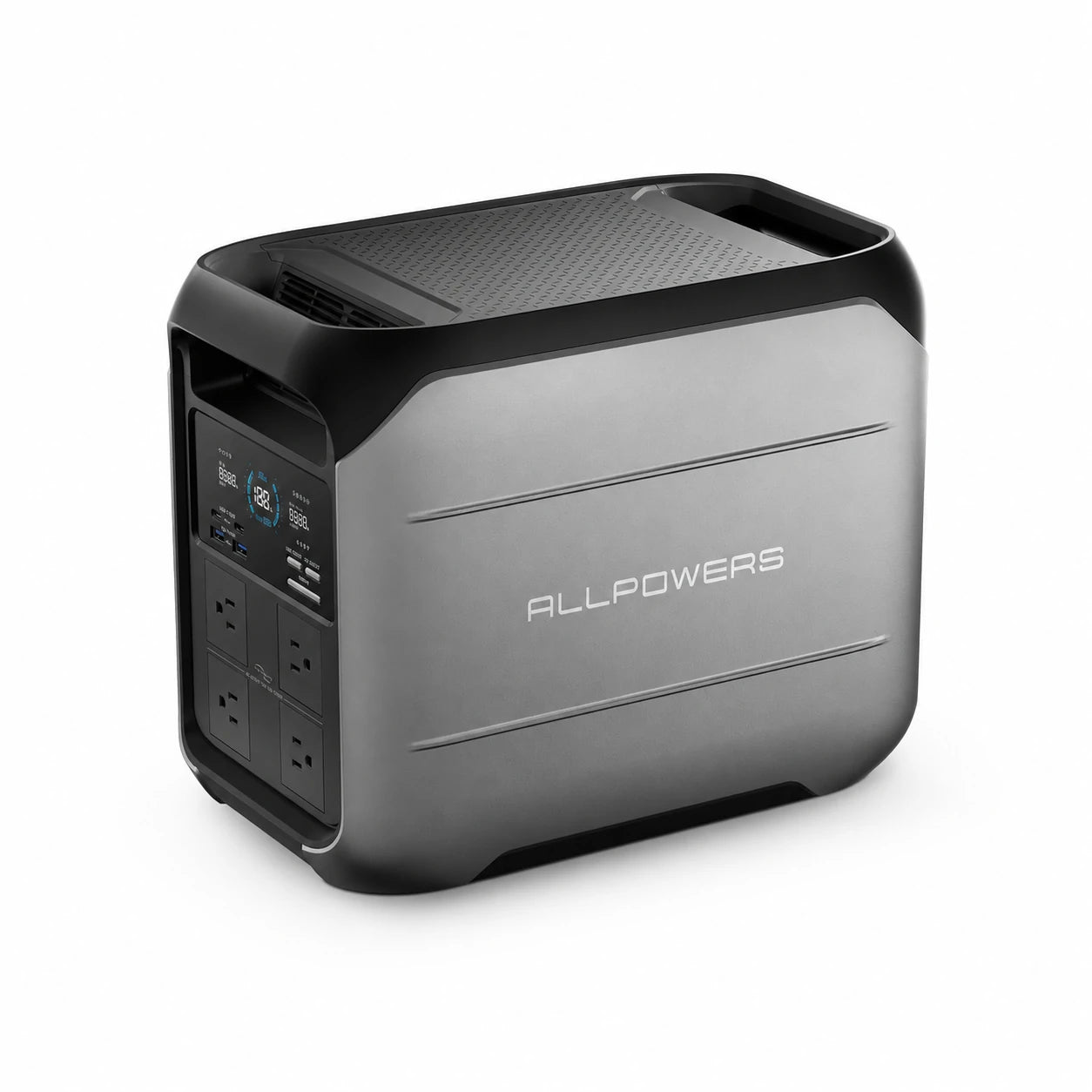
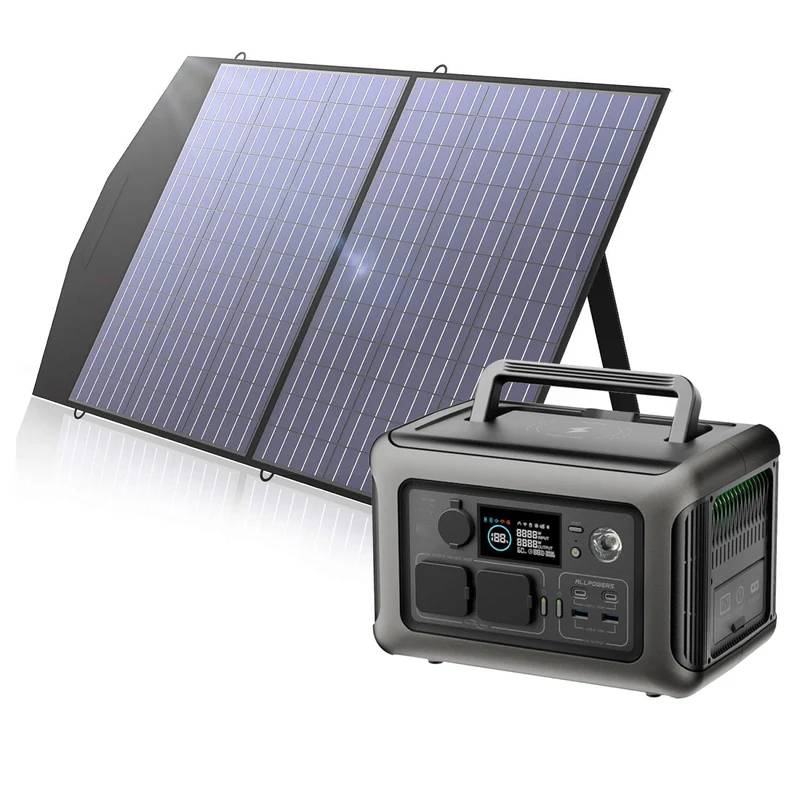
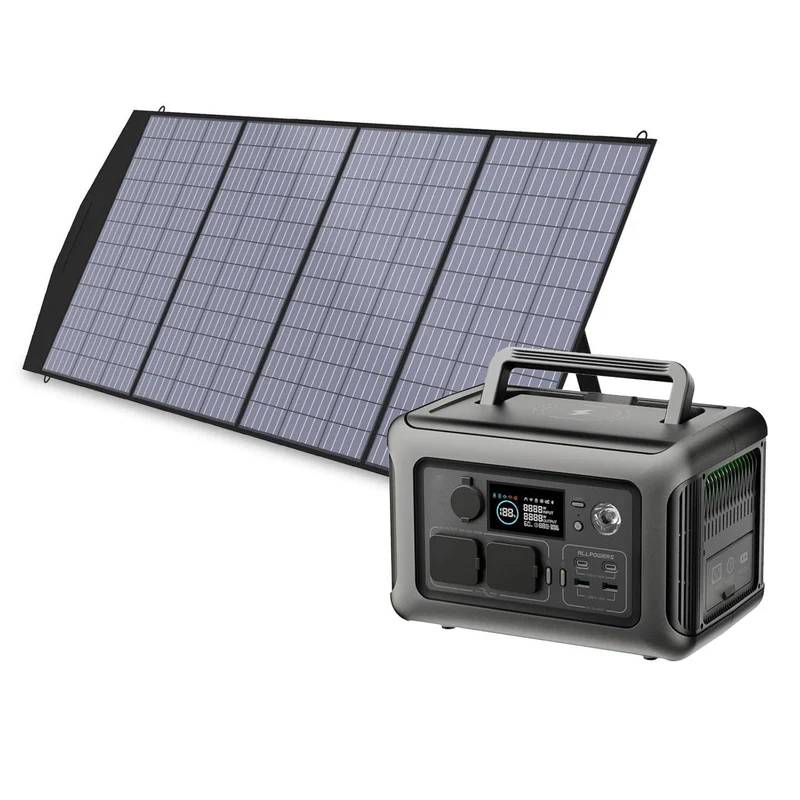
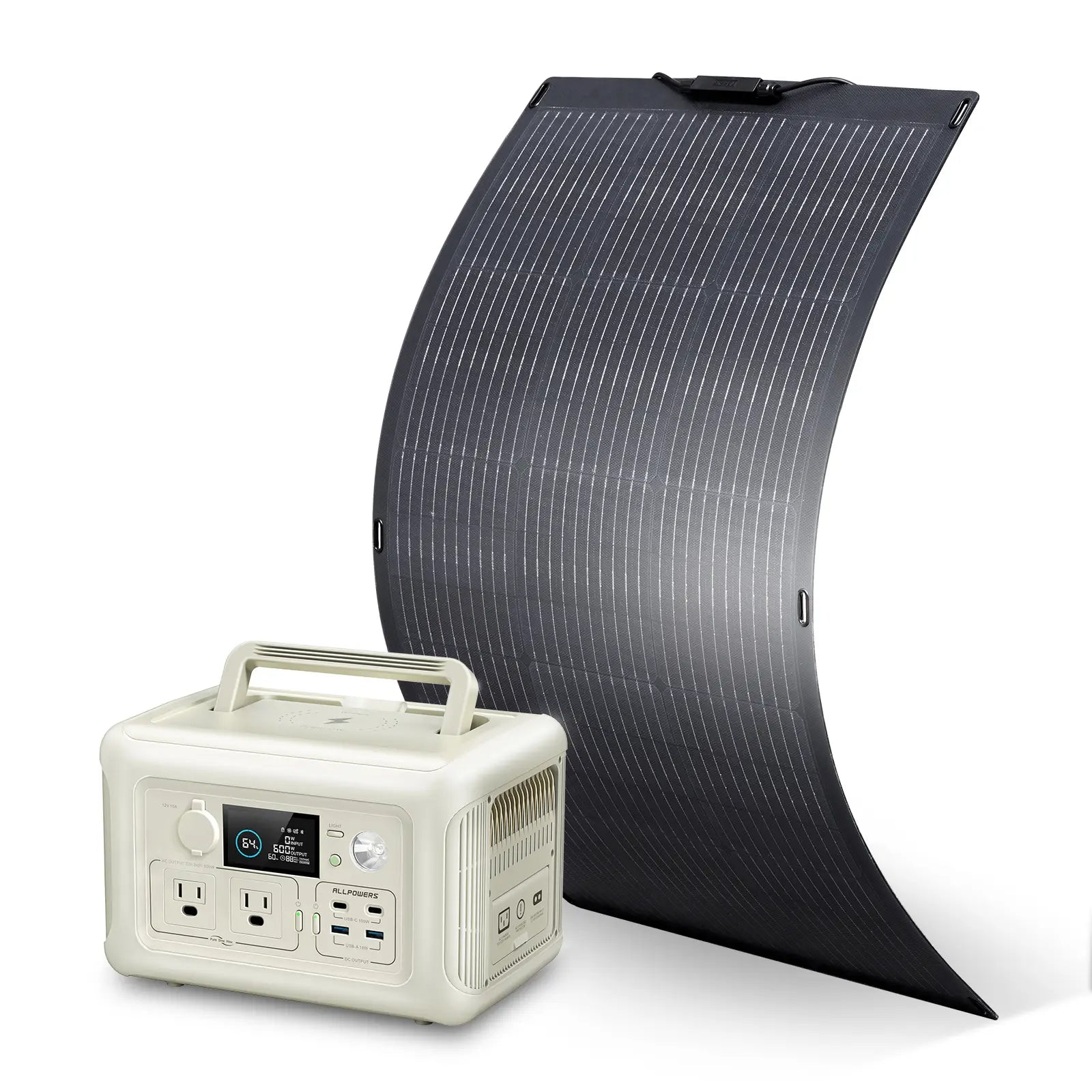
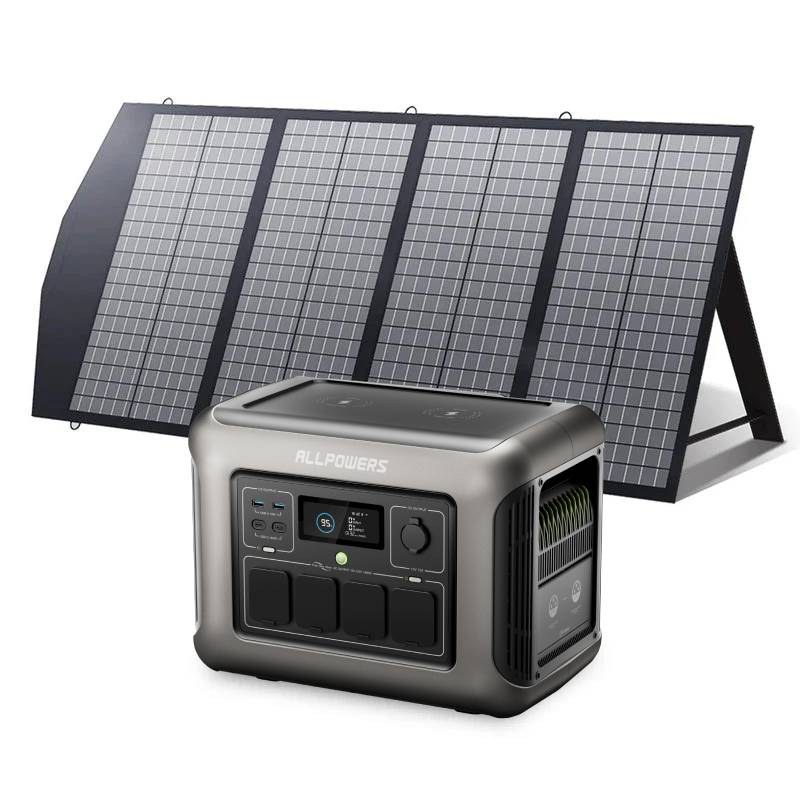
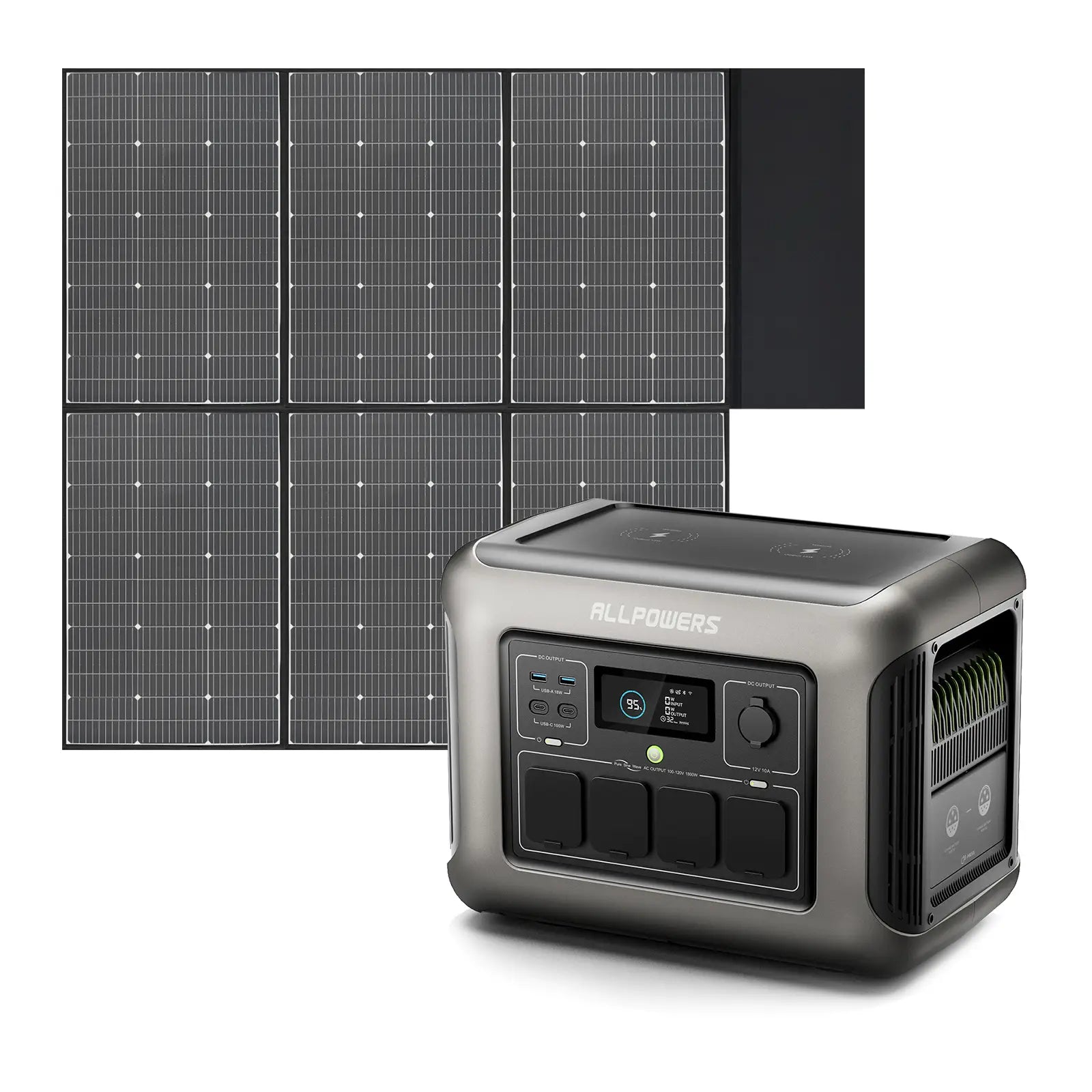
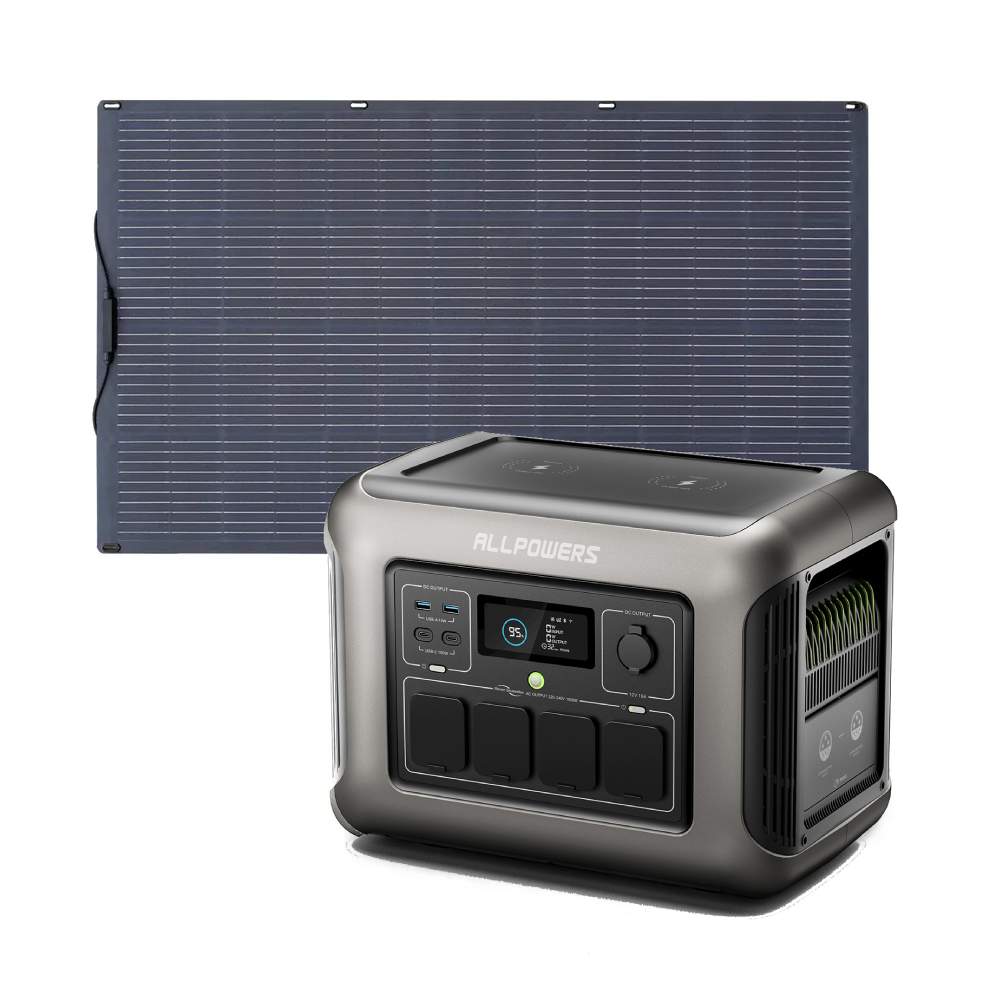
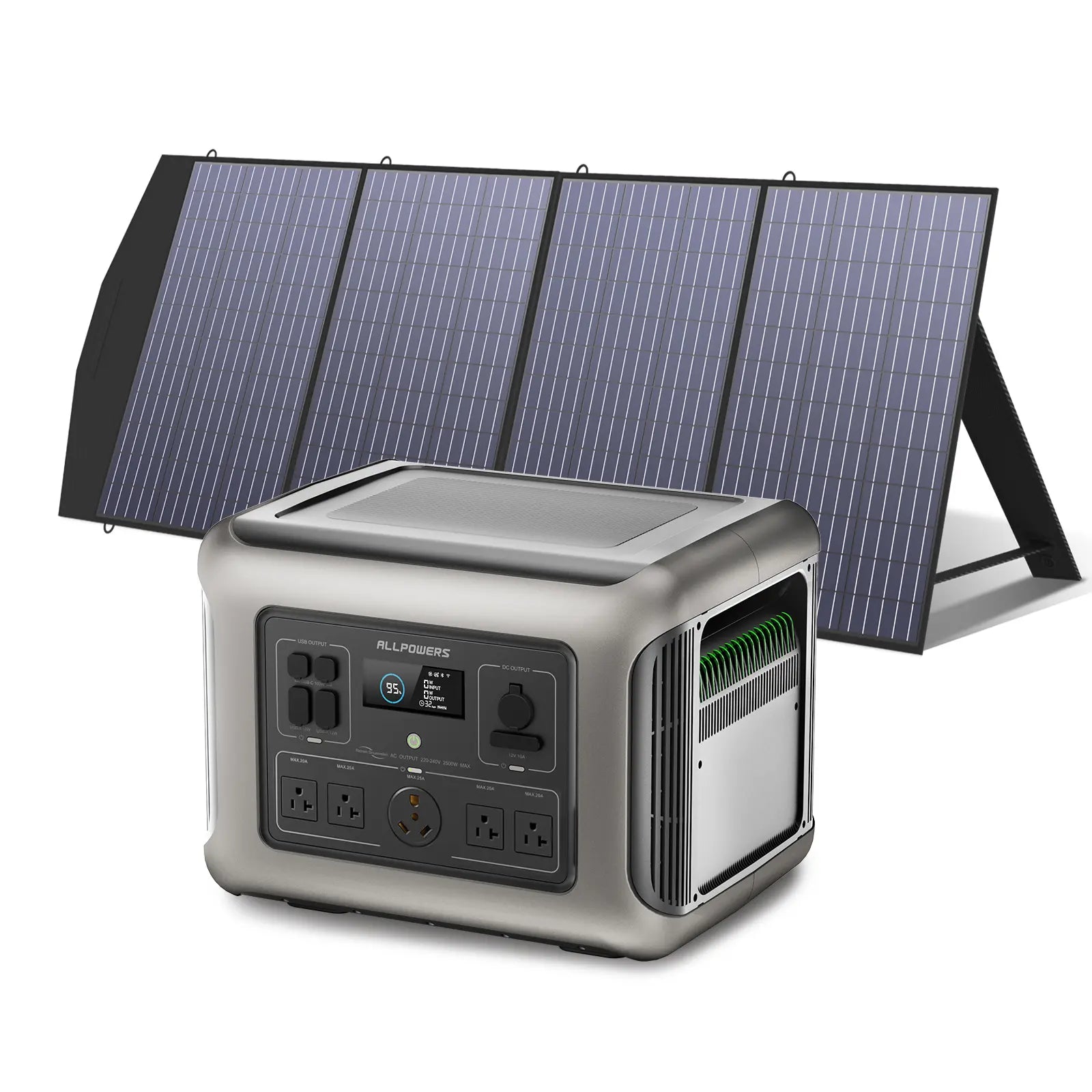
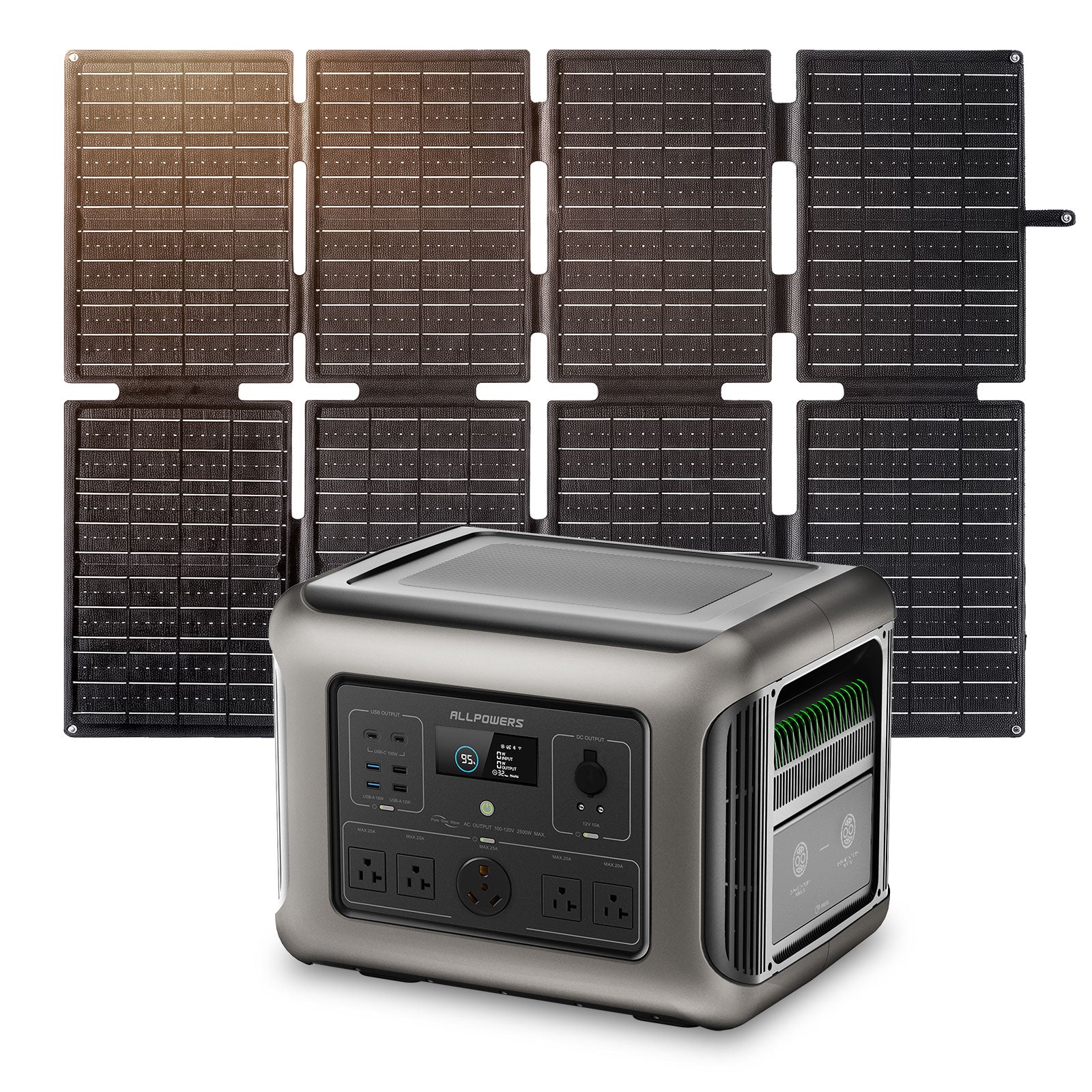
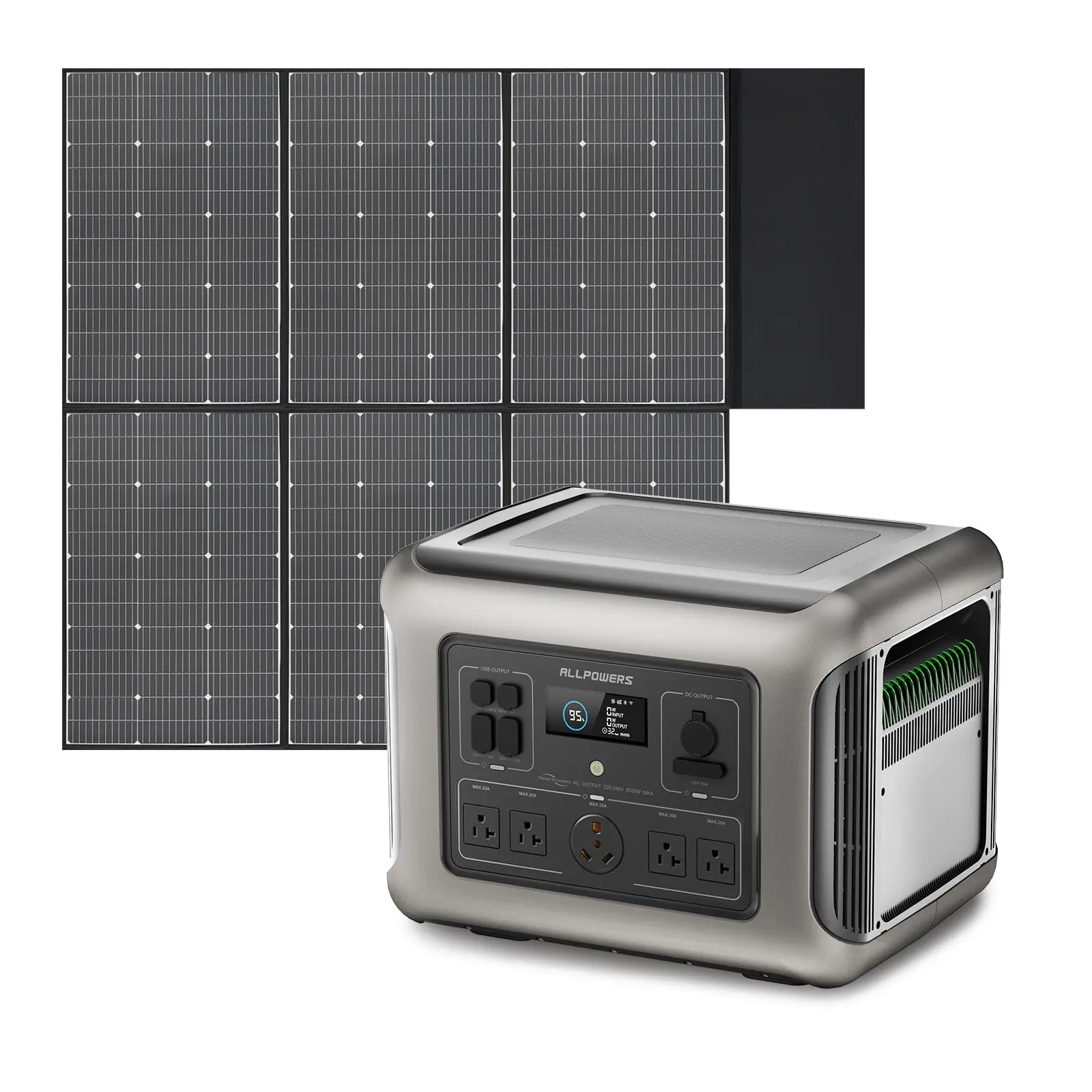
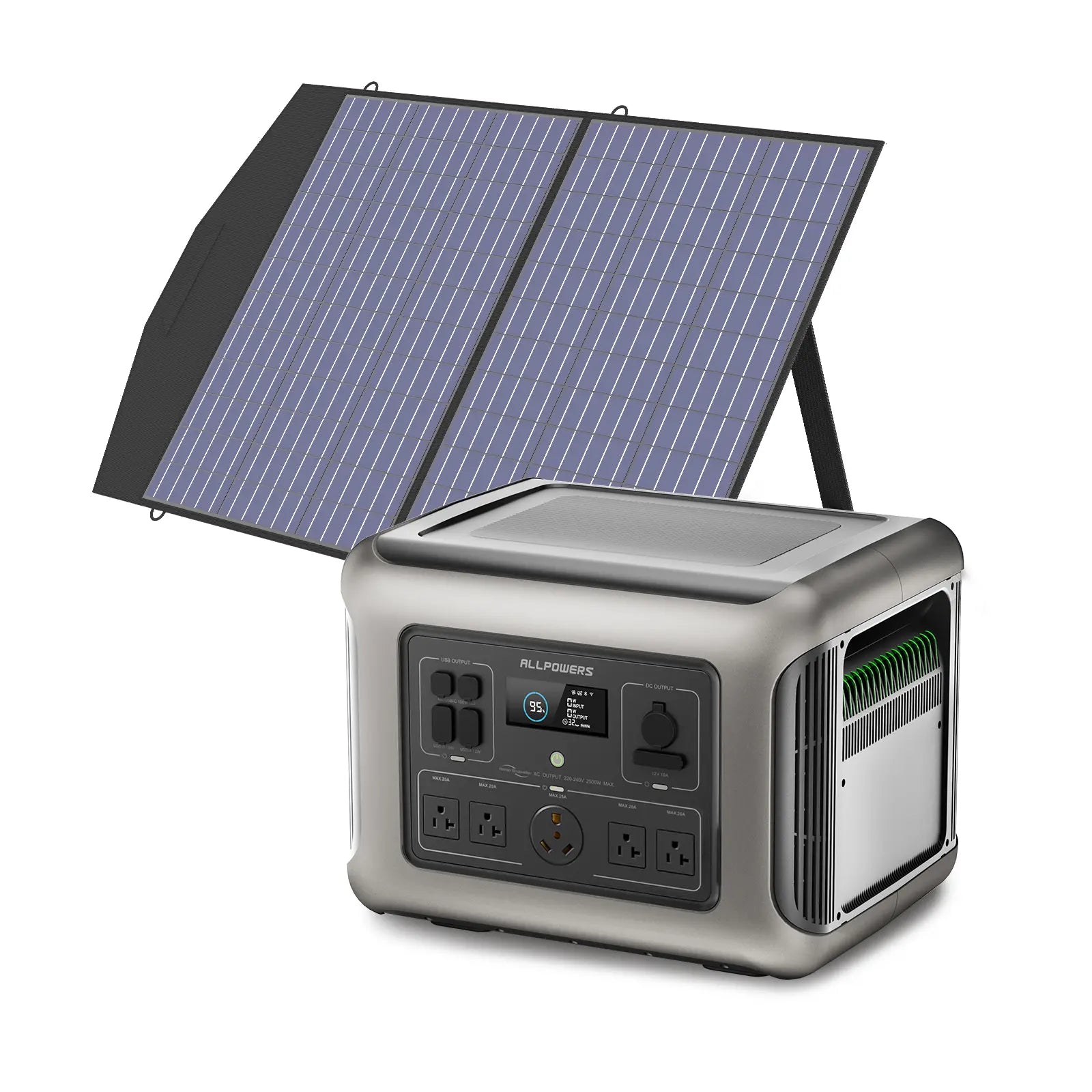
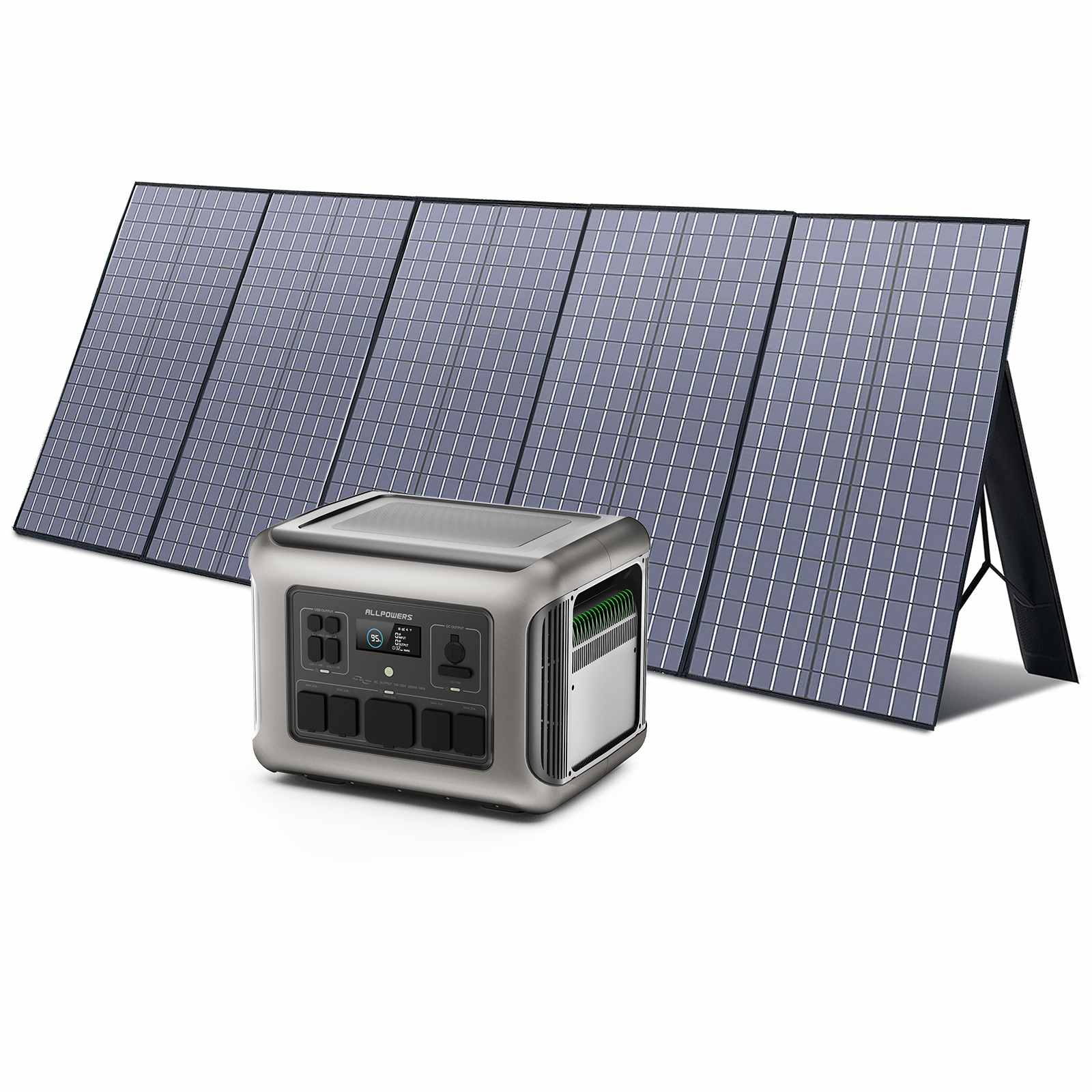
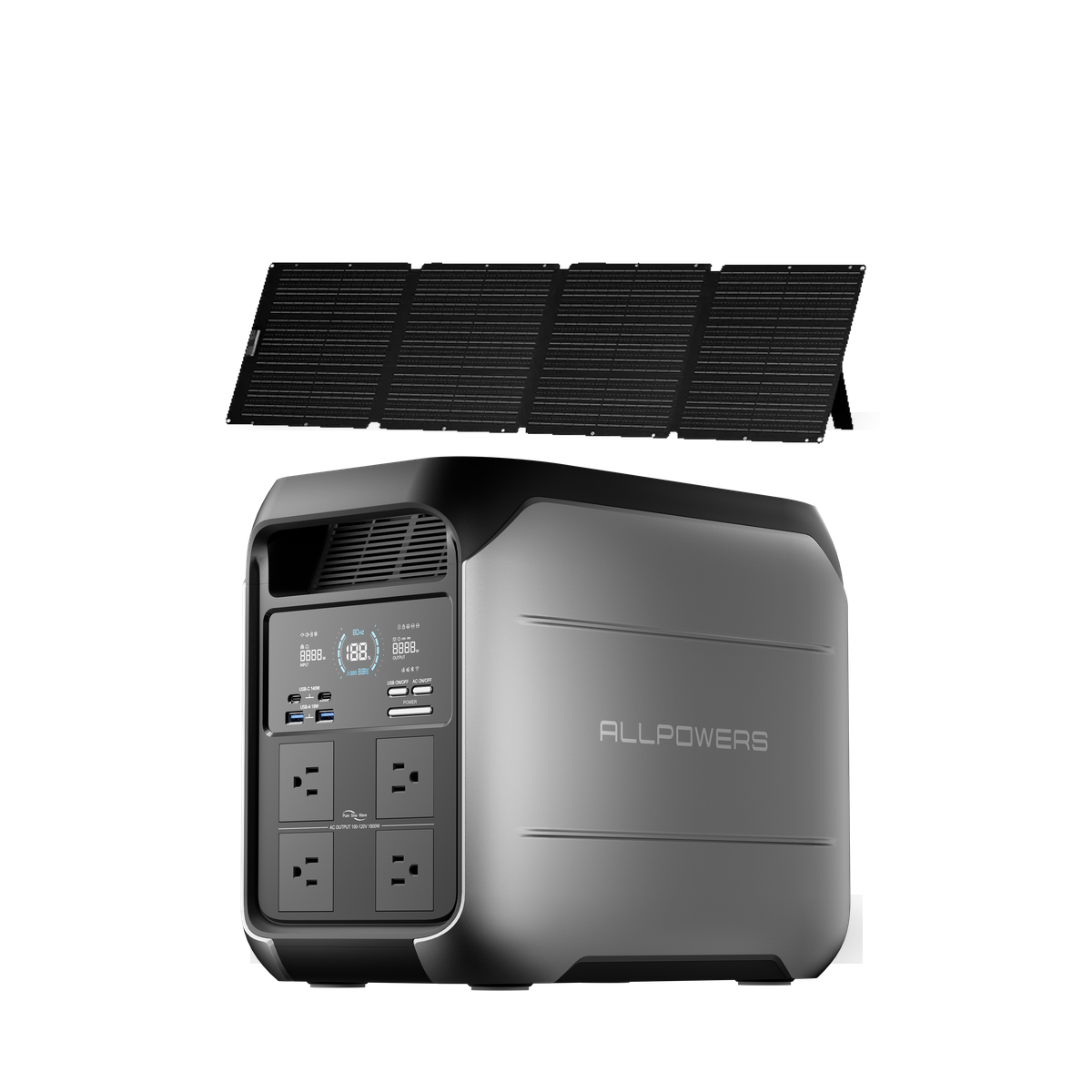
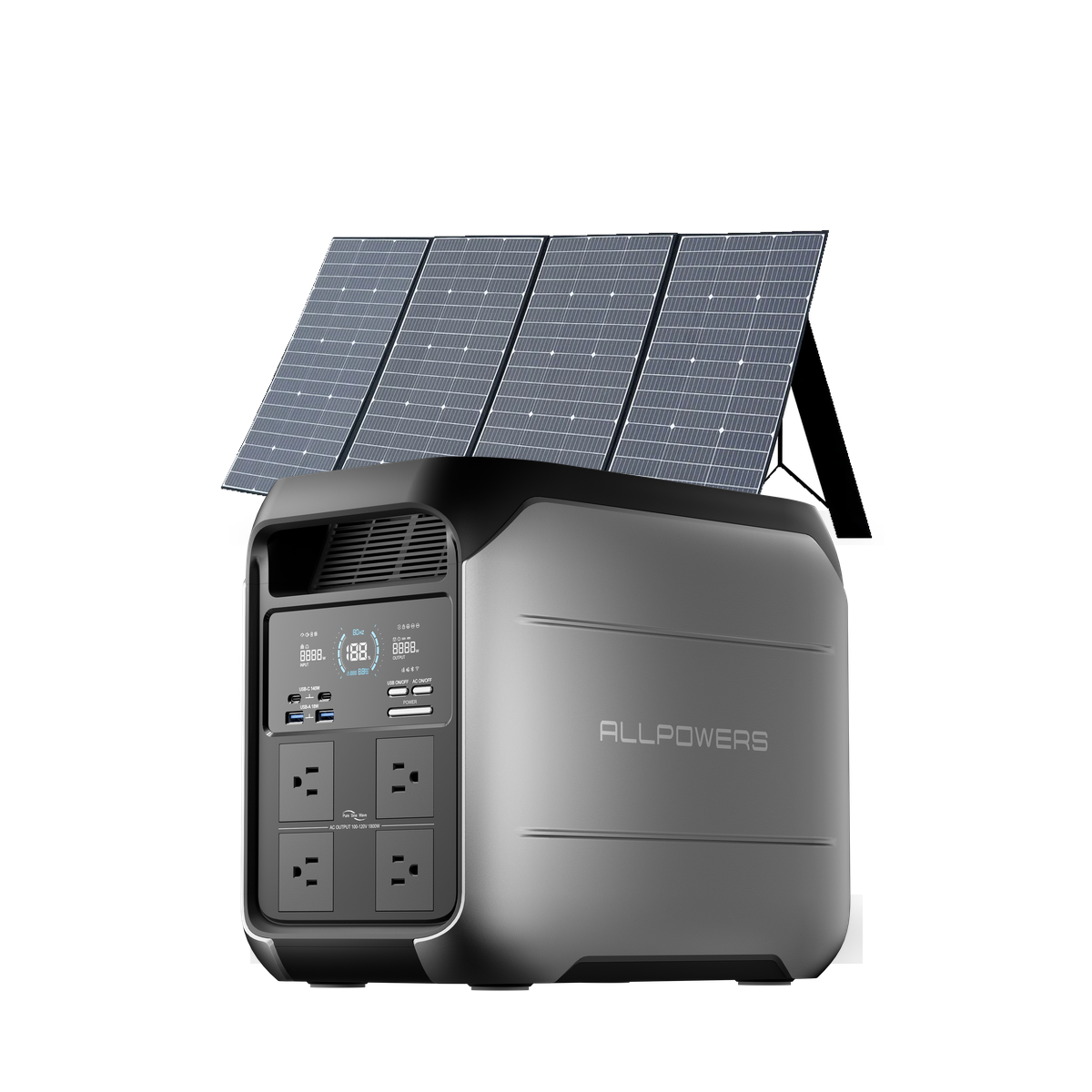
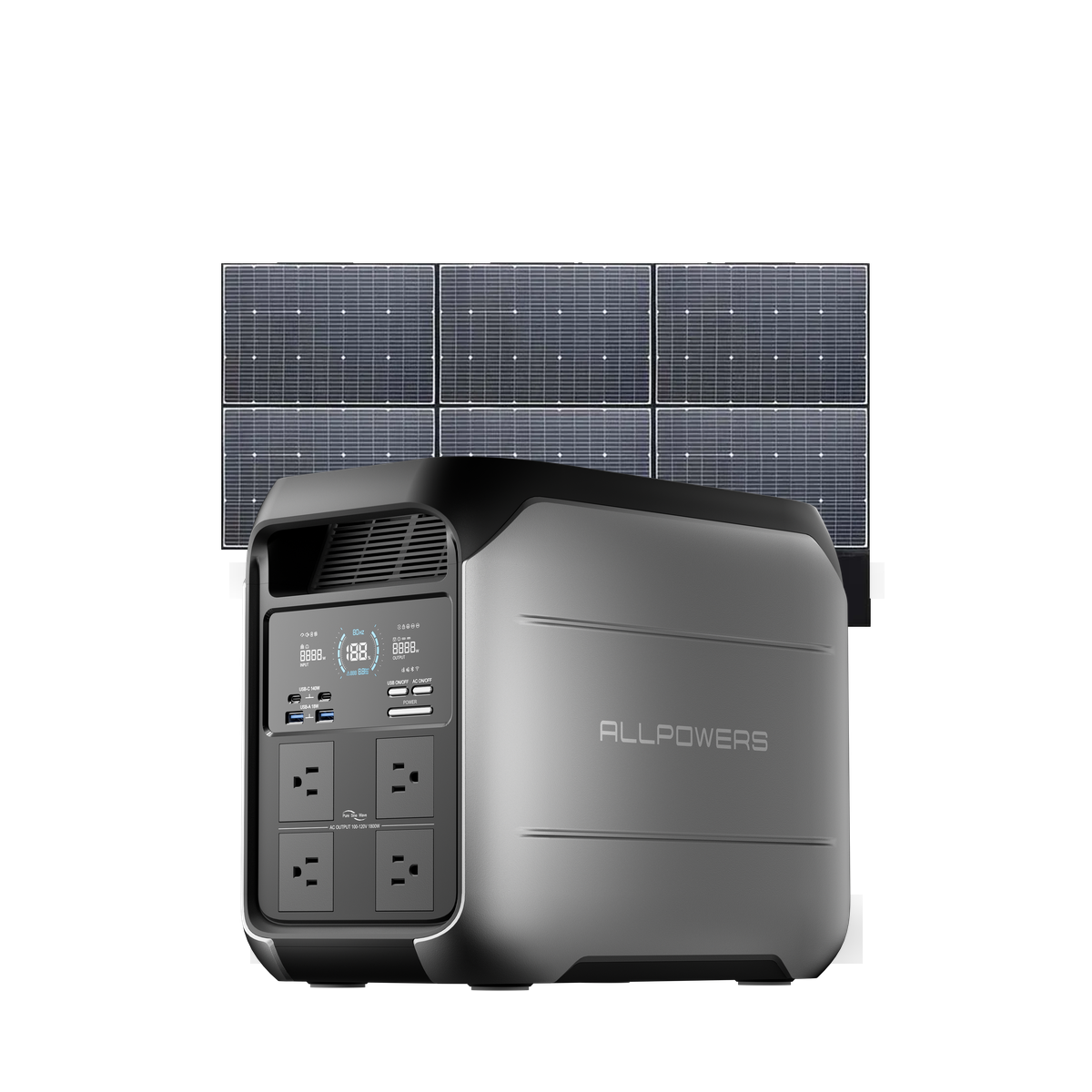
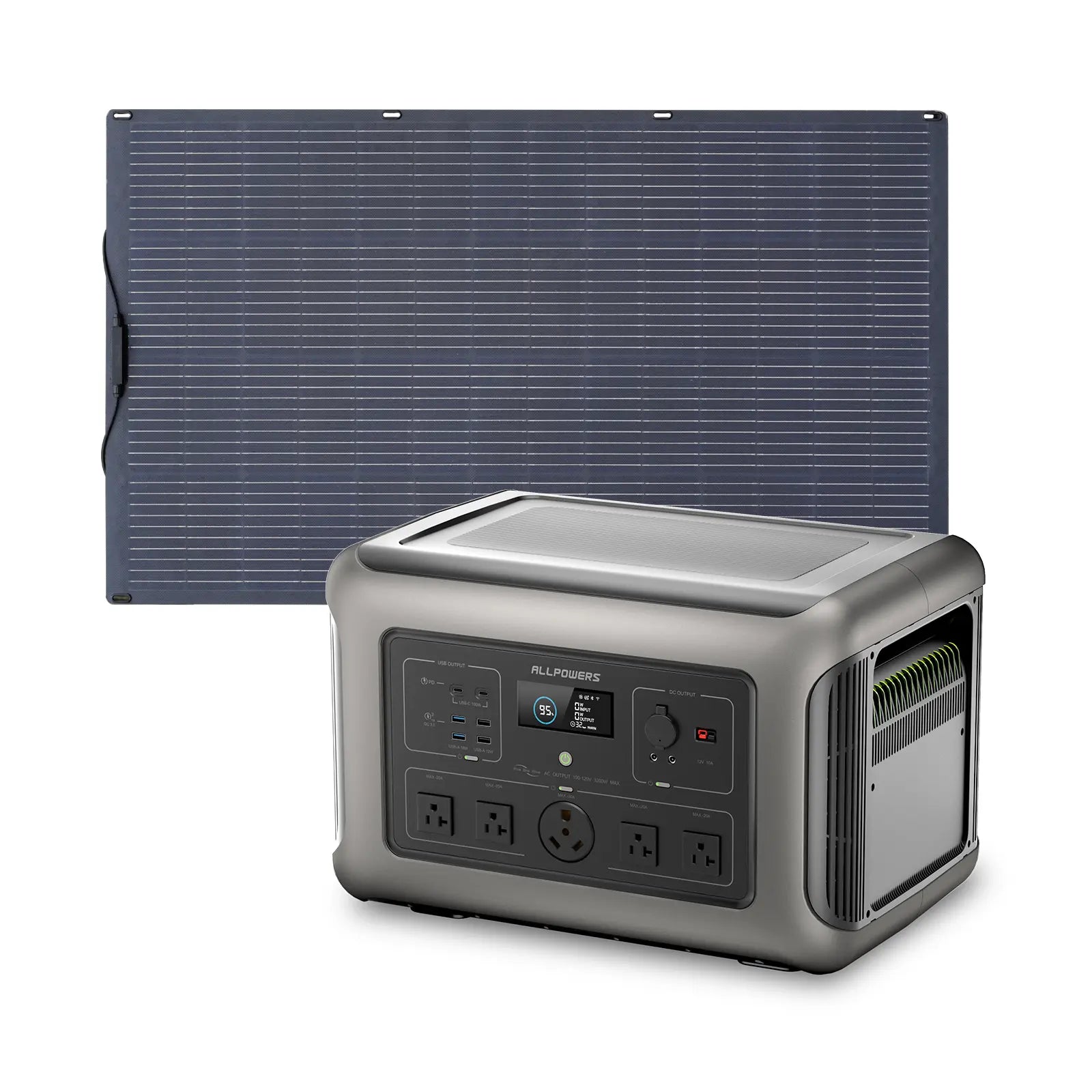
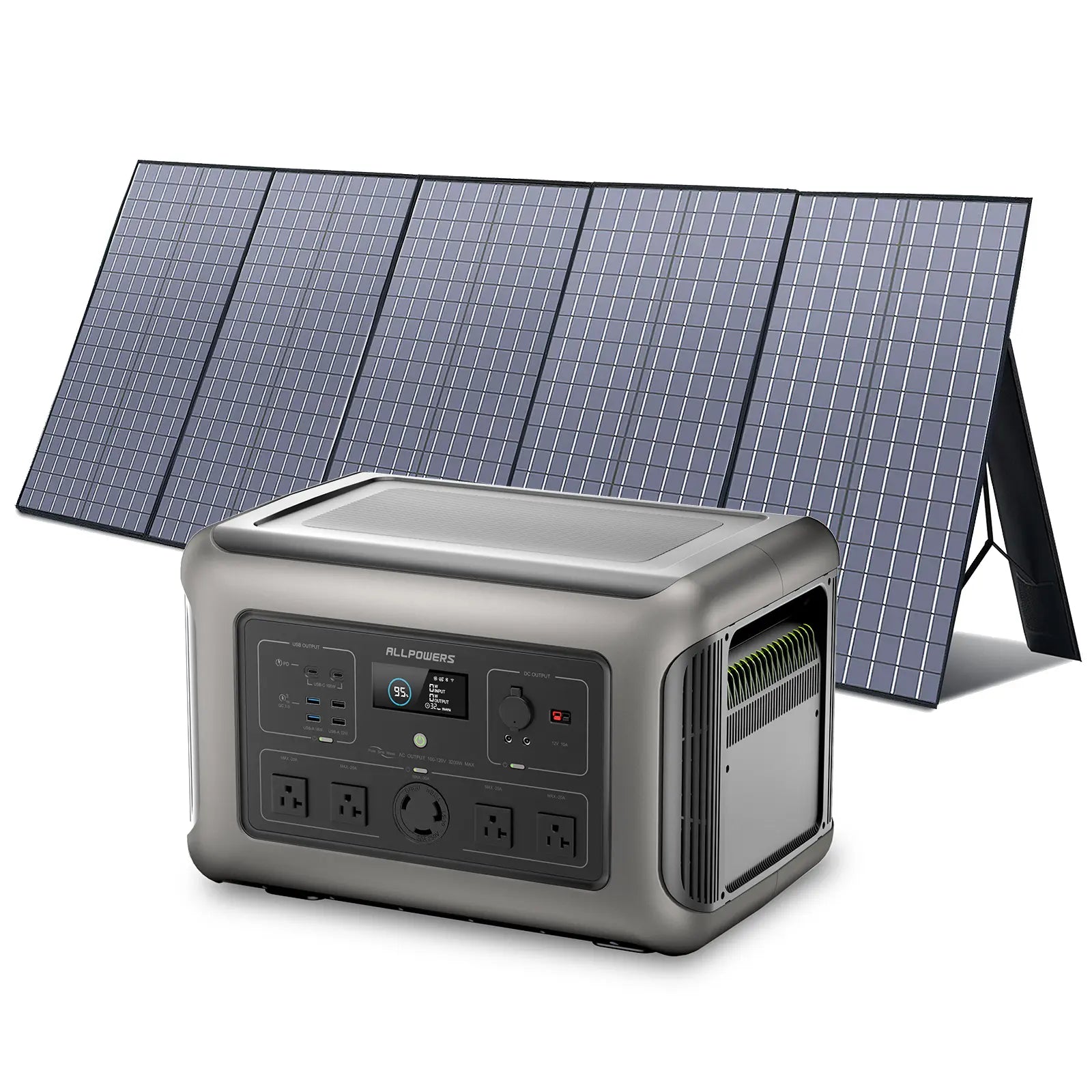
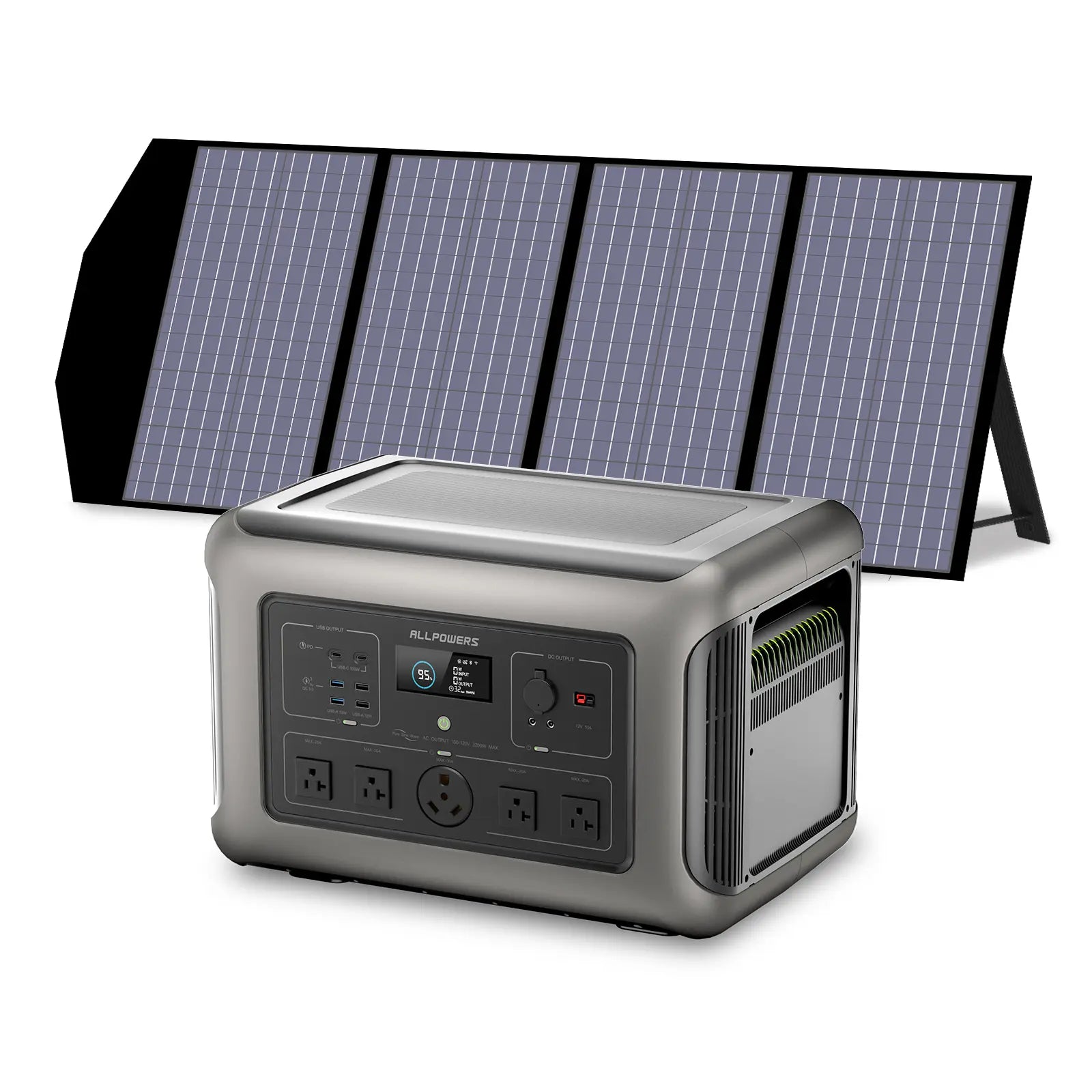
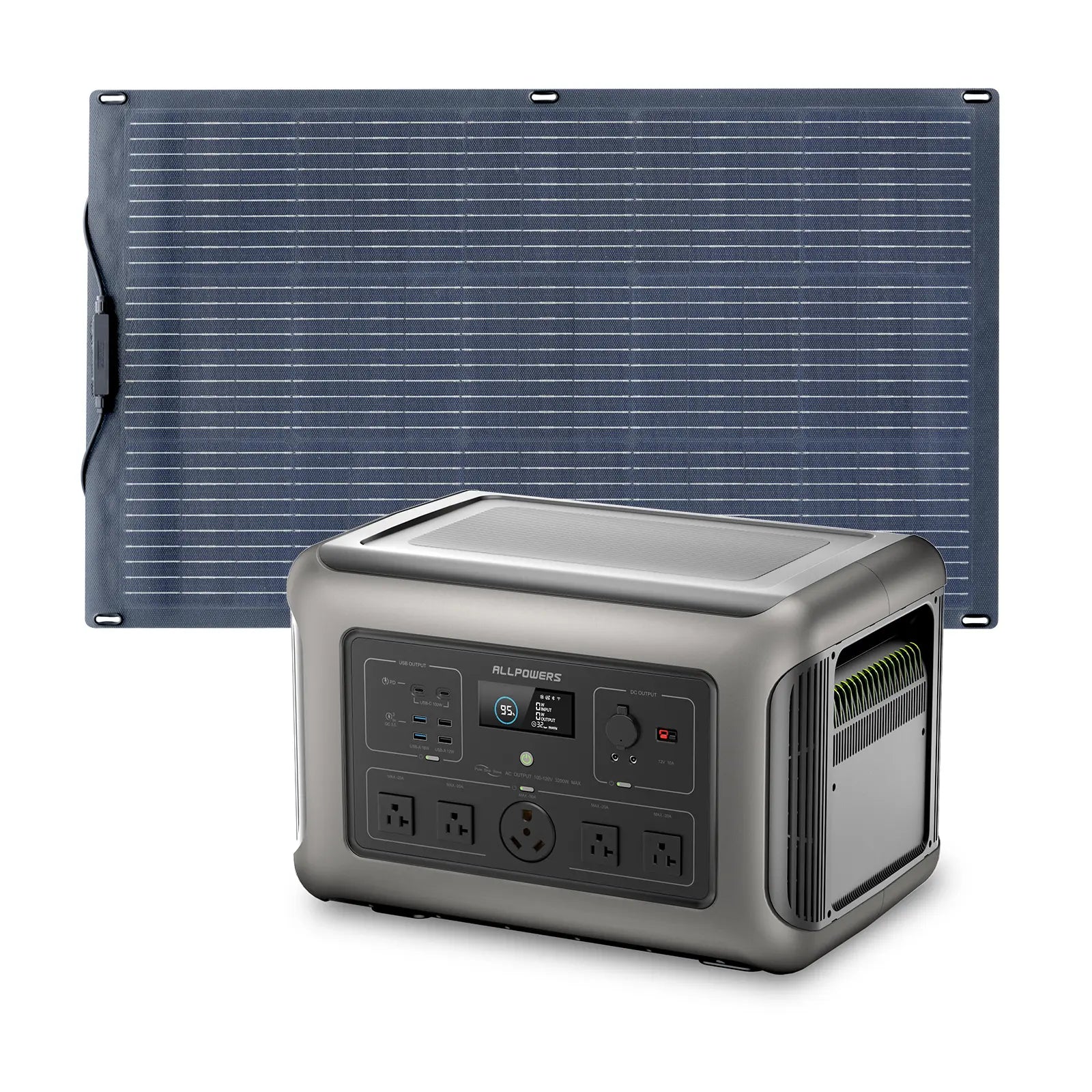
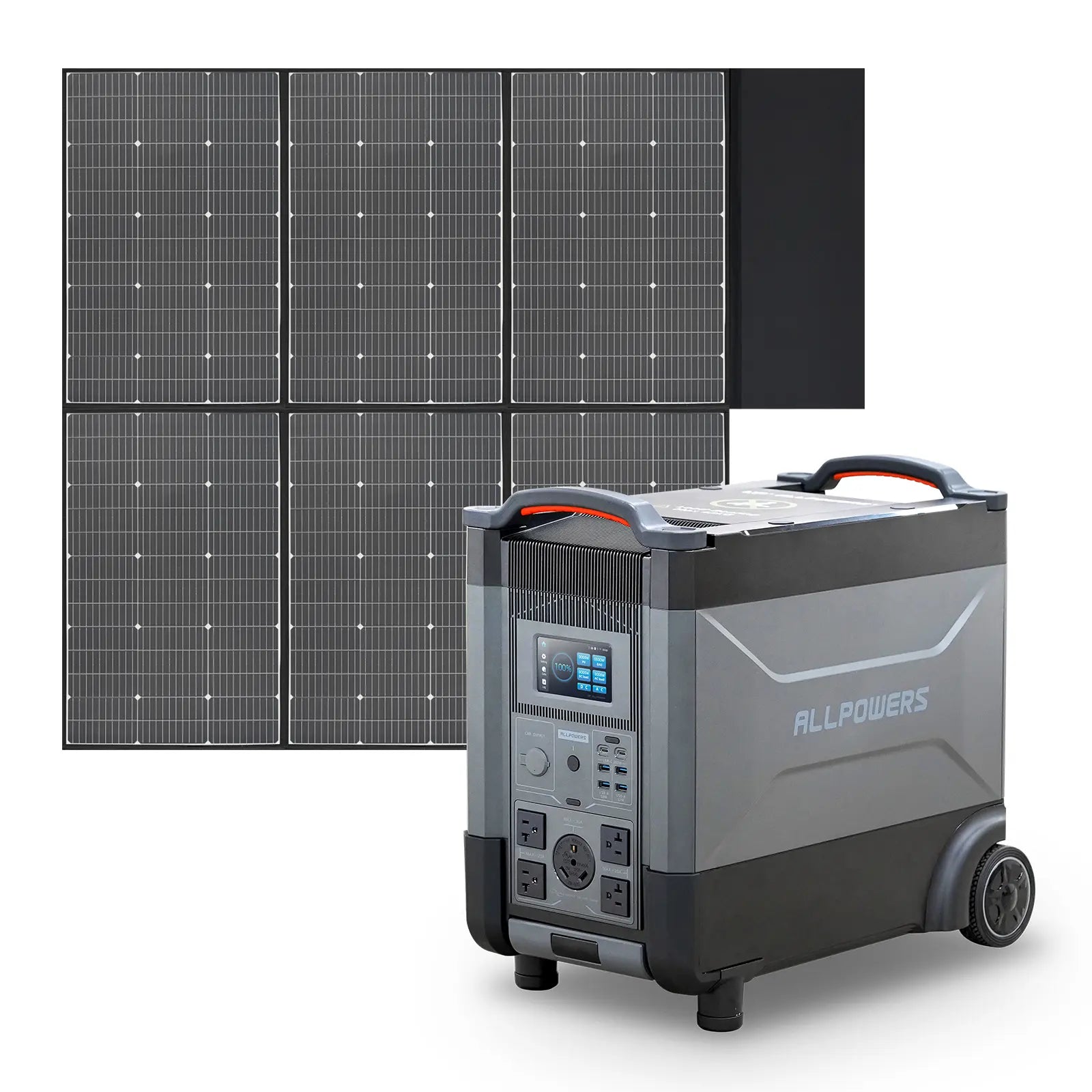
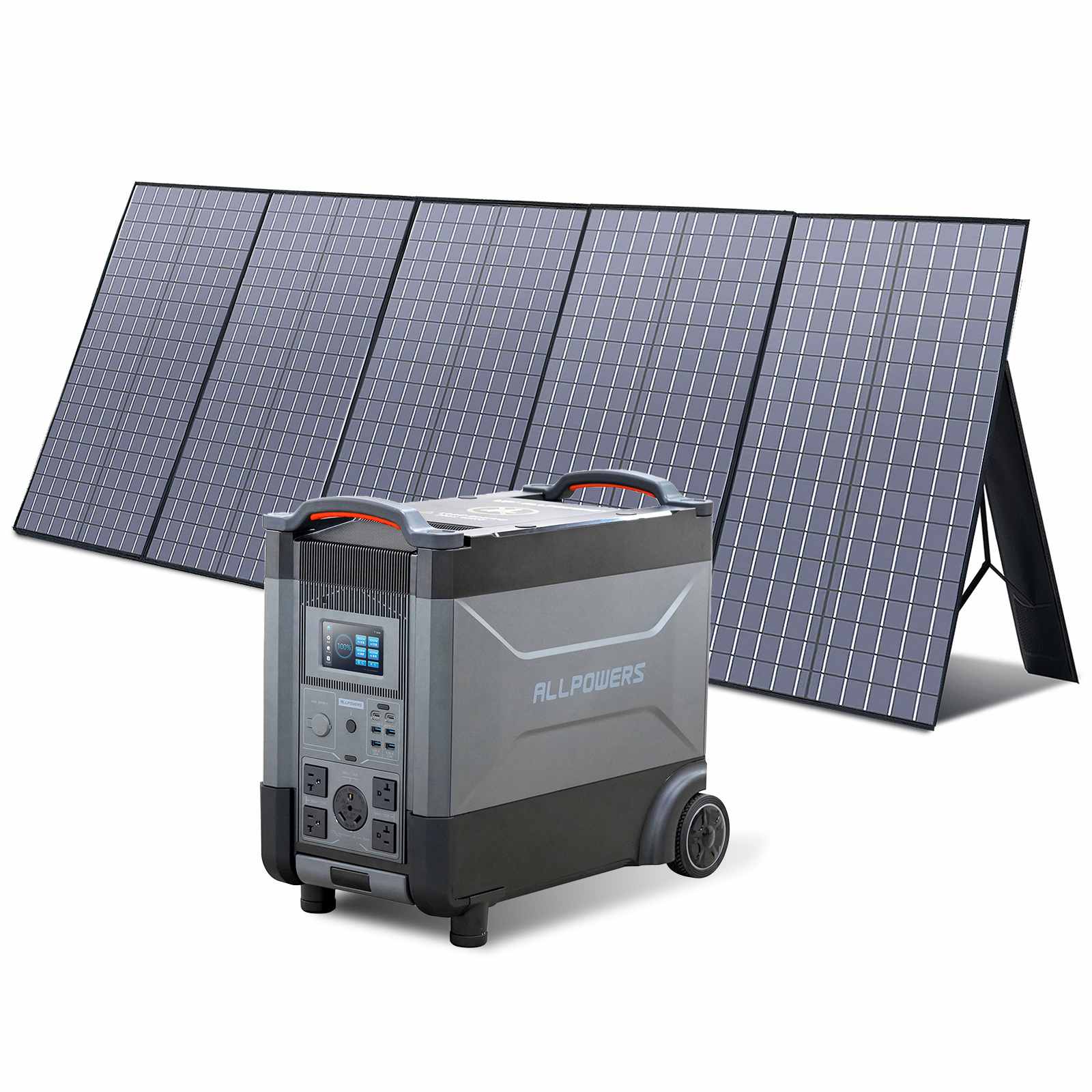
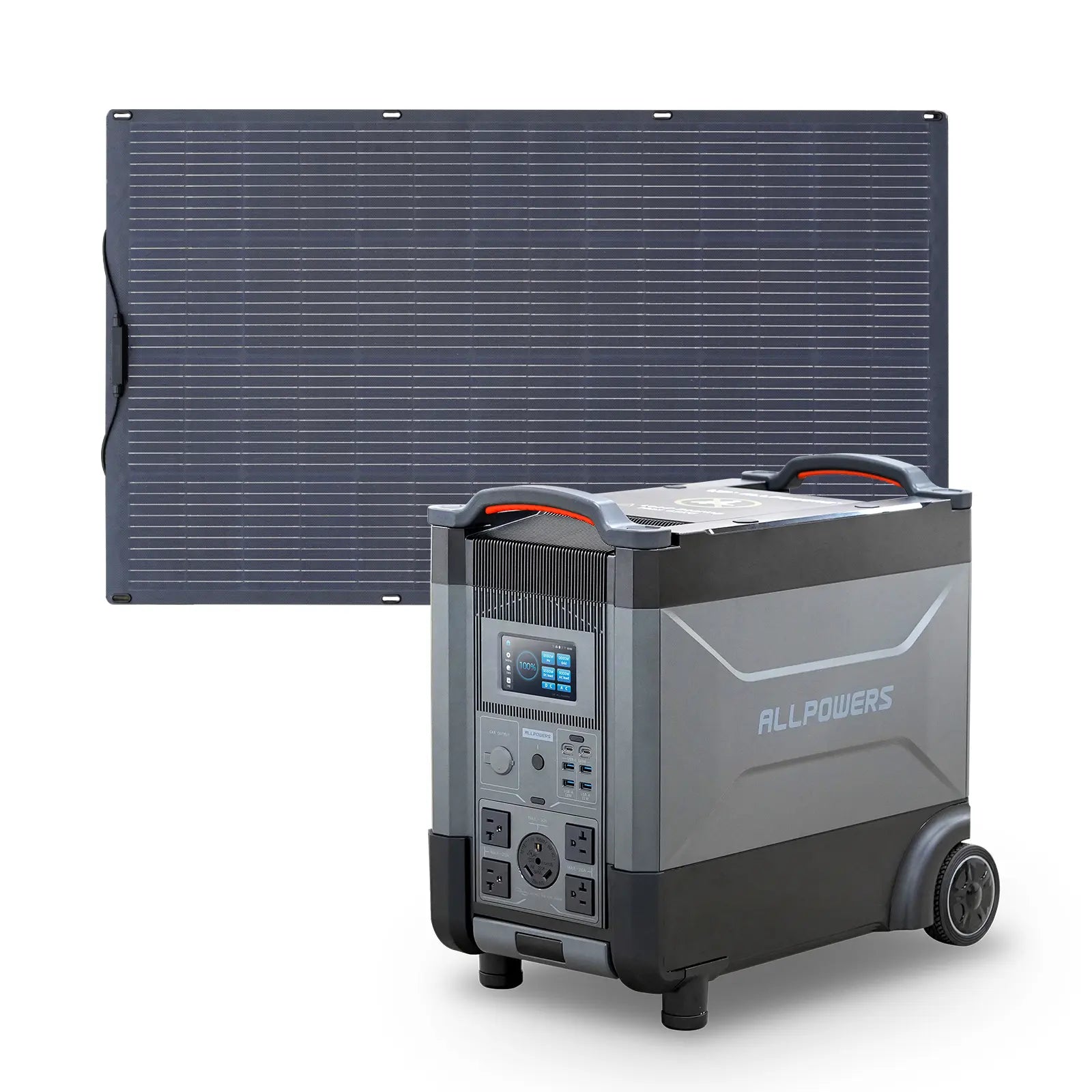
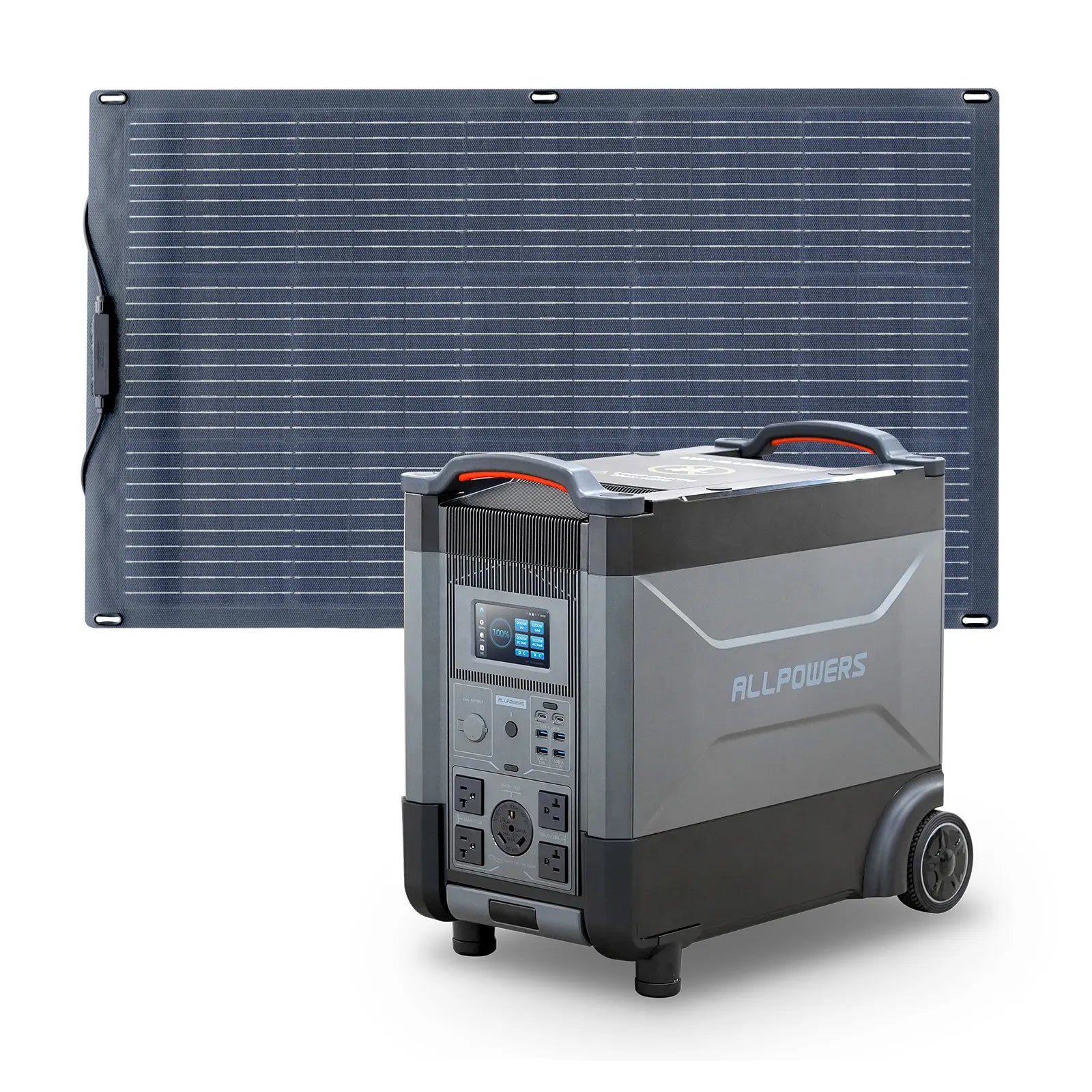
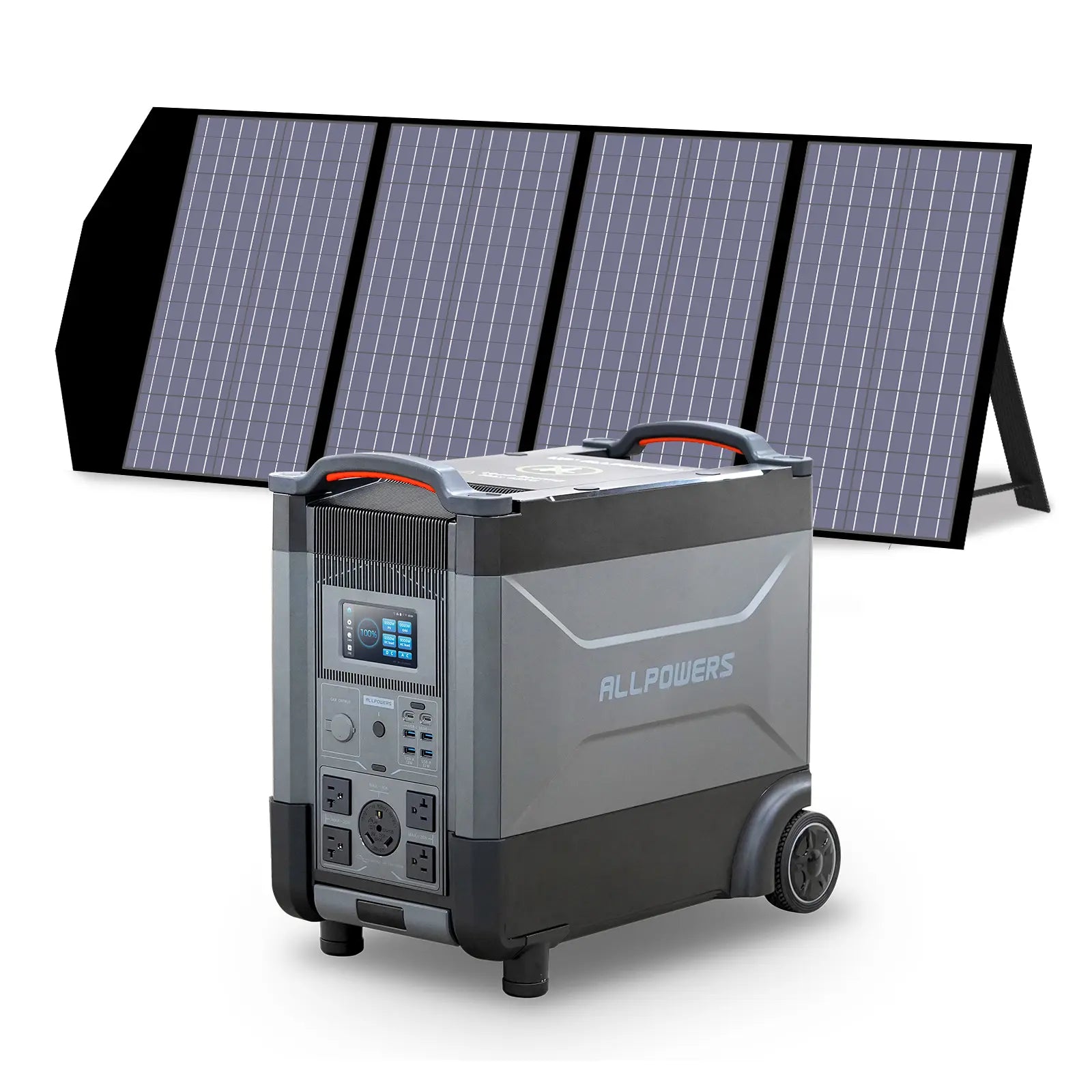
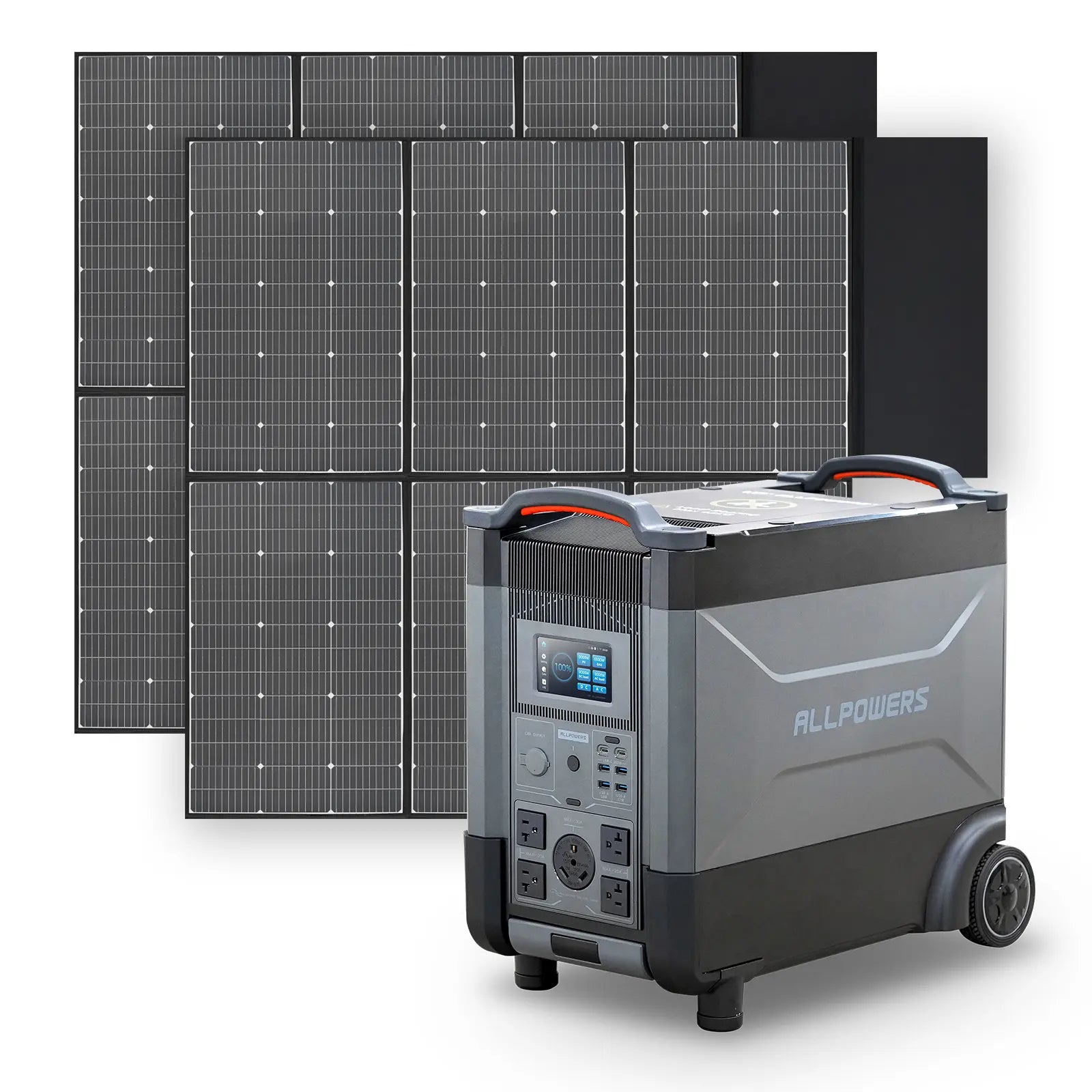
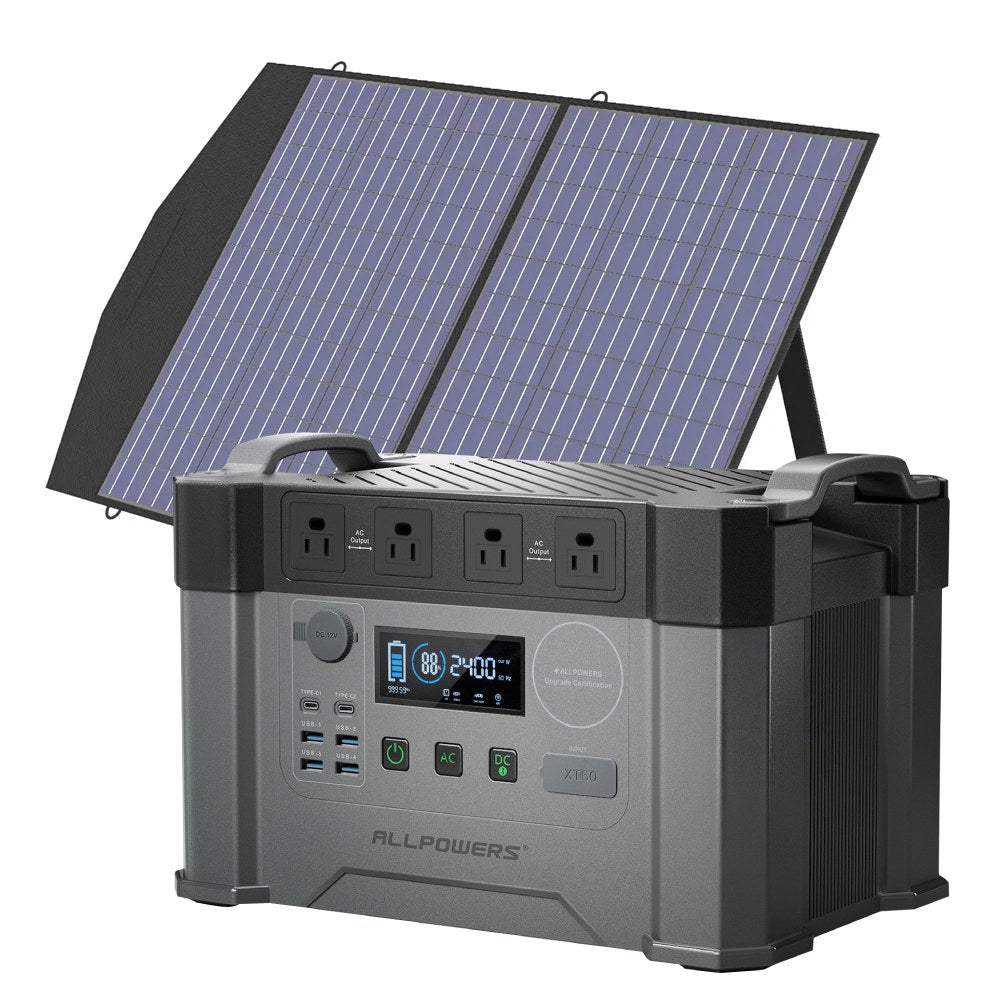
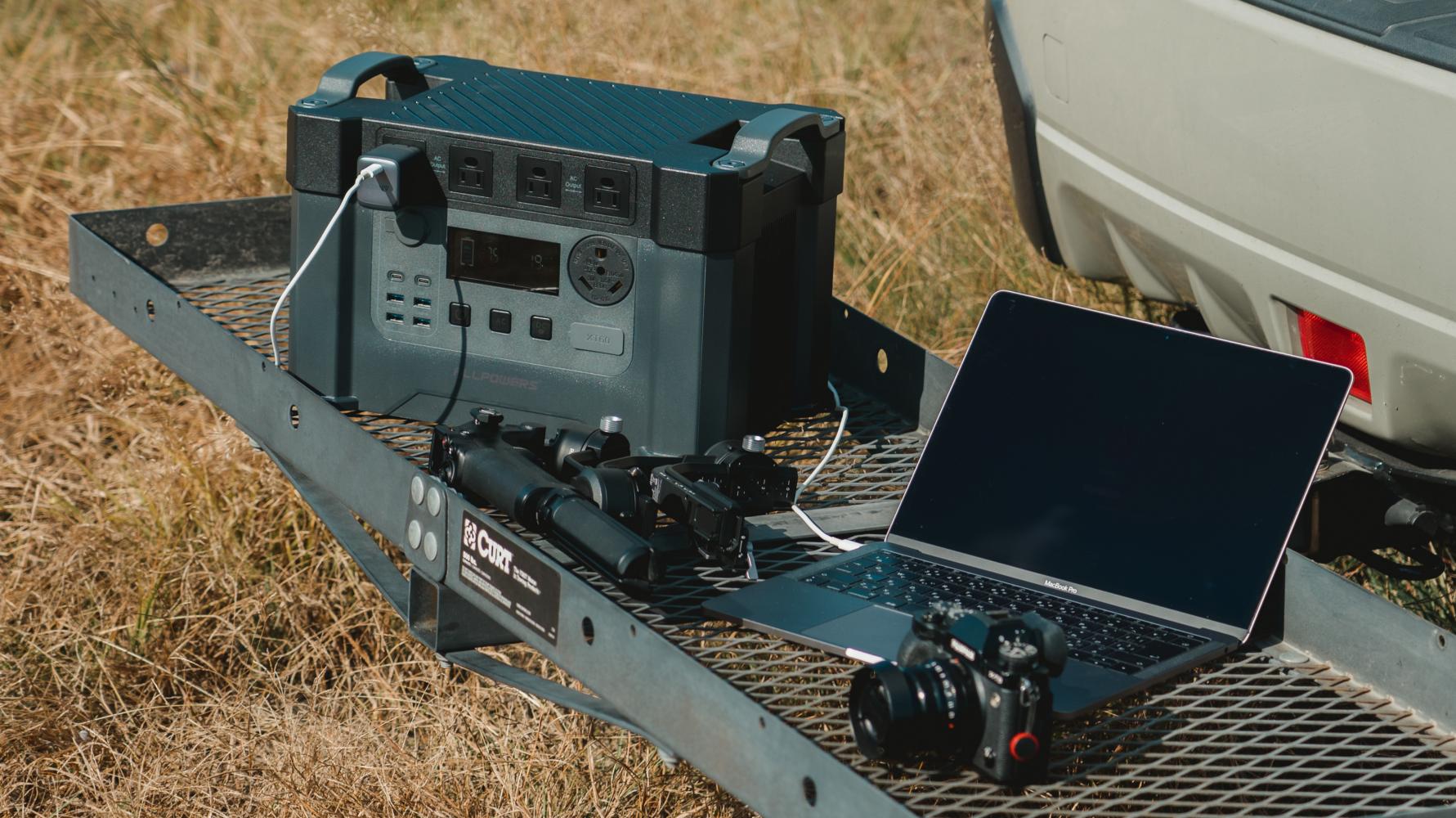
For campers who need reliable electricity away from their vehicle, battery storage systems provide a practical alternative.
These systems store energy in advance and can power laptops, phones, cameras, and other small electronics throughout the trip.
Because they operate quietly and do not require fuel, they are especially useful for remote work setups where maintaining a peaceful campsite environment matters.
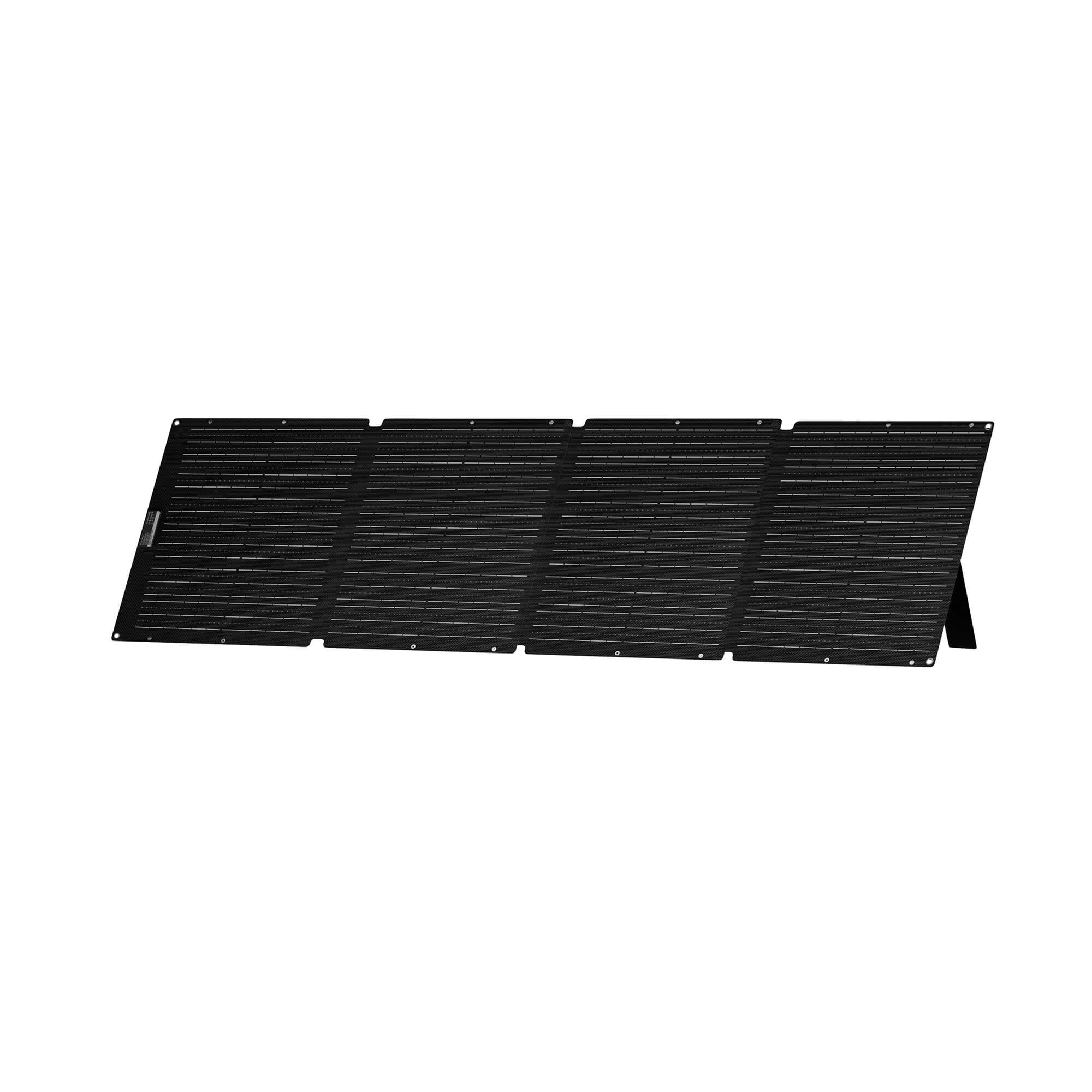
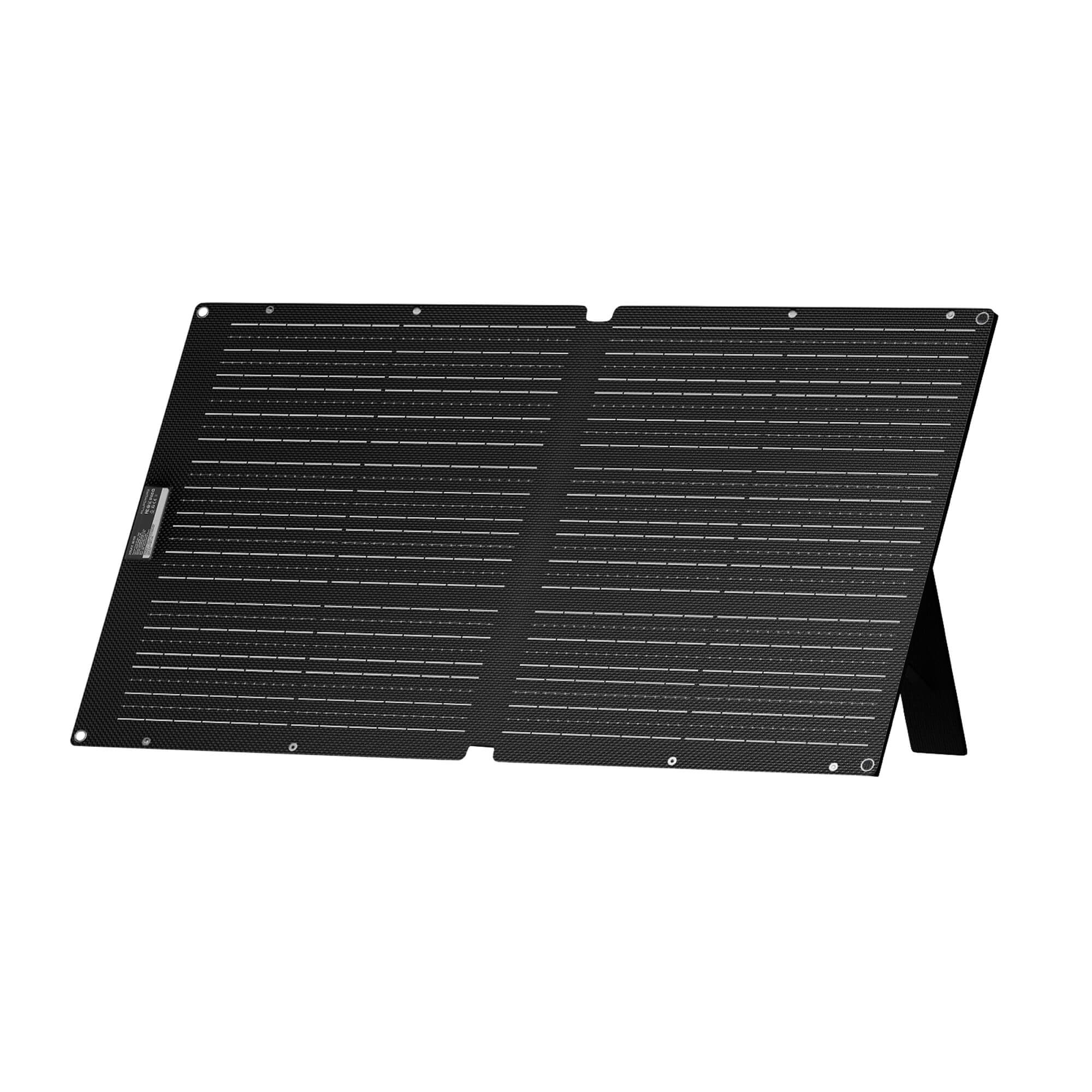
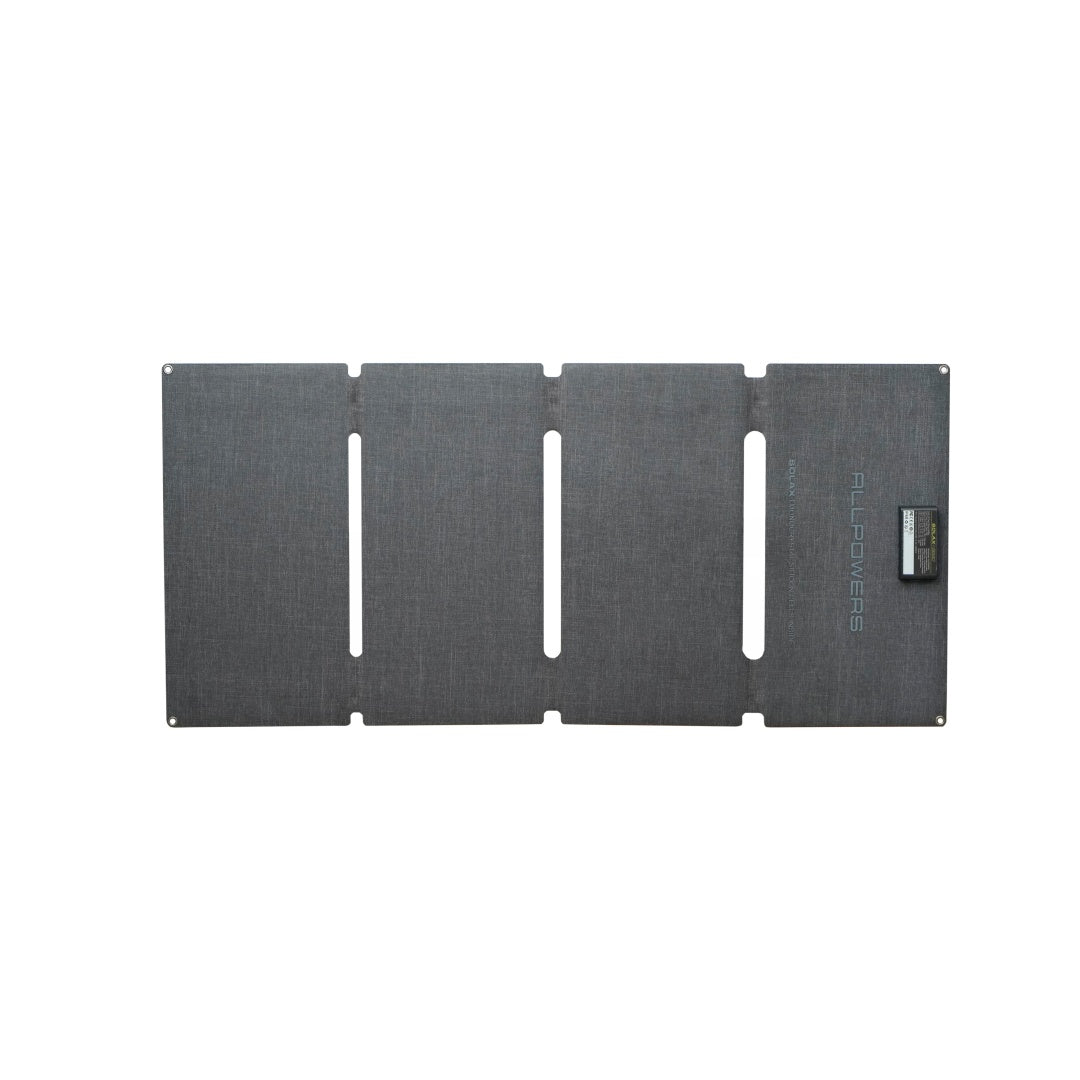
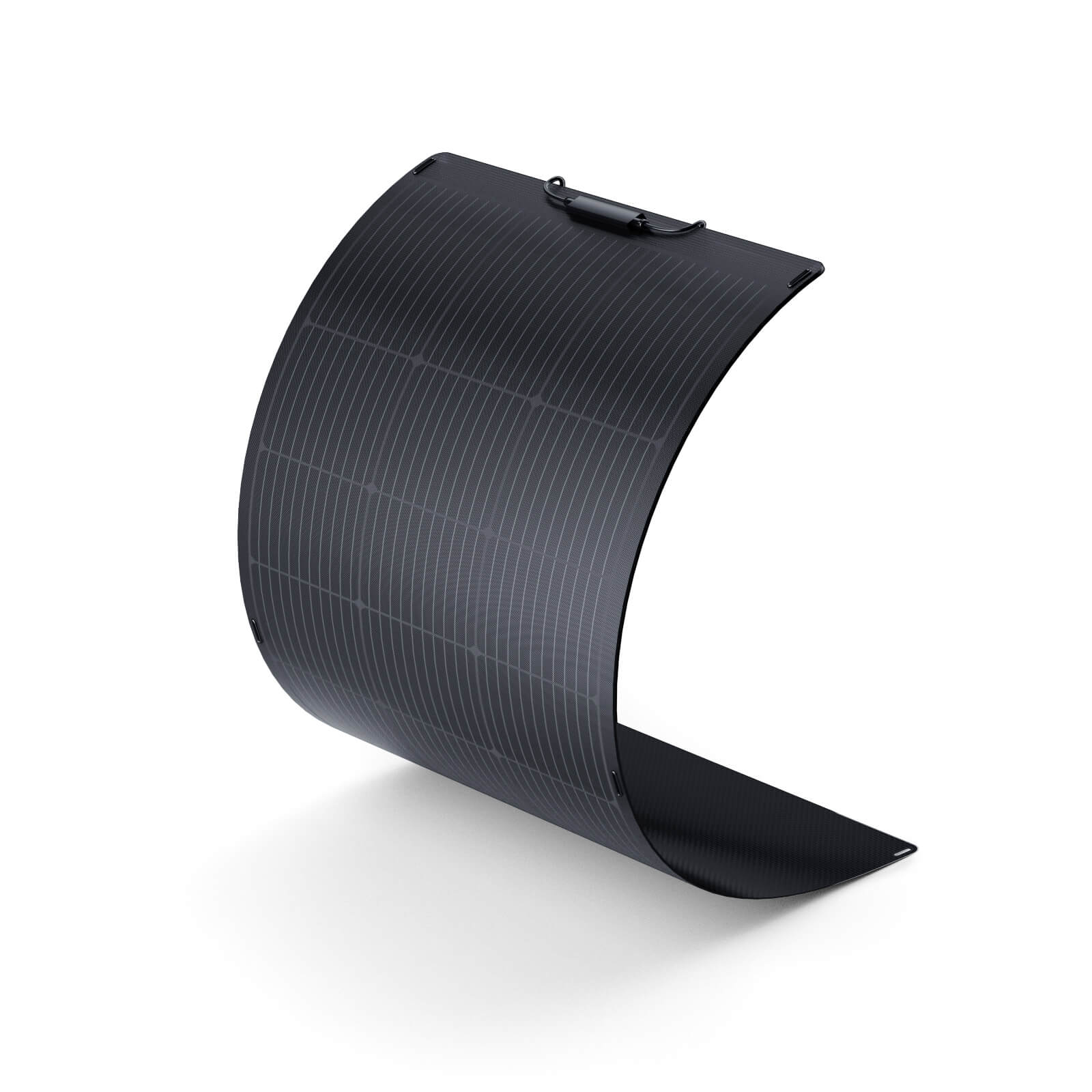
Solar Charging
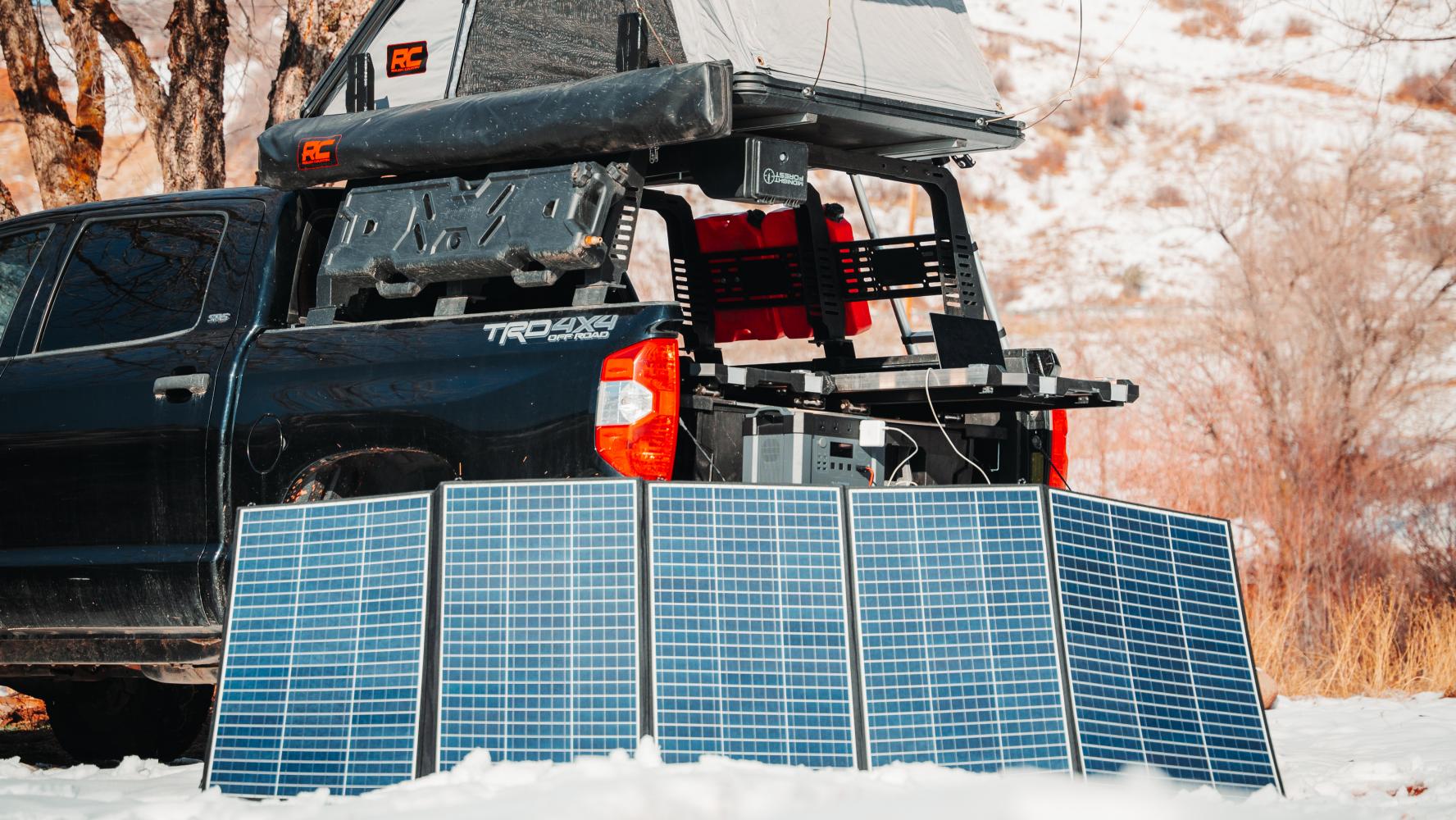
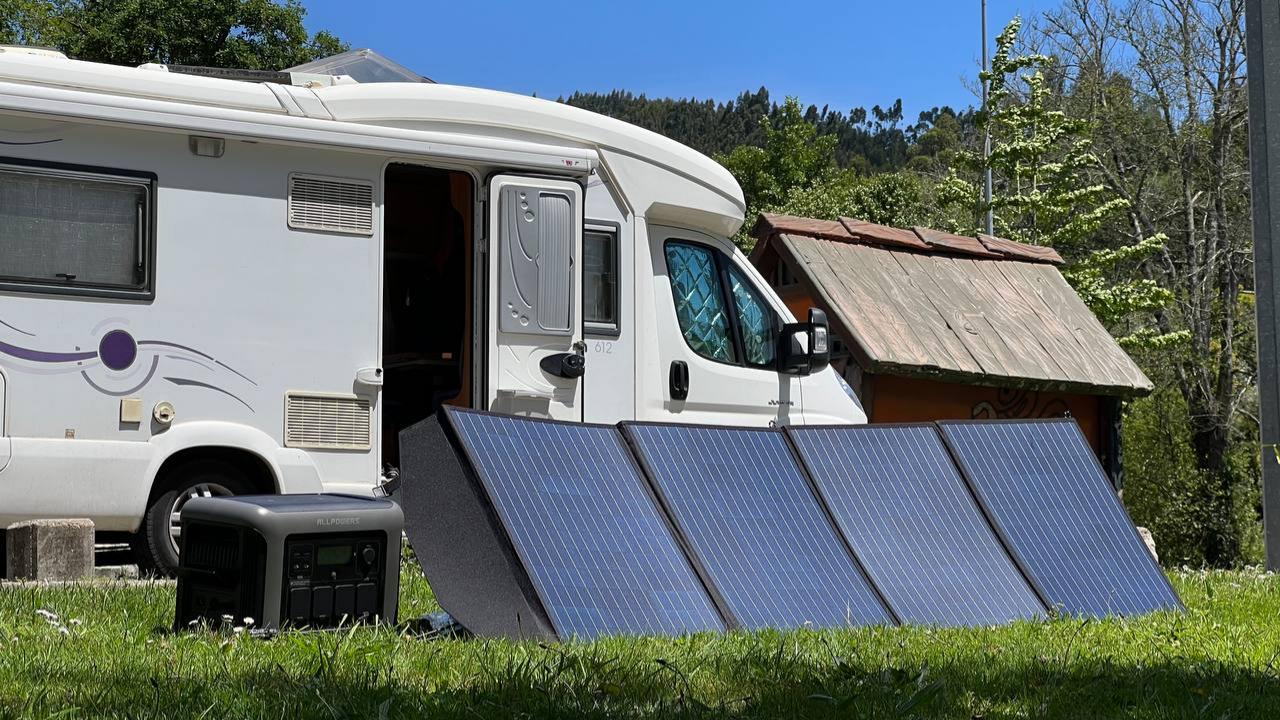
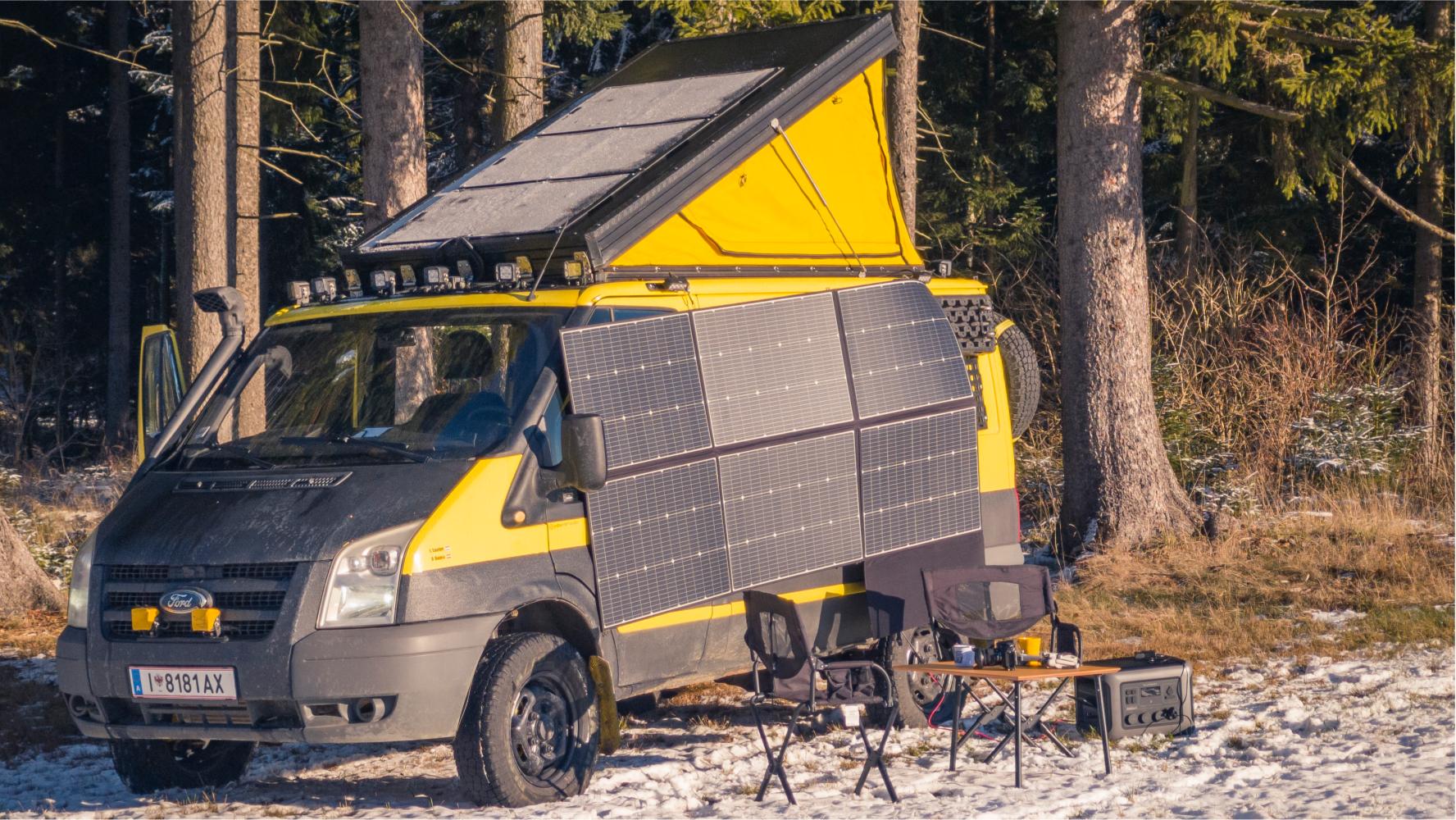
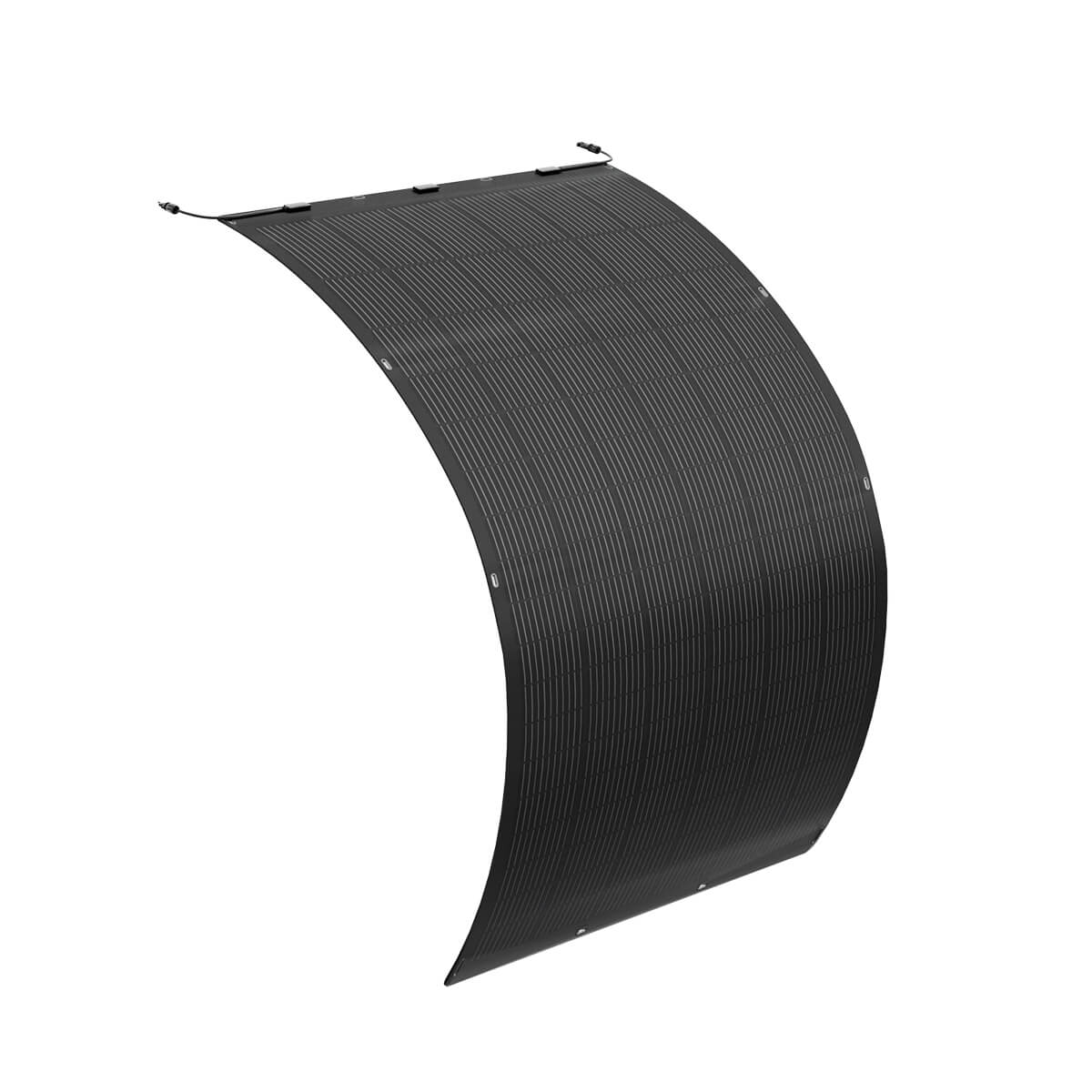
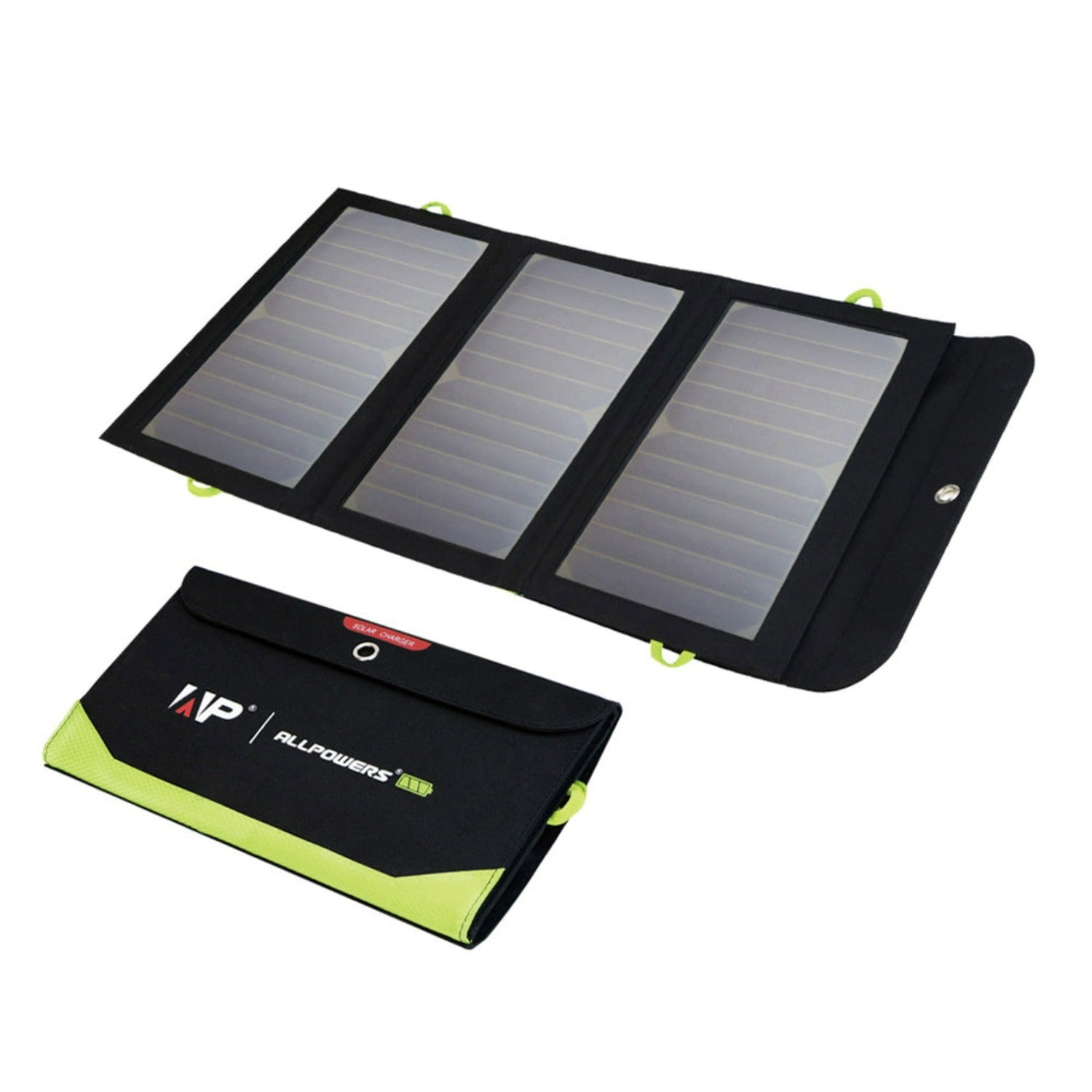
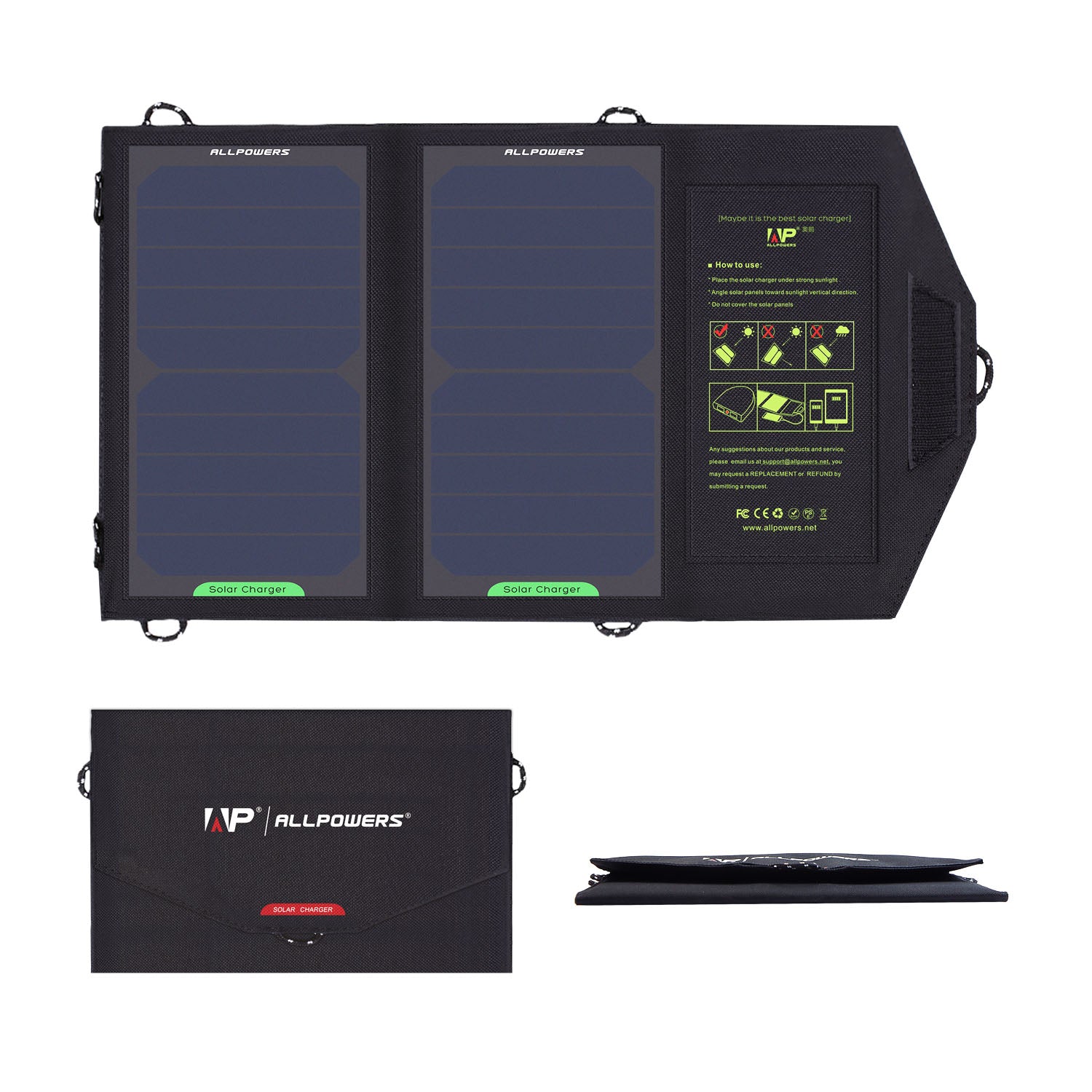
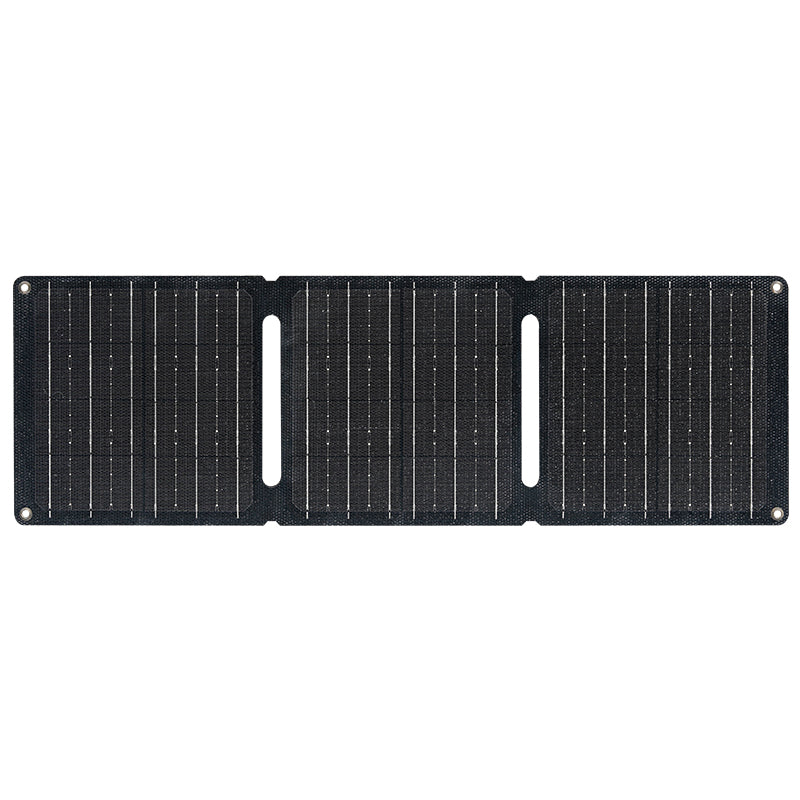
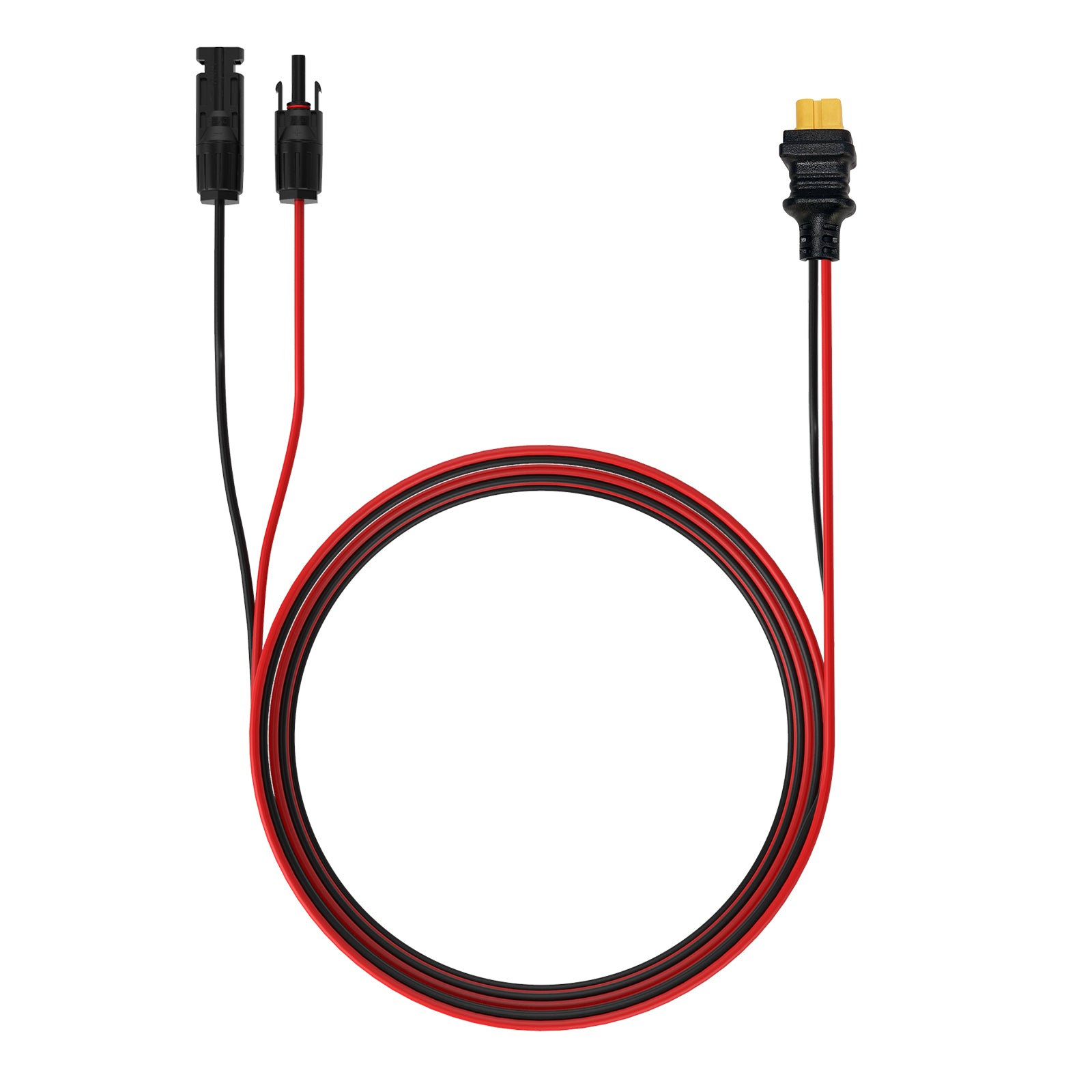
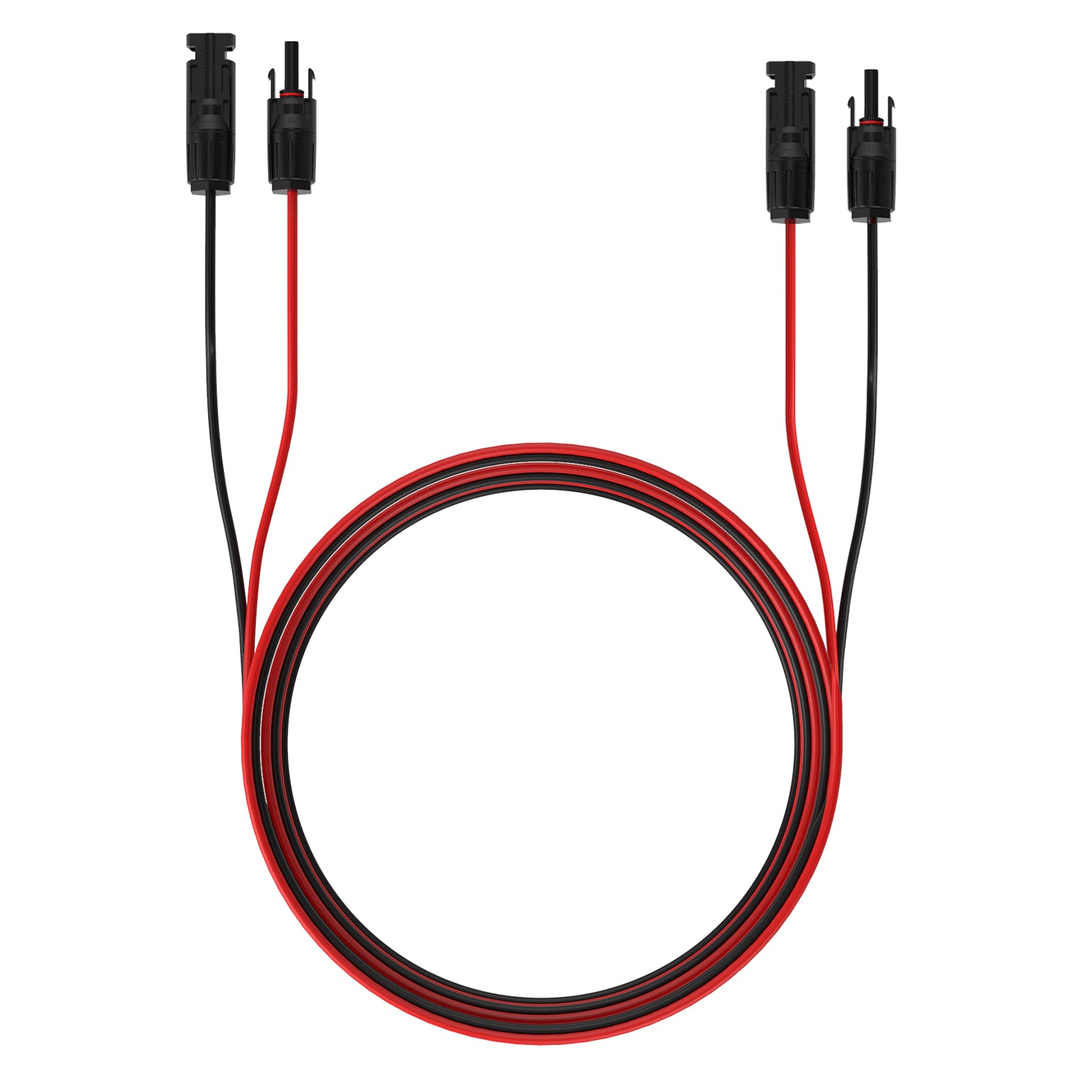
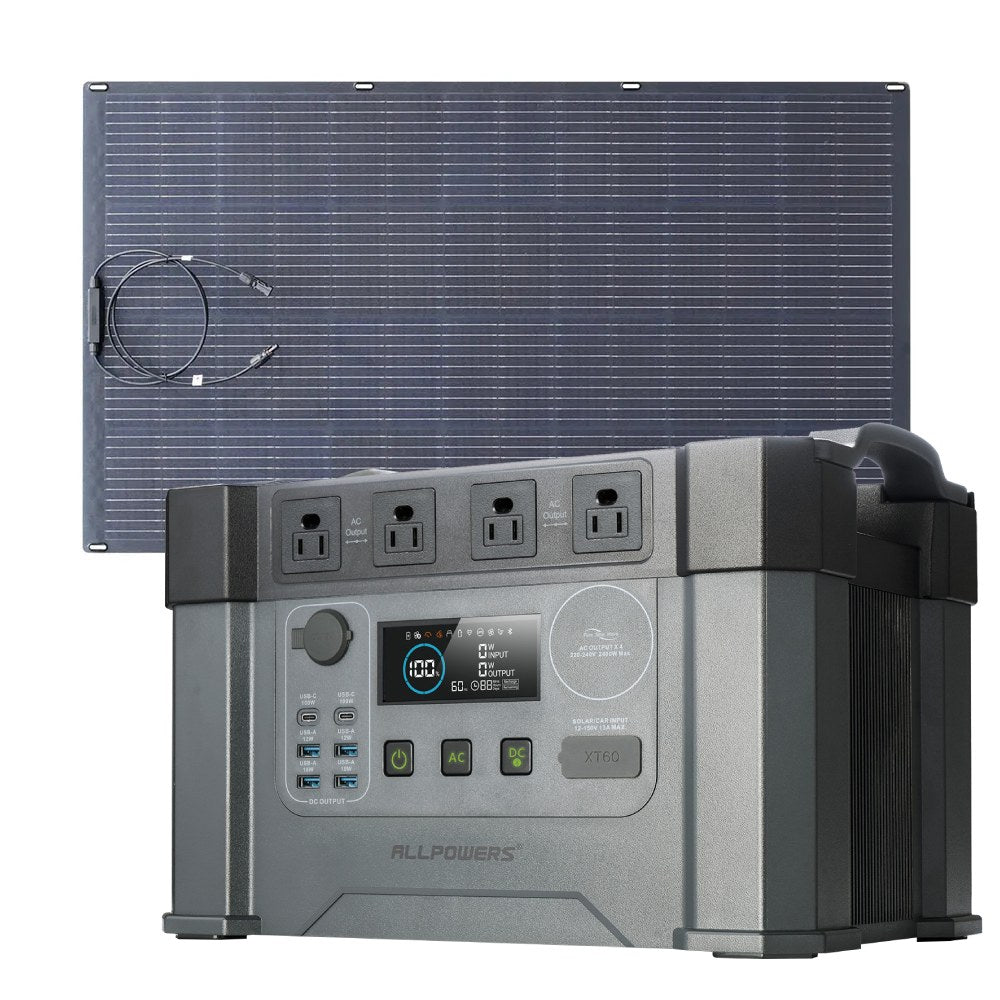
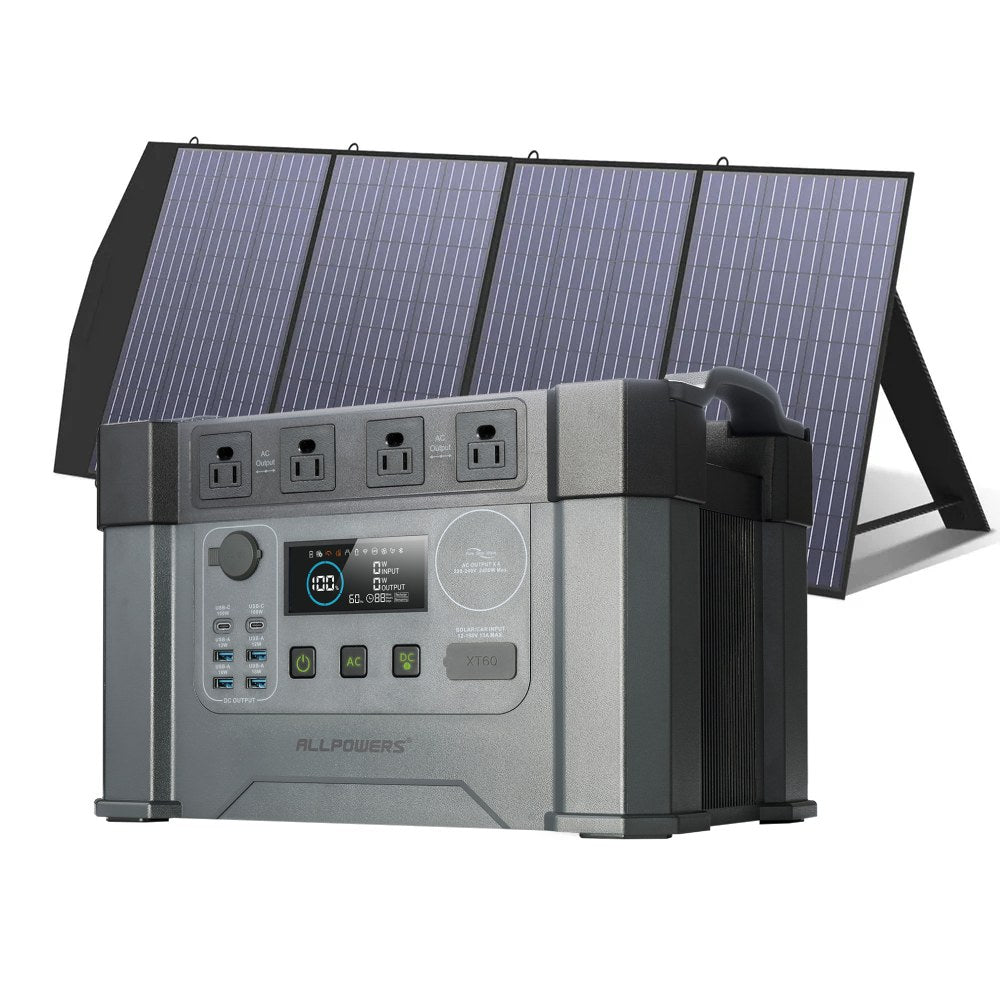
Solar charging is another popular option for longer outdoor trips. However, solar panels usually work best when combined with battery storage rather than directly connected to a laptop.
Because sunlight changes throughout the day, most campers use solar panels to recharge batteries first rather than connecting them directly to a laptop.
This approach provides more consistent charging regardless of passing clouds or changing weather.
Campground Electrical Hookups
For campers staying at developed campsites, shore power or electrical hookups offer the most reliable and unlimited source of electricity.
While this completely eliminates battery anxiety, it does limit your campsite selection to front-country campgrounds and designated power loops.
Additionally, you will often need a weatherproof extension cord and surge protector to safely run power from the campsite pedestal to the inside of your tent or vehicle.
Laptop Charging Method Comparison
| Charging Method | Portability | Charging Speed | Best For |
|---|---|---|---|
| Vehicle Charging | Moderate | Fast | Road Trips |
| Battery-Based Power System | Moderate | Consistent | Base Camps & Remote Work |
| Solar Charging | High | Weather Dependent | Extended Off-Grid Trips |
| Public Campground Electricity | Low | Very Fast | Powered Campsites |
How to Maximize Laptop Battery Runtime
Improving battery efficiency often allows campers to work significantly longer without increasing battery capacity.
Lower Screen Brightness
The display is one of the largest power consumers in most laptops. Reducing brightness to a comfortable level can noticeably extend operating time.
Enable Battery Saver Mode
Most modern operating systems include built-in power-saving features that reduce processor activity and background tasks.
Disconnect Unused Accessories
External hard drives, USB hubs, wireless receivers, and unnecessary peripherals all increase power consumption.
Work Offline When Possible
Downloading files before your trip and working offline reduces Wi-Fi usage while helping conserve both laptop and supporting equipment energy.
Common Mistakes to Avoid
Many campers underestimate how much electricity their laptops consume during a full workday.
High-performance applications such as video editing, gaming, or software development can dramatically increase battery usage compared with simple document editing or web browsing.
Another common mistake is forgetting charging efficiency. Every power conversion results in a small amount of energy loss, so actual usable battery capacity is always slightly lower than the rated capacity.
Finally, avoid waiting until your laptop battery is nearly empty before planning your next recharge.
Maintaining a comfortable energy reserve helps prevent unexpected interruptions, especially during longer camping trips where charging opportunities may depend on sunlight or travel schedules.
What Should You Consider Before Powering a Laptop Outdoors?
Choosing the right charging method depends on your camping style. A weekend camper may only need occasional charging, while someone working remotely for several weeks requires a more complete energy strategy.
Consider Your Trip Duration
Short trips require less planning because built-in laptop batteries can often handle several hours of use. Longer trips require additional charging options.
Consider Your Environment
Cold temperatures can reduce battery performance, while extreme heat can affect electronic equipment. Protecting devices from weather conditions is just as important as providing enough power.
Consider Your Total Device Load
Your laptop is rarely the only device requiring electricity. Planning for all connected electronics prevents unexpected power shortages.
Building a Reliable Camping Laptop Power Setup
Powering a laptop while camping is mainly about understanding energy needs and creating a balanced approach. The most reliable setups combine efficient device usage with dependable charging methods that match the length and style of the trip.
Whether you are answering emails from a mountain campsite, editing photos after a hiking trip, or simply watching movies outdoors, proper power planning allows technology to enhance your adventure instead of becoming a limitation.
With the right preparation, staying connected while camping does not mean sacrificing the freedom and simplicity that make outdoor experiences enjoyable.
Frequently Asked Questions
Can I charge my laptop with a battery while camping?
Yes. Battery-based energy systems can provide stable power for laptops and other electronics when traditional outlets are unavailable.
How many watts does a laptop charger use?
Most laptop chargers use between 30W and 100W, depending on the laptop model and performance requirements.
Can solar panels charge a laptop while camping?
Yes. Solar panels can recharge energy storage systems during daylight hours, which can then be used to power laptops when needed.
How can I save laptop battery while camping?
Lowering screen brightness, closing unused programs, and enabling power-saving modes are effective ways to extend battery life.